unshift
The unshift task adds an element to the beginning of an array.
Potential use case
Suppose you have an older device listed for updating in a dataset and you want to insert a new device that should receive the update first. Use the unshift task to place the new device at the beginning of the dataset.
Properties
Example
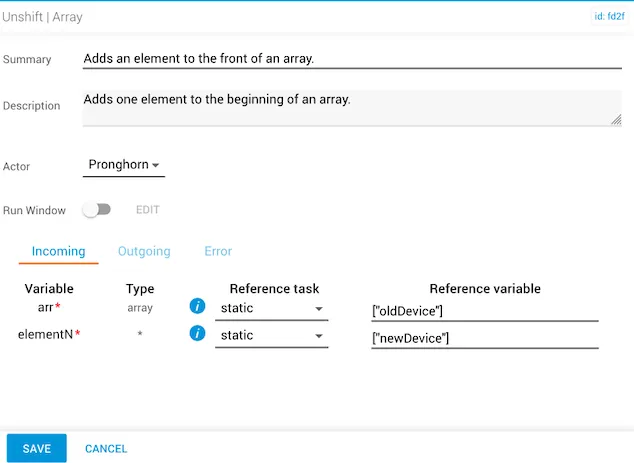
In this example, the reference value for arr is ["oldDevice"] and elementN is statically set as ["newDevice"].
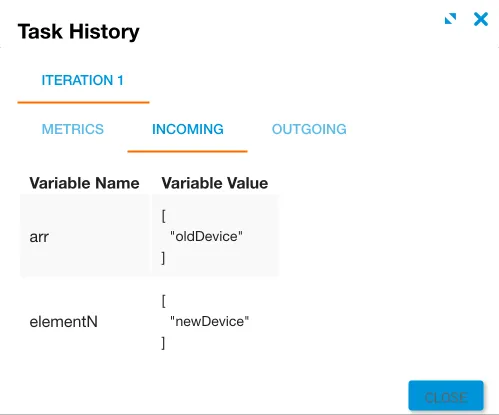
The incoming variables are displayed under the Incoming tab in Task History (accessed from Jobs in Operations Manager).
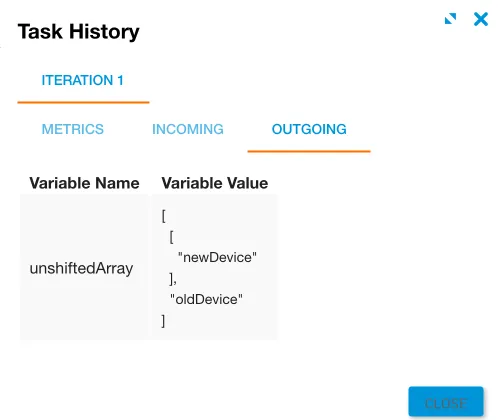
The unshiftedArray variable returns with ["newDevice"] shifted to the beginning before ["oldDevice"], changing the order of the array.