split
The split task splits a string into an array of substrings at each occurrence of a given separator. The original string is not changed.
Potential use case
A comma-separated list of ticket numbers is provided to the automation. Use the split task to create an array of ticket numbers for subsequent processing in the workflow.
Properties
Example
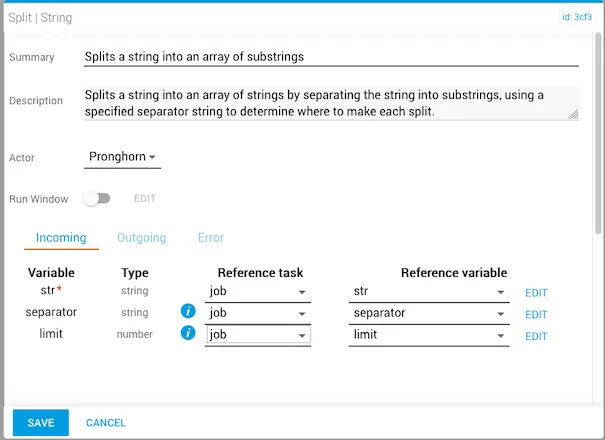
The incoming str variable is required.
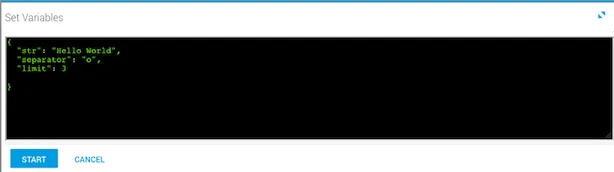
The variables are set before running the workflow. In this example, the string is "Hello World", the separator is the letter "o", and the limit is 3.
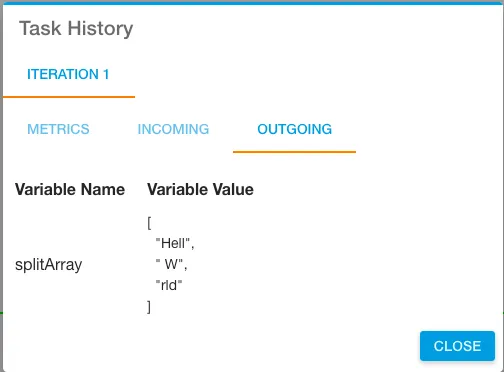
After the workflow runs, the output is visible in Task History (accessed from Jobs in Operations Manager). Three splits were made at each occurrence of "o". Note that split also recognizes and includes whitespace.