toString (array)
Task purpose
The toString (array) task returns a string representing the contents of a given array. Each array element is separated by a comma. The task returns null if the array is empty.
Potential use case
If a query into a ticketing database has populated an array with open ticket numbers, you could use this task to convert the array into a comma-separated list and include it in an email notification.
Properties
Example
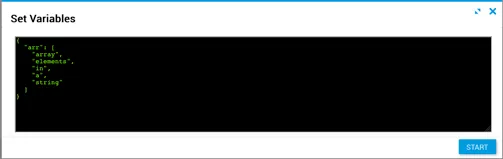
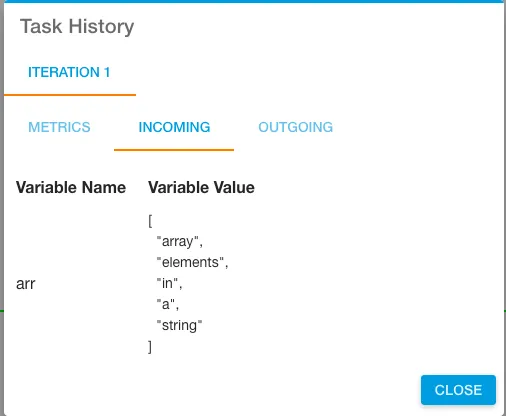
The input variable arr is shown in Task History, accessible from Jobs in Operations Manager.
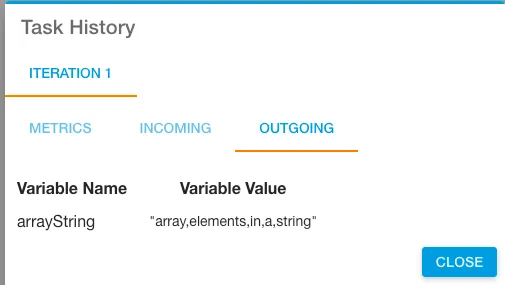
The output shows each element separated by a comma, with no white space between values.