

Create and manage JSON Forms
JSON Forms is a two-component application in Itential Platform Studio that enables form management: a collection view and a form builder. Forms can be used throughout Itential Platform. At a high level, the JSON Forms builder provides the functionality to generate a JSON Schema representation of a form via a drag-and-drop interface.
Access JSON Forms
Navigate to Studio > JSON Forms. JSON Forms is listed in the left navbar as its own subcategory in Studio.
Collection view
To open the Collection view of JSON Forms, click the Find A Workflow link under Quick Start on the main welcome page of Studio.
The Collection page displays in a card-based layout with tabs across the top. To access a specific JSON Form, workflow, or other automation, select the corresponding tab to see the card view of all available items.
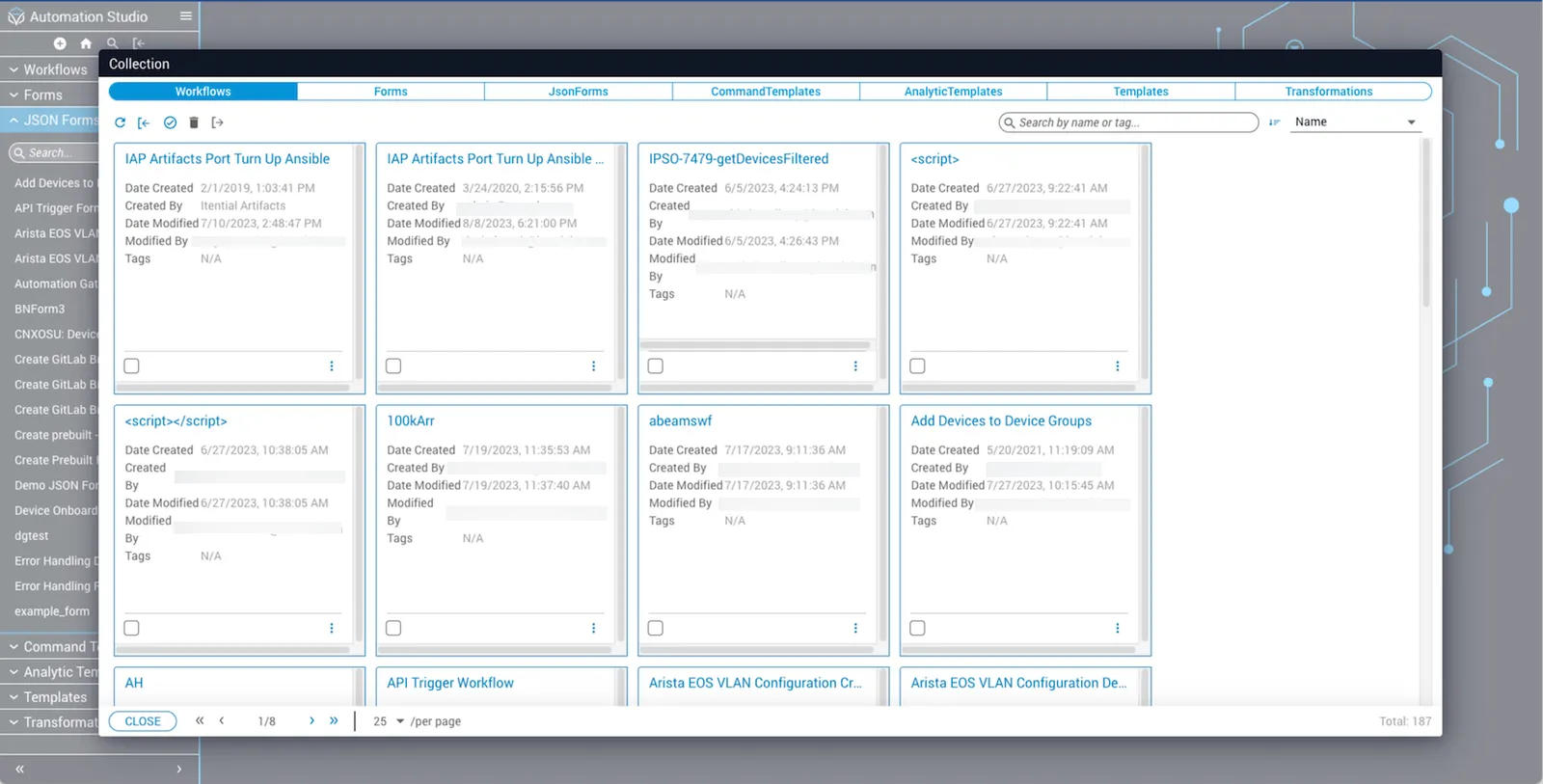
The following actions can be taken from the Collection page:
Create a new JSON Form
Delete a JSON Form
You can delete an existing JSON Form using the card menu or by selecting a specific JSON Form and clicking Delete.
Using the card menu
Click the stacked dots icon inside the JSON Form card to display the menu options, then click Delete.
Select and delete multiple JSON Forms
Export forms to JSON files (2023.2 and earlier)
You can export a JSON file representation of a form using Forms in the left sidenav menu or from the Collections view.
Using the Forms menu
Using the Collection view
Import JSON files
Clone a JSON Form
Preview a JSON Form
Sort JSON Forms
View and update JSON Form details
Click the stacked dots menu in the top toolbar and select Edit details to open JSON Form details.
View information about who created the form and when, and who last updated the form and when. You can change the Name and Description.