slice (array)
The slice (array) task extracts a section of an array and returns a new array containing a portion of the original. The source array is not modified.
Potential use case
Suppose you have a large incoming array whose elements are arrays themselves, and you only need specific values from exact positions. Instead of using pop (array) and altering the length of the original array, use slice (array) to obtain a smaller subset for immediate processing. This provides faster processing in for loops.
Properties
Configure the task
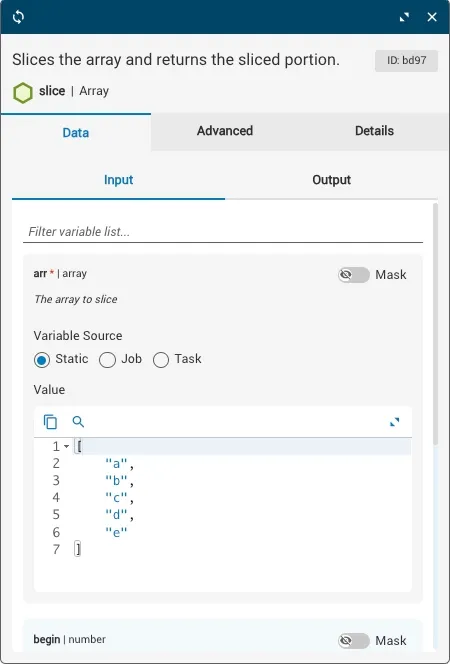
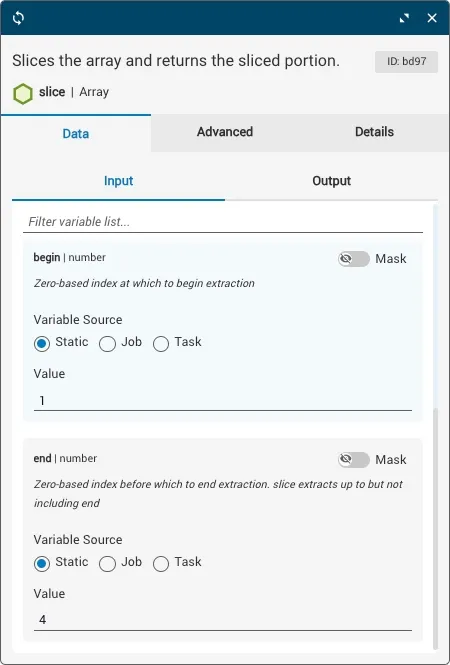
The array variables and the begin and end indexes are set before running the workflow. In the example below, begin is 1 and end is 4 — that is, slice(1,4) extracts from the second element through the third element (the element at index 4 is not included).
A negative index can be used to select from the end of an array. For example, slice(2,-1) extracts from the third element through the second-to-last element. The element at the end index is not included in the result.
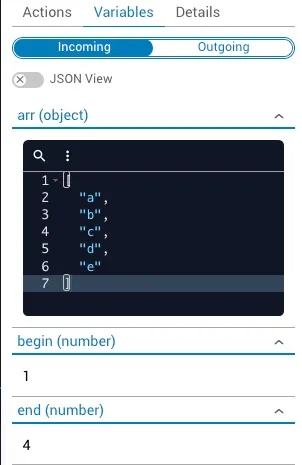
After the workflow executes, the incoming variables — including the begin and end indexes — are displayed under the Incoming tab in Task History, accessible from Jobs in Operations Manager:
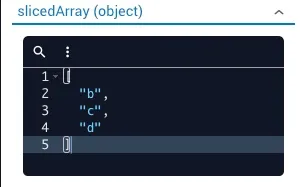
The Outgoing tab displays the slicedArray result. Based on the input parameters, the new array ["b","c","d"] contains a portion of the original source array: