shift
Task purpose
The shift (array) task removes the first element from an array and returns the original array minus that element. The array length is shortened by one and all remaining elements move down. If the array is empty, the output returns an empty array.
The pop (array) task has similar behavior to shift (array), but removes the last element instead of the first.
Potential use case
Suppose your company is gathering “time to repair” statistics stored in an array, with the largest result first and the smallest last. Company policy requires discarding the largest and smallest values before calculating the average. You could use shift (array) to remove the largest value (first element), then use pop (array) on the result to remove the smallest value (last element). Subsequent tasks can then calculate the average from the remaining values.
Properties
Examples
Example 1
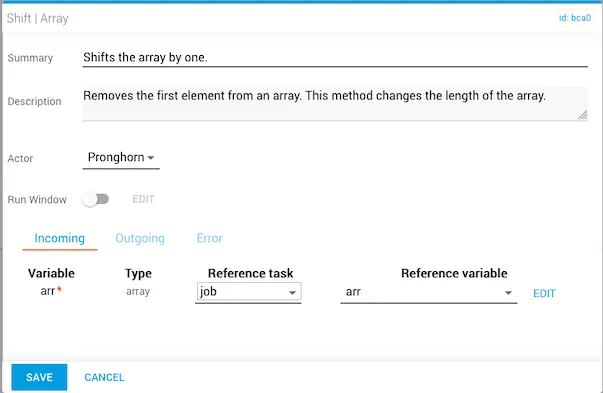
The incoming arr variable is set using the job variable arr as the data source. Optionally, you can toggle the Run Window slider to schedule the task.
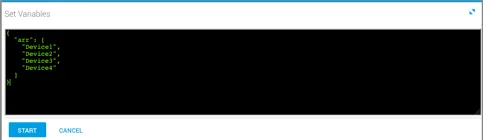
The array variables set prior to running the workflow:
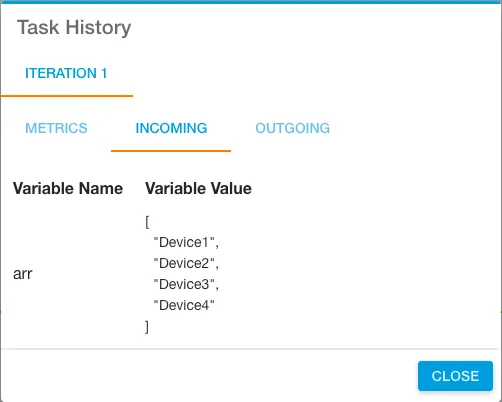
After the workflow executes, the incoming variables are displayed under the Incoming tab in Task History, accessible from Jobs in Operations Manager:
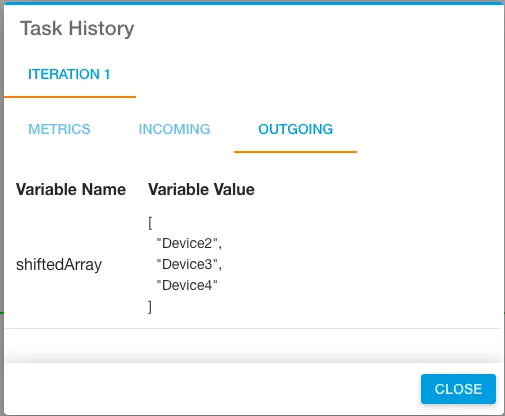
The Outgoing tab shows the result — "Device 1" has been removed from the beginning of the array:
Example 2
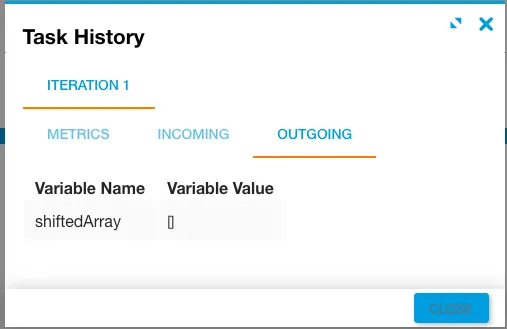
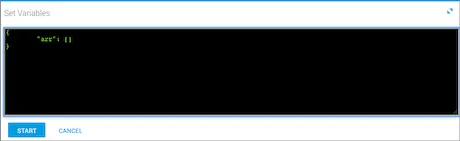
In this example, the job variables and incoming arr variable are empty.
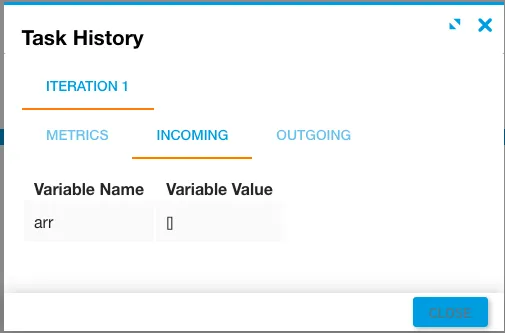
The output returns an empty array.