normalize
The normalize task normalizes a string, returning it in a specified Unicode normalization form:
For more information, see the Unicode Normalization Forms standard.
In simple terms, normalization ensures that two strings that may use different binary representations for their characters have the same binary value after normalization.
Potential use cases
Unicode sometimes has multiple representations of the same character. For example, the letter “é” can be represented using either U+00E9 (a single code point) or U+0065 and U+0301 together (two code points). This can cause unexpected errors such as password mismatches that prevent user authentication, or the inability to search and sort email addresses in a database.
Use normalize whenever you need to convert characters with diacritical marks, change letter case, decompose ligatures, or convert half-width characters to full-width characters. To ensure data is stored and accessed consistently, normalize input whenever you accept it from users.
Properties
Example
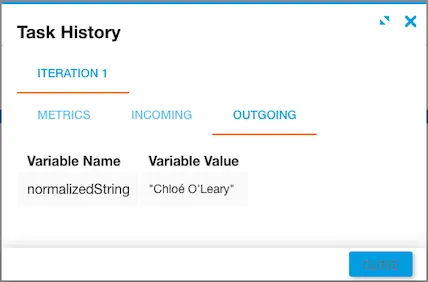
The incoming str variable is "Chloé O'Leary" and the form value is NFC. Note the acute accent in the first name and the apostrophe in the last name.
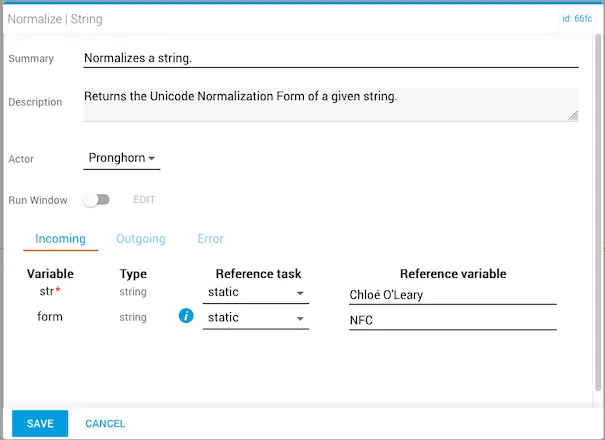
The task returns a normalizedString as output.