trim
The trim task removes whitespace from both ends of a string — the beginning and the end.
Potential use case
If you want to make sure no spaces have been added at the beginning and end of your dataset in a string entry, use the trim task to find and remove them.
Properties
Example
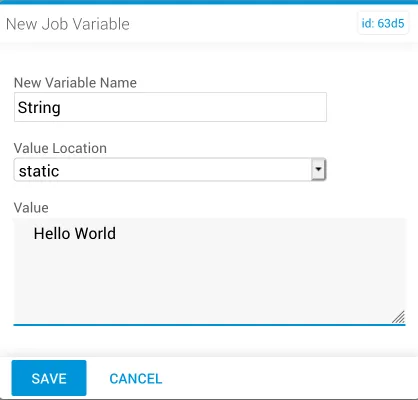
In this example, a new job variable named “String” is used to input the data into the trim task. The value is Hello World, with spaces at the beginning and end of the string.
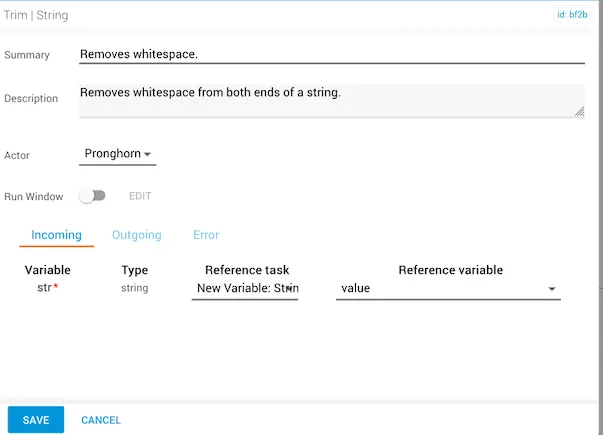
The trim task references the new variable within the reference task. The reference variable is automatically set to accept the incoming str value.
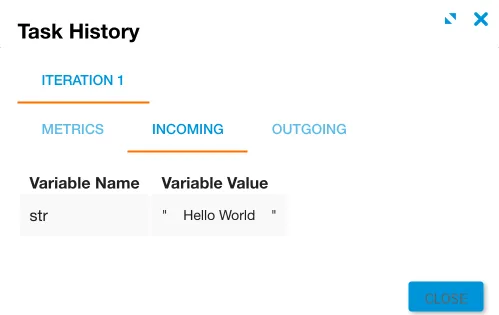
After running the job, the incoming variable shows whitespace before and after Hello World, as indicated by the placement of the quotation marks.
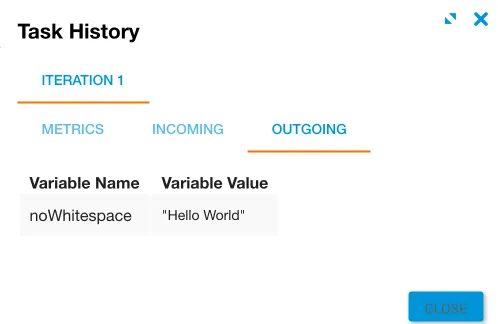
The noWhitespace result returns “Hello World” with the whitespace removed from both ends.