

query
The query task extracts data out of object variables and reshapes that data for an existing task.
Potential use case
If you have data that does not fit a recognized parameter in an existing task, the query task can reshape that data so that it fits. Using an existing task and then extracting data with a query is more efficient than writing a new task to fit the data. You can also use this task to extract data from a variable for evaluation purposes.
There are also unique situations with the pass_on_null option that can occur when you perform a query against an object where the query fails.
Properties
Public API query
In this example, a simple automation was built to obtain data from a remote system using a public API.
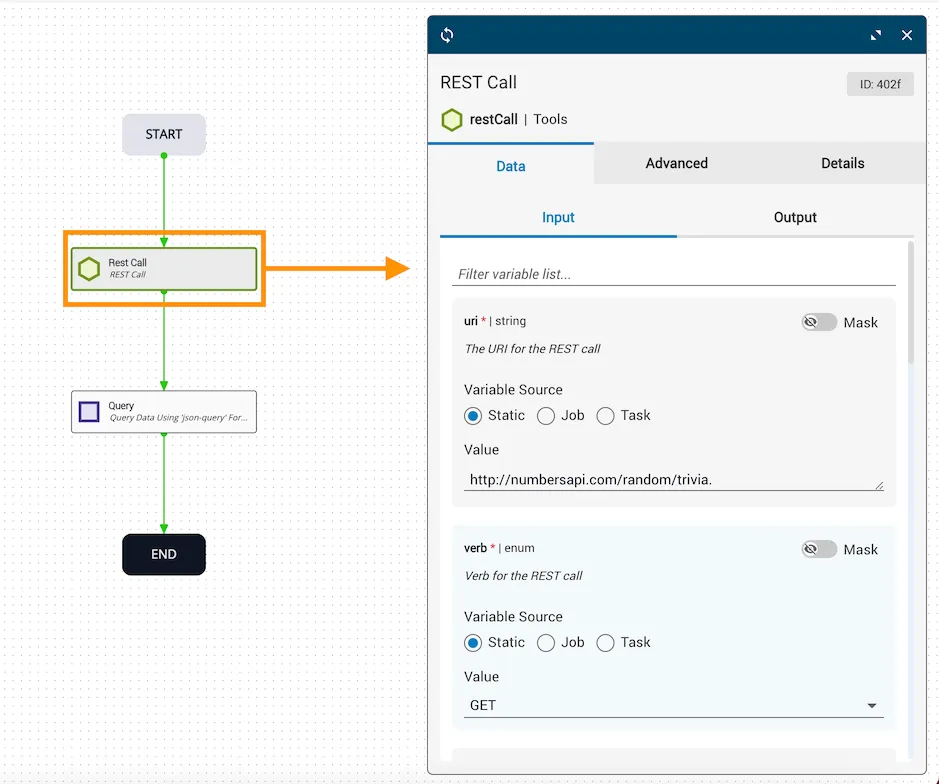
On the workflow canvas, a restCall task is set to retrieve numbers information from an available API on the web. The query task represents the data to search, which will be provided by the results of the restCall task.
Double-clicking the restCall task opens the task dialog and shows the configuration variables. Of note, the URI points to the API: http://numbersapi.com/random/trivia.
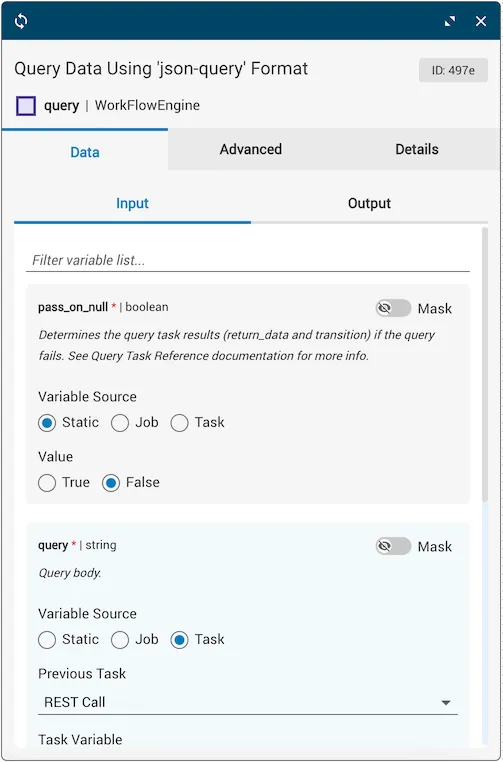
Next, double-clicking the Query task opens the task dialog to show the required input variables. The query parameter is set to search the body of the JSON in the available API, and the reference task for the obj variable is the response that returns from the REST Call task.
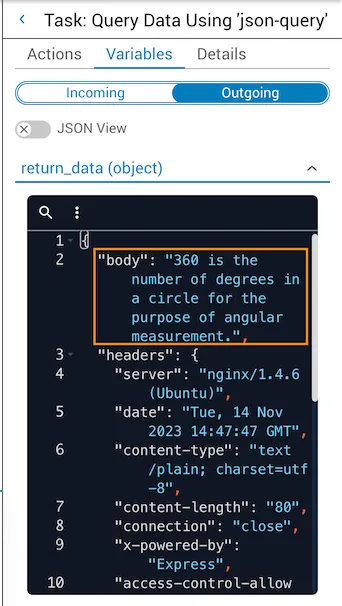
Once the automation is executed, the return_data variable displays a piece of trivia about a randomly generated number by querying the publicly available Numbers API.
Query expressions against an object
The following examples illustrate various query expressions against an example object exampleObj on an IOS platform.
Example object
When a query has no matching data and pass_on_null is true, the workflow will complete successfully.
When a query has no matching data and pass_on_null is false, the workflow will return an error in the job history. The query will terminate in a failure.
Query 1
Extract the points of presence with a query that returns the value for the key POPs.
Result:
Query 2
Refine the previous example and access an object’s property. Use dot notation to access the key’s value.
Result:
Query 3
Refine the previous example. Apply a filter using key=value syntax that only matches objects where make is “Cisco”.
Notice only the first matched element is returned.
Result:
Query 4
Refine the previous example. Apply a filter to match all objects where make is “Cisco” with the asterisk operator.
Result:
Query 5
Refine the previous example to return all IOS routers in ATL.
Since the asterisk operator matches all, an array is returned even if one or no elements match.
Result:
Query 6
Perform a compound boolean query with a regular expression.
In this example, retrieve all IOS devices in ATL with make Cisco and a name that ends in “atl”. The ampersand operator performs a boolean AND evaluation; both conditions must be satisfied. The tilde (~) operator performs a regular expression match.
Result:
Query 7
Perform a deep query. Search through multiple levels of objects or arrays with [**]. Search for any ATL router.
Result:
Query 8
Perform an inner query. Braces de-reference the value of data in the queried object to be used for matching an object’s key or an array’s element.
Search for all devices in ATL of the NED value found in platform.ned.
Result:
Query using the GET helper function
This example demonstrates a query against exampleObj2 using the get() helper function.
Example object
Query 1
Perform a query for a property key that includes a special character. The get() helper function matches keys with special characters.
Result:
Query 2
Search for any ATL:1 router in the given example object.
Result:
Single depth query and nested query
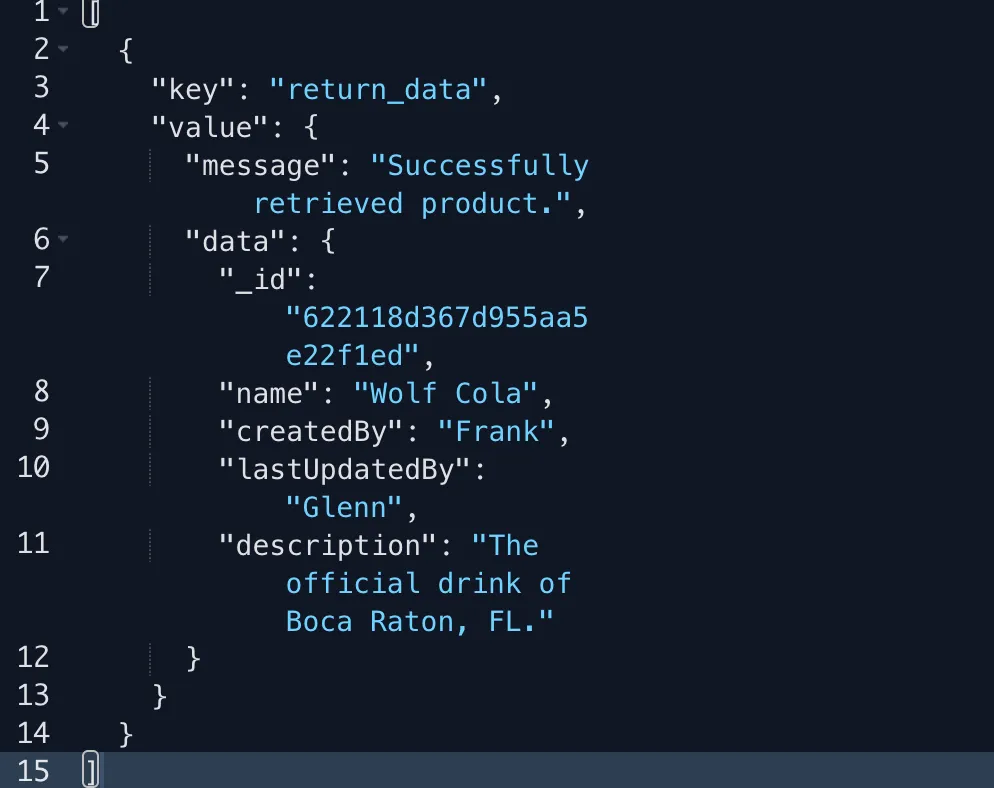
The query task can extract a property out of an object. Sometimes this object may be nested within another property. The following reference object is used in the examples below.
Single depth query example
The example data is provided by the job variable obj. The object data being queried is the message.
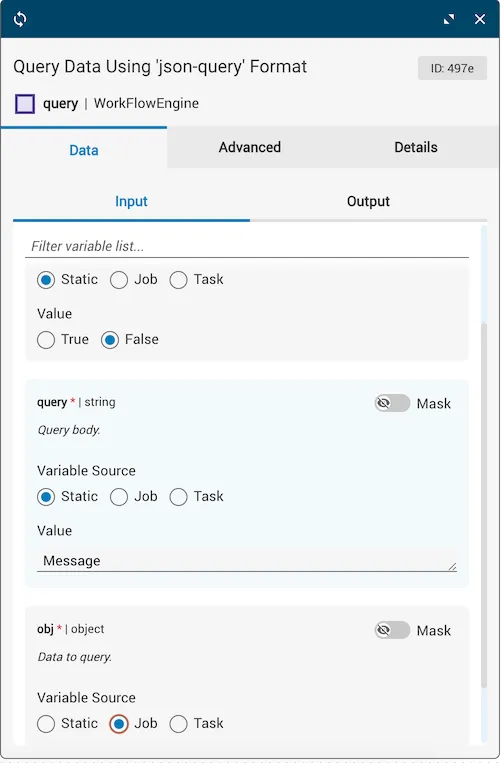
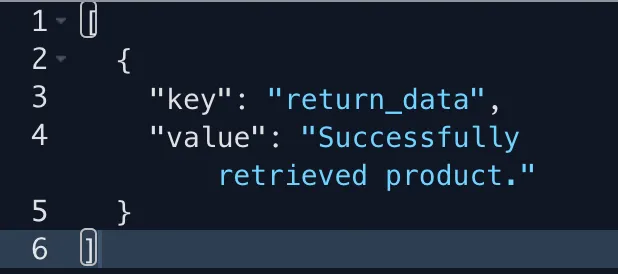
The query task extracted the value for message (“Successfully retrieved product.”). Other tasks can now reference this value in the workflow from the output of the query task (output.return_data).
Nested depth query example
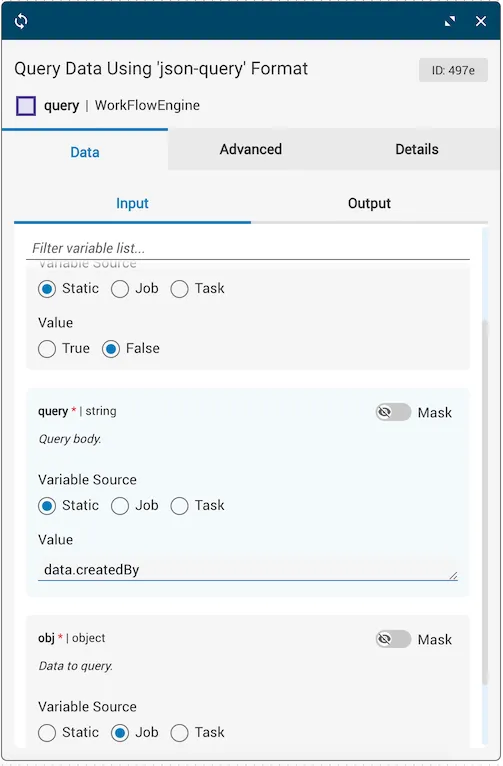
The example data is provided by the job variable obj. The nested object data being queried is data.createdBy.
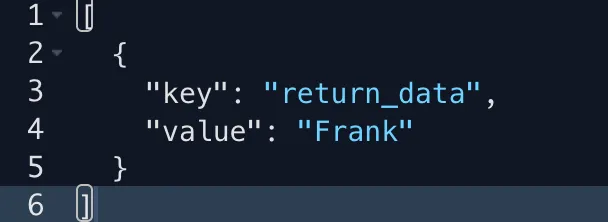
The query task extracted the nested value for createdBy (“Frank”). Other tasks can now reference this value in the workflow from the query task’s output (output.return_data).
Using the pass on null variable
The following examples explain the interaction of the returned object and transition result of a query task using the pass_on_null flag.
Invalid property: pass on null true
Using the same object from the examples above, the reference variable is set to true, and an invalid property is queried.
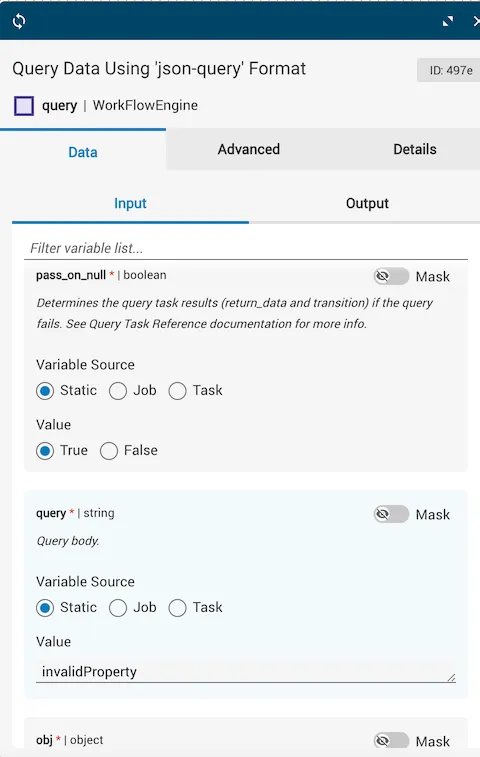
Since it is a property that does not exist within the object, the query does not match anything and the entire object is returned as the result (a “pass-thru” of the original object). Additionally, the success transition is taken.
Invalid property: pass on null false
In this example, an invalid property is being queried and the reference variable is set to false.
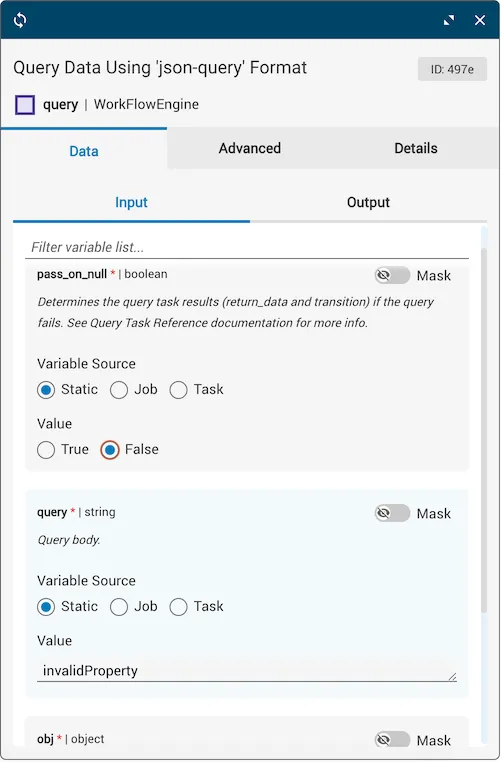
The query does not match anything and the value for the returned data is undefined. Because the invalid property is not in the object reference data and the reference variable is set to false, the failure transition is taken.
Multiple nested invalid property: pass on null has no effect
In this example, a property is being queried that is at least two levels deep and neither layer exists in the object. The reference variable setting has no effect on the outcome of the returned object nor the transition.
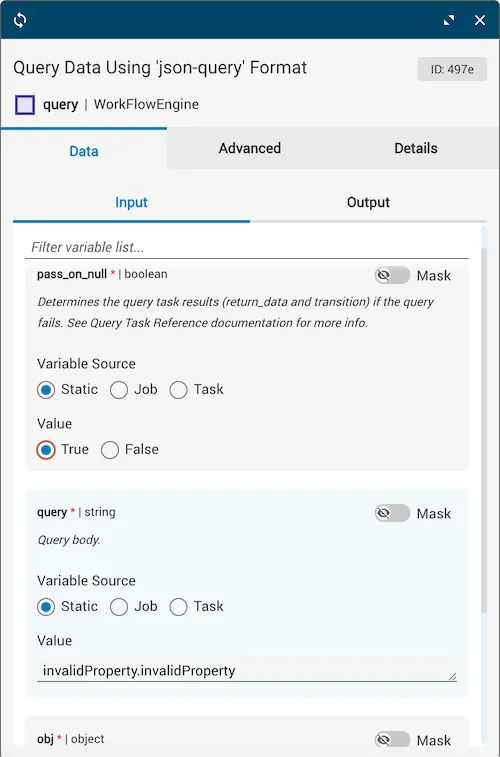
The result of this query is a unique circumstance because the value for the returned data is null with a success transition.
Take special precaution when using this scenario as it is highly counter-intuitive.