sort
Task purpose
The sort task sorts the elements of a given array and returns the sorted array. The default sort order is ascending (A to Z, 0 to 9). This task modifies the position of elements in the original array.
Potential use case
Use sort to arrange a list of names in alphabetical order, sort a collection of dates numerically, or order any array of numbers, strings, or objects.
Properties
Examples
Example 1
In this example:
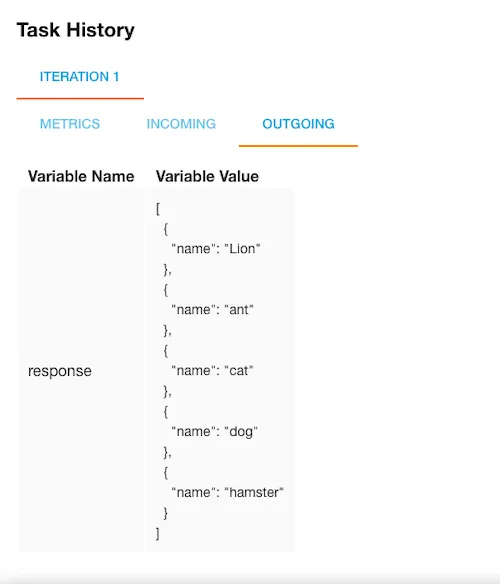
arris statically set to[{"name":"cat"},{"name":"dog"},{"name":"hamster"},{"name":"ant"},{"name":"Lion"}]. Note that"Lion"begins with an uppercase letter.keyisnameandlimitis4.reverseisfalse(default — ascending order).
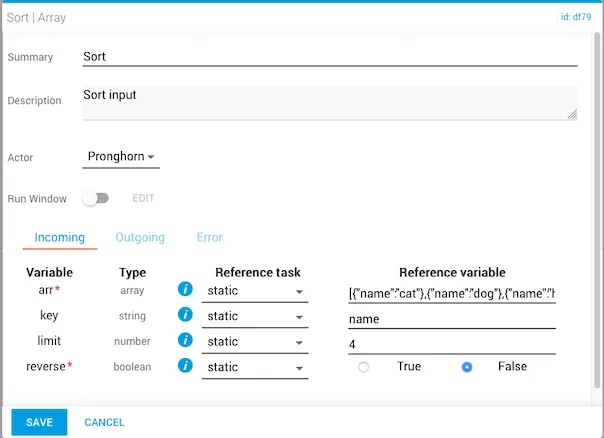
The result is ascending order, with "Lion" listed first because uppercase letters sort before lowercase letters.
Example 2
In this example:
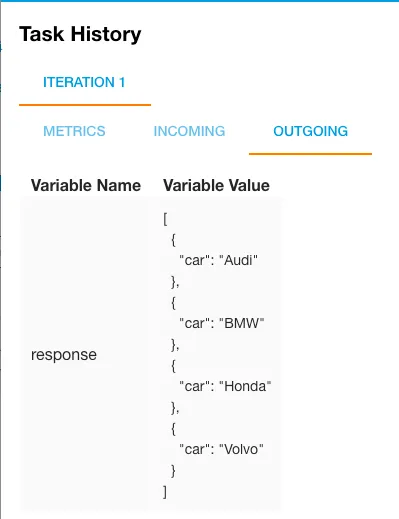
arris statically set to[{"car":"Audi"},{"car":"Volvo"},{"car":"Honda"},{"car":"BMW"}]. All names begin with uppercase letters.keyiscarandlimitis left blank.reverseisfalse(default — ascending order).
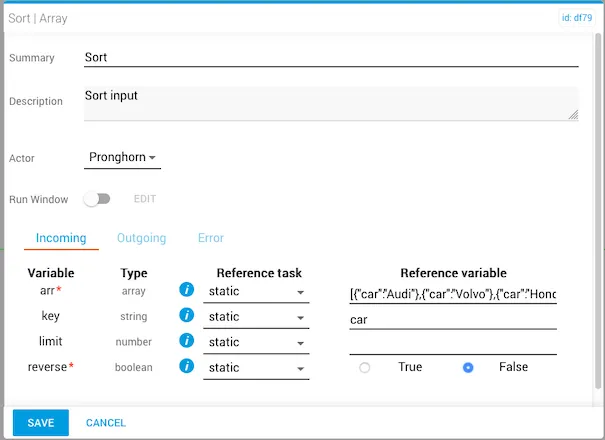
The result is alphabetical (ascending) order.
Example 3
In this example:
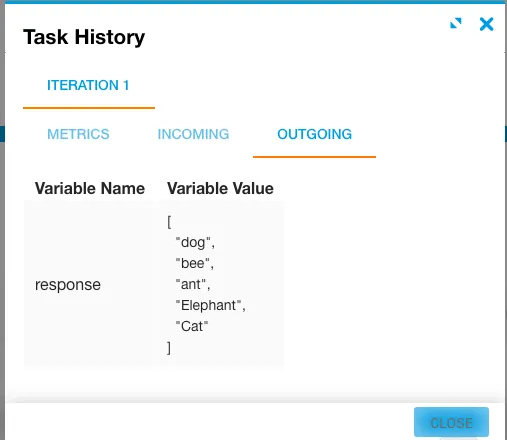
arris statically set to["ant","bee","Cat","dog","Elephant"]. The values mix lowercase and uppercase.keyandlimitare left blank.reverseistrue(descending order).
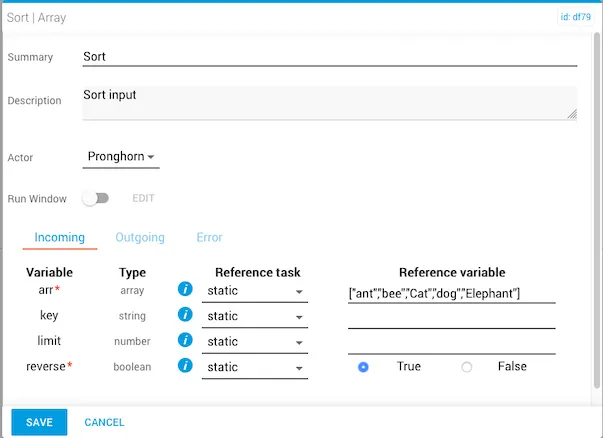
The result is descending order, with all lowercase values in reverse alphabetical order followed by the uppercase values.