pop
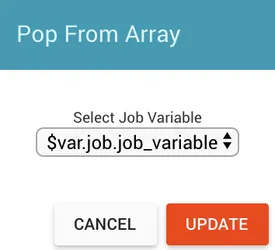
The pop task removes the last item from a non-empty job array variable and returns the removed item with a success finish state. It returns a failure finish state if the job array variable has no elements.
Properties
Example
Given a job variable named fruits with value ["apple","banana","orange"]:
- In the pop task’s properties dialog, select
fruitsfrom the Select Job Variables dropdown. - Click UPDATE.
The pop task changes fruits to ["apple","banana"] and returns "orange" in the outgoing variable popped_item.