length
The length task returns the number of elements in a given array. The return value is an unsigned, 32-bit integer that is always numerically greater than the highest index in the array. By unsigned, the value represents only non-negative integers.
Potential use case
Every failed login attempt on your device stores the username and timestamp in an array. Your company’s password attempt policy stipulates a maximum of three failed attempts within a specific timeframe. The length (array) task will provide the number of login attempts for subsequent workflow processing.
Properties
Examples
In the example shown below:
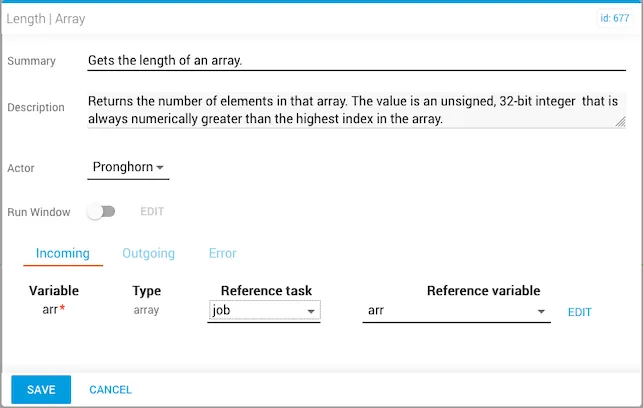
- The Reference task and Reference variable set for the
length(array) task isjobandarr, respectively. As an option, you can toggle the Run Window slider to set the task to run on a schedule.
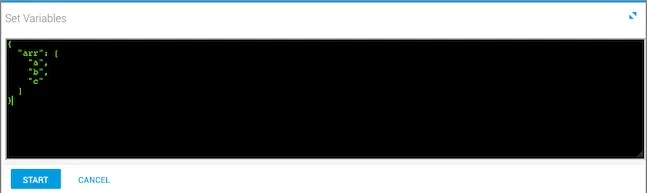
- The array variables are set prior to running the workflow.
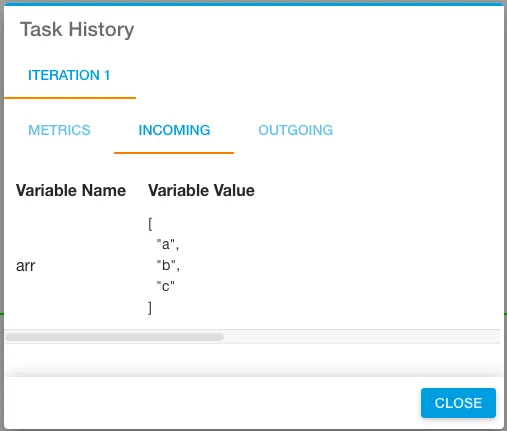
- Once you run the workflow, the incoming variables that were set are displayed under the Incoming tab in Task History, which is accessed from Jobs (Operations Manager).
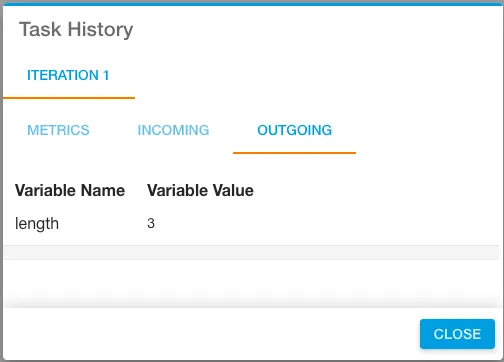
- This output example returns the length of the array.