slice (string)
Task purpose
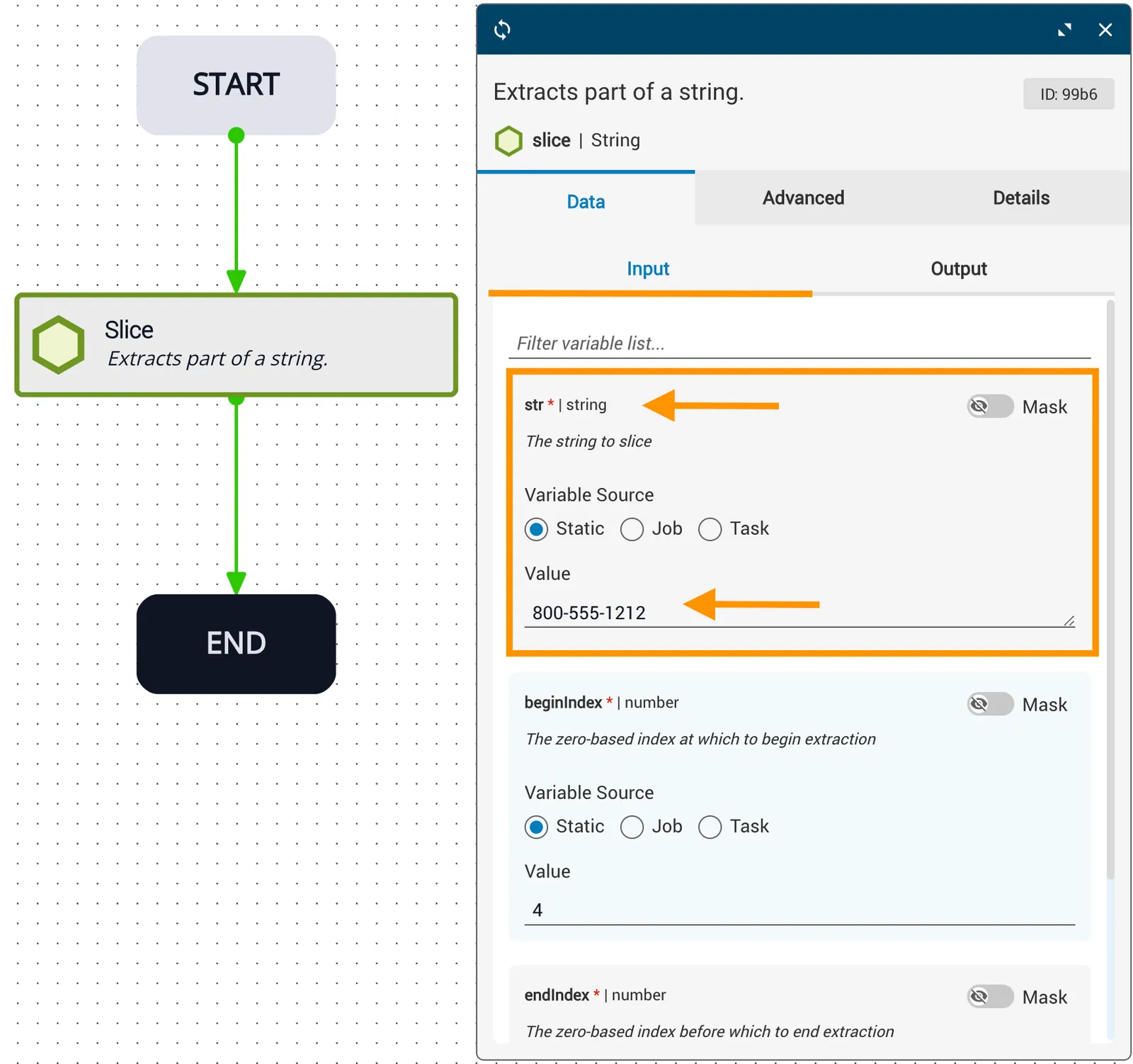
Similar to the substring task, the slice (string) task extracts part of a string and returns the extracted part in a new string. The part to extract is specified by start and end indexes, or extends to the end of the string if no end index is provided.
Potential use case
Use this task when you need to extract a specific portion of a string — for example, extracting only the telephone area code from an incoming phone number string.
Properties
If endIndex is less than beginIndex, slicedString returns an empty string (""). If this is not the desired behavior, consider using the substring task instead.
Examples
Example 1
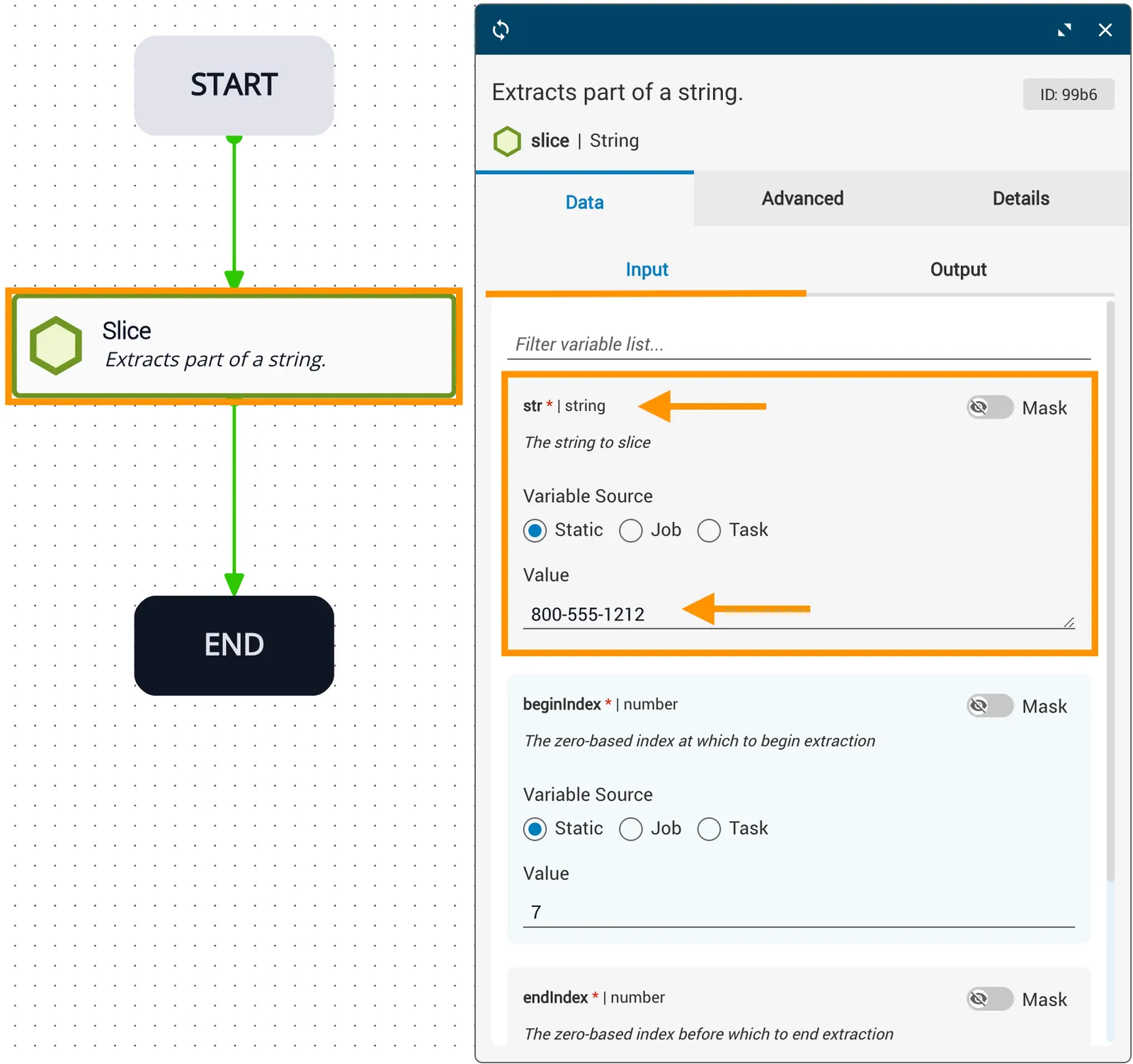
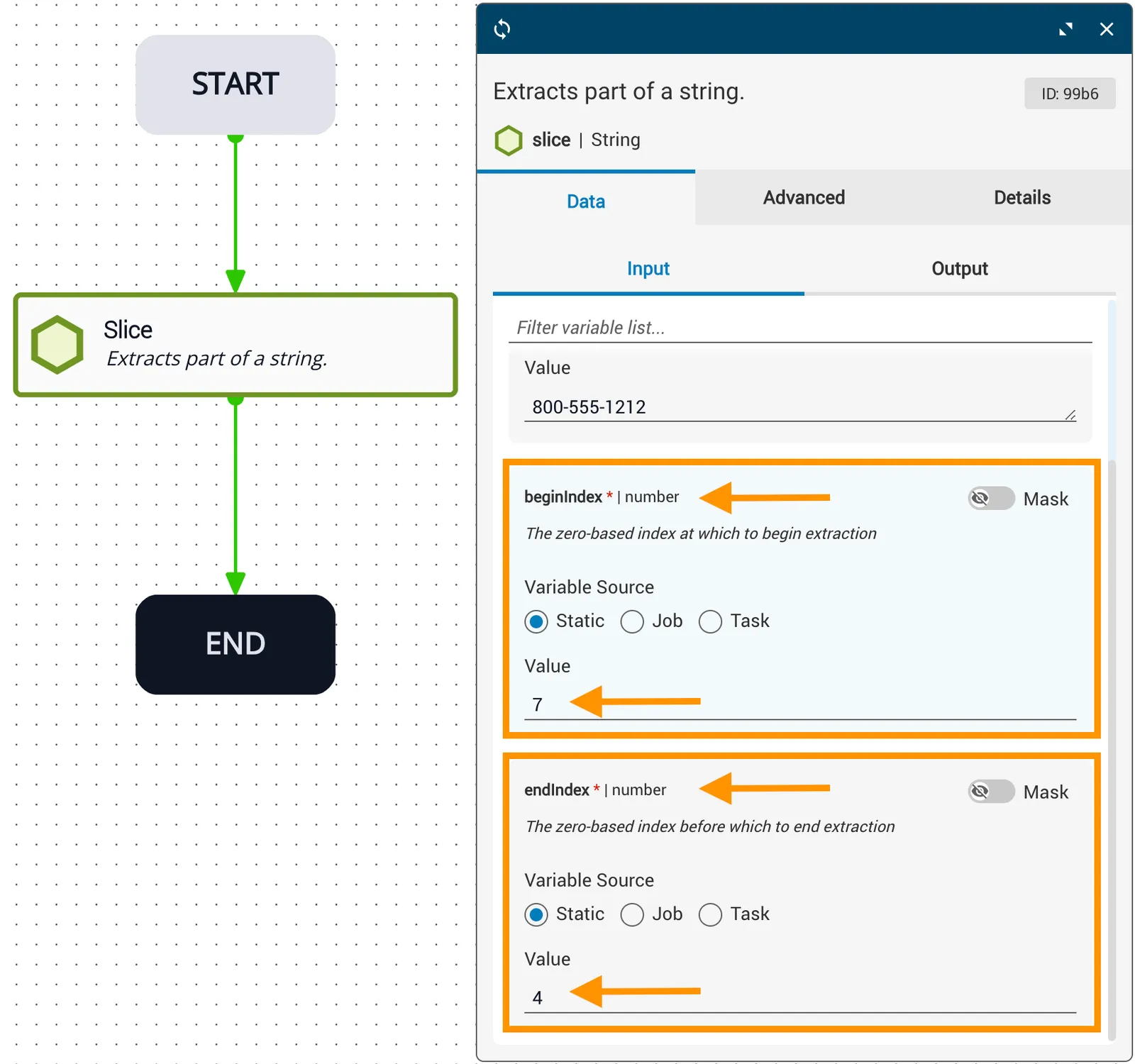
In this example:
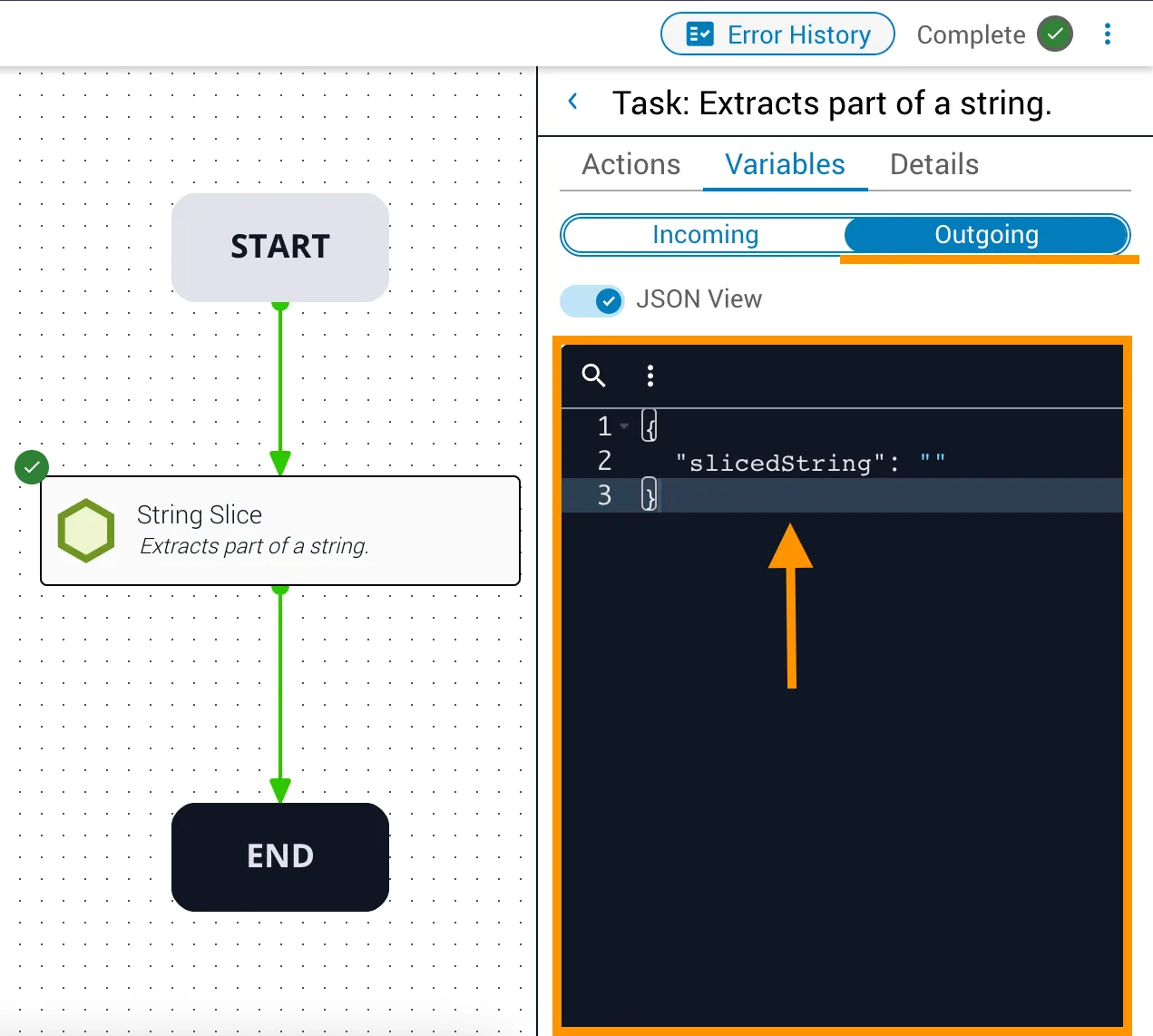
stris statically set to800-555-1212.beginIndexis7— extraction begins at the second dash.endIndexis4— extraction would stop before character 4 (the first"5").- Because
beginIndexis greater thanendIndex,slicedStringreturns""(an empty string).
Example 2
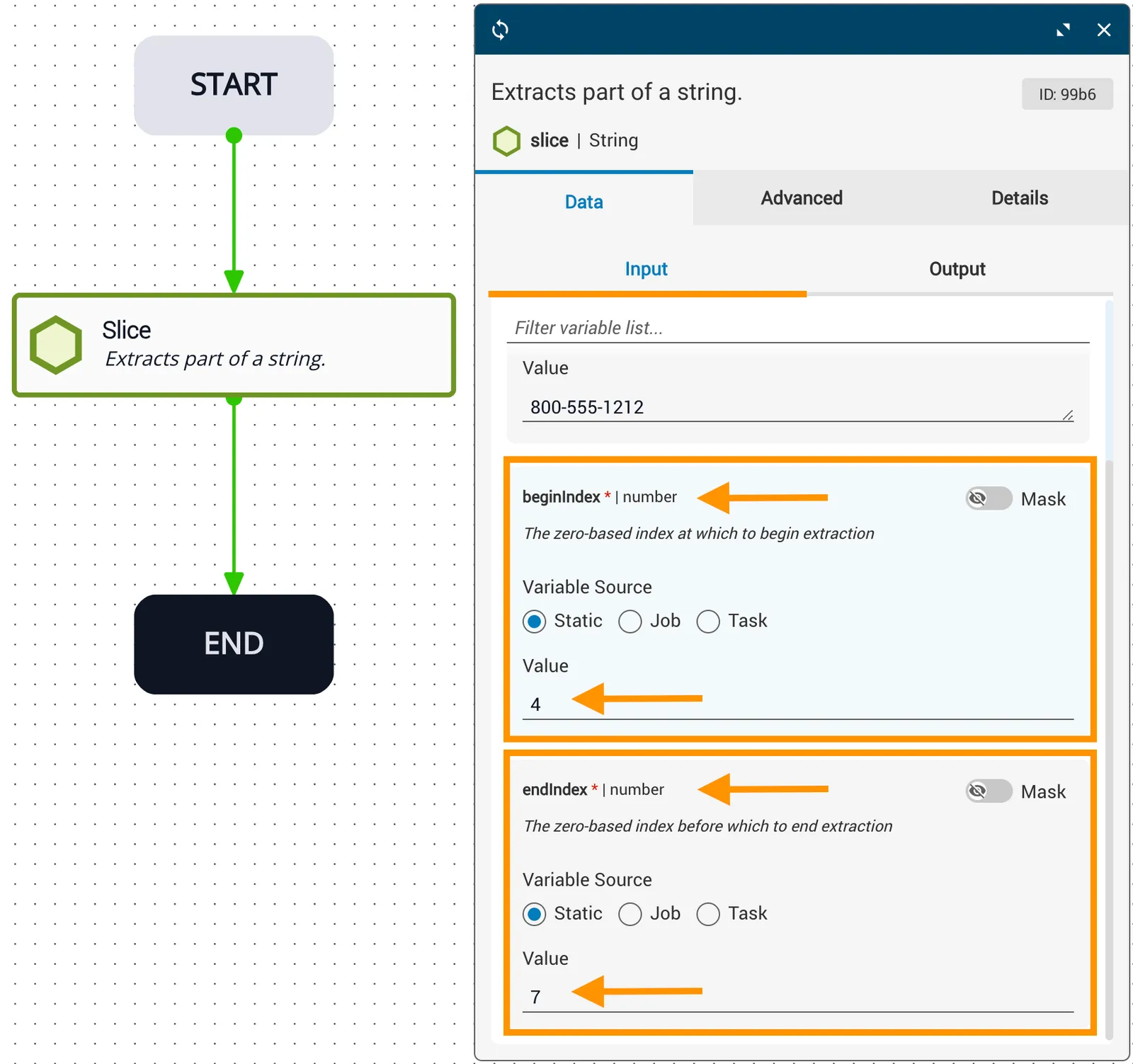
In this example:
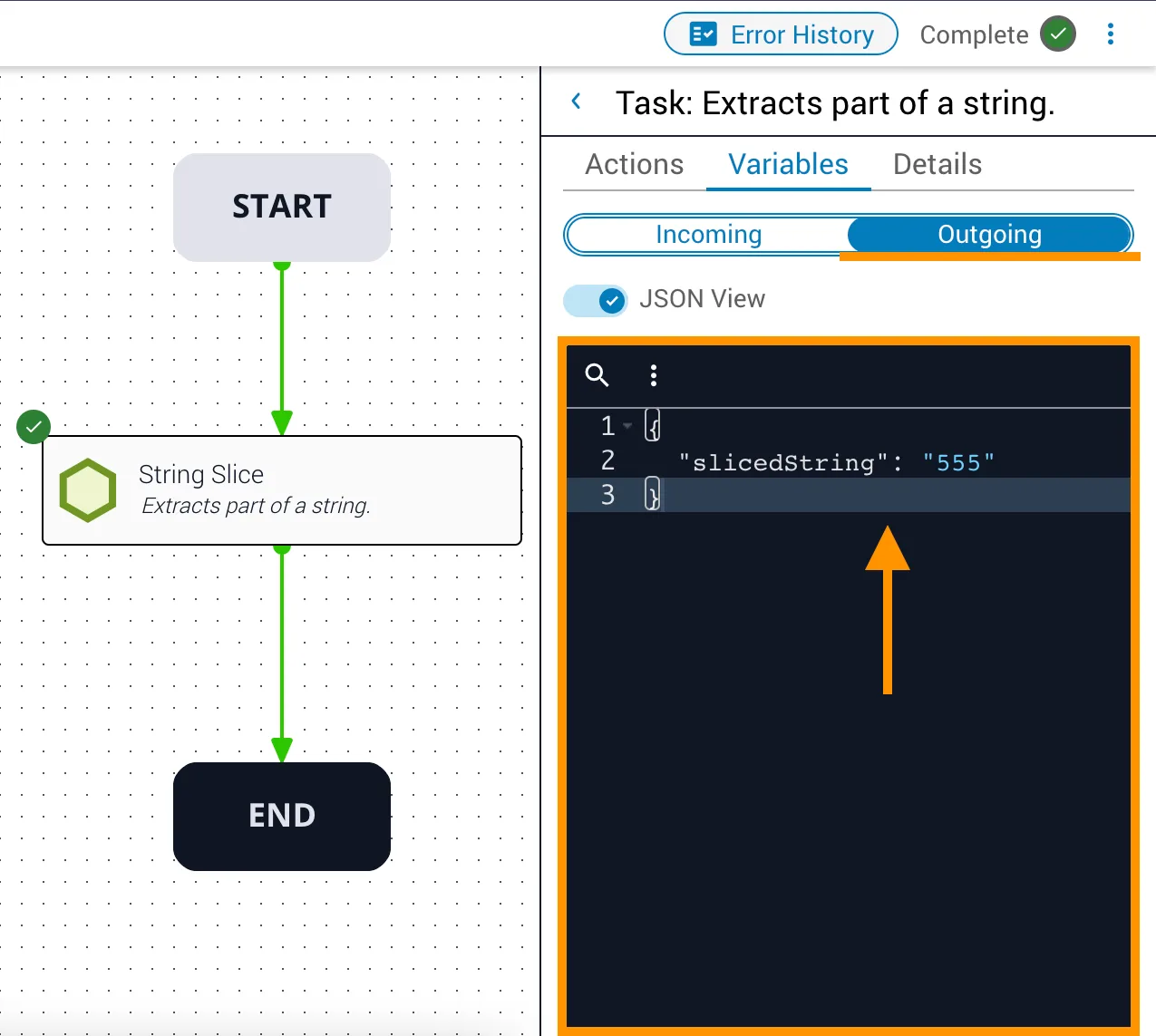
stris statically set to800-555-1212.beginIndexis4— extraction begins at the first"5".endIndexis7— extraction stops before character 7 (the second"-").slicedStringreturns555.