padEnd
The padEnd task pads the end of a string with another string (repeated if needed) so that the resulting string reaches a specified length. The padding is applied from the right end of the given string.
Potential use case
Use this task when you have a dataset of a known length and want to repeat a value at the end of the current dataset. You can use padEnd to specify the target length and the string to append.
Properties
Example
- The
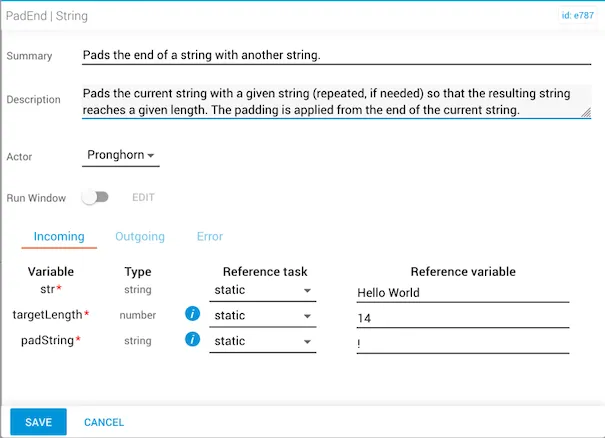
strvariable is set to"Hello World"(length: 11 characters). ThetargetLengthis set to14. - The
padStringis"!".
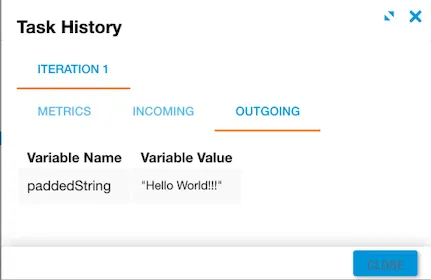
The result is "Hello World!!!" — three exclamation marks are appended to reach the specified targetLength of 14.