makeData
The makeData task converts an input string into a different data type. Supported output types are boolean, json, number, and string.
Potential use case
The makeData task is typically used in conjunction with a preceding task to convert incoming data into a format (type) usable by a following task. It can also be used independently, with the variables input used when converting a string that references data from a previous task. In some of the examples below, you’ll see how you can achieve the same result with or without using a variable.
Properties
Example 1 — convert to string
- The
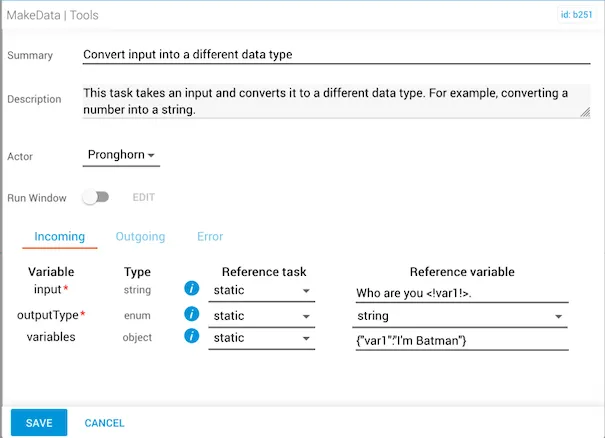
inputreference variable is the stringWho are you <!var1!>. - The
outputTypeisstring. - The
variablesobject for the wrapped variable<!var1!>is defined as"I'm Batman".
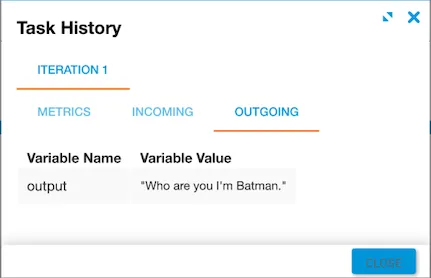
The output returns a string that combines "Who are you" with the variable "I'm Batman".
Example 2 — convert to JSON
- The
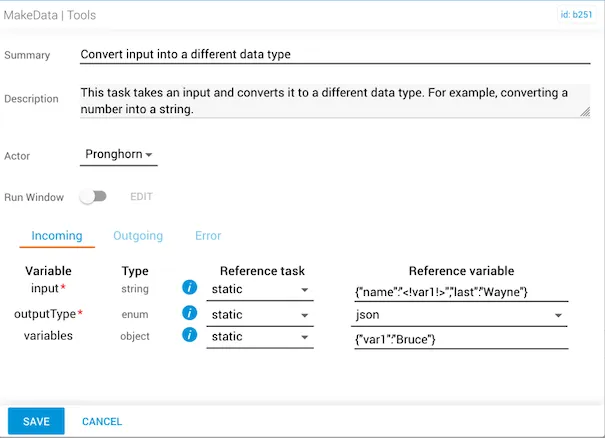
inputstring is{"name":"<!var1!>","last":"Wayne"}. - The
outputTypeisjson. - The
variablesobject is{"var1":"Bruce"}.
Alternatively, you can use {"name":"Bruce","last":"Wayne"} as the input string with no variables object defined.
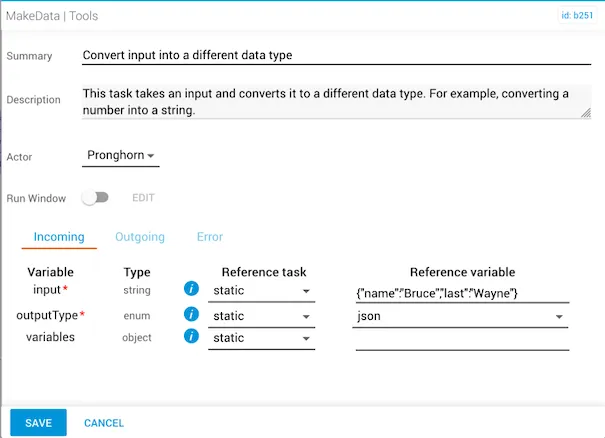
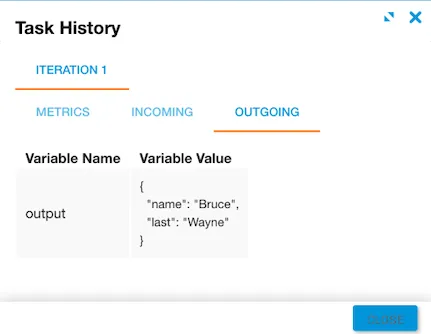
The output for both approaches is the same: {"name":"Bruce","last":"Wayne"}.
Example 3 — convert to number
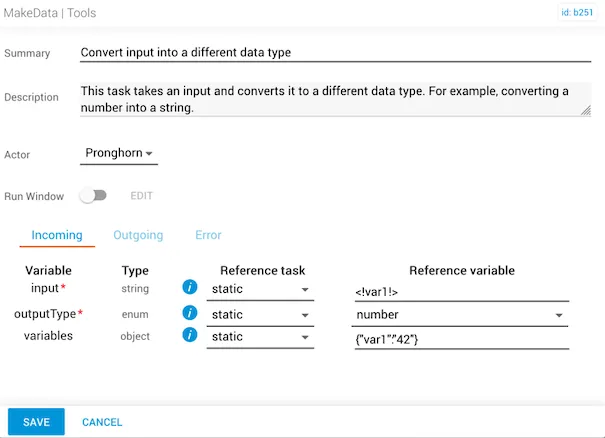
- The
inputvariable is defined as<!var!>and theoutputTypeconverts the data to a number. - The
variablesobject is{"var1":"42"}, with the number42in the key-value.
Alternatively, the non-variable input can use the number 42 directly.
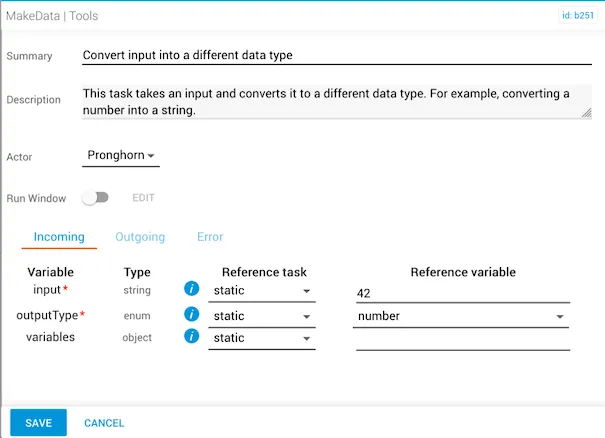
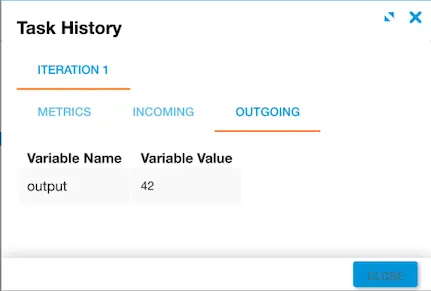
Both approaches produce the same output: the number 42.
Example 4 — convert to boolean
- The
inputvariable is defined as<!boolean!>. - The
outputTypeisboolean. - The
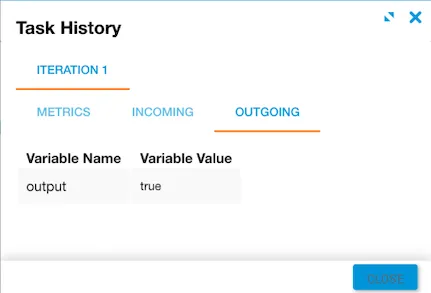
variablesobject is{"boolean":true}.
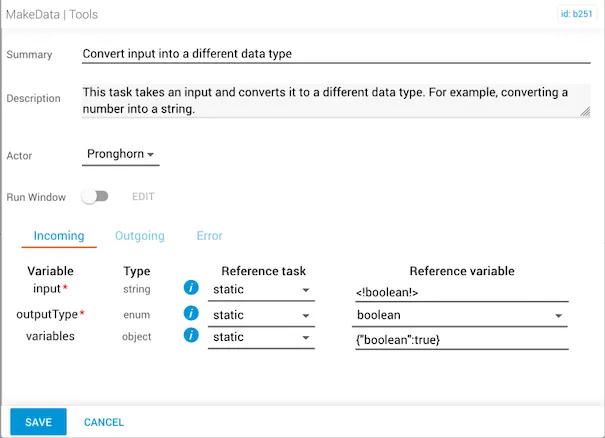
The output returns true.