

Command reference
A command template contains one or more commands, each with a set of rules that evaluate the device response.
Pass logic
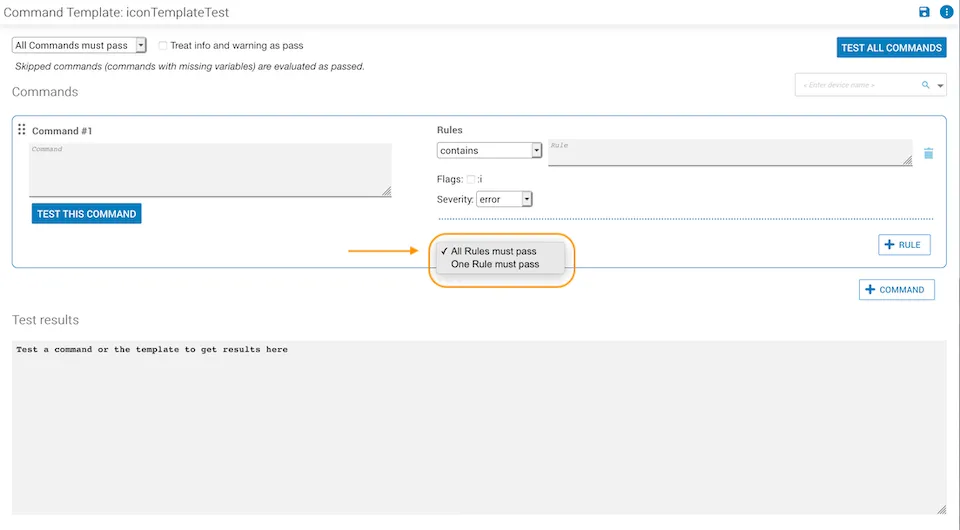
Global command pass
The dropdown at the top of the template controls whether all commands or just one command must pass. It applies the same pass logic as the per-command setting, but at the template level.
An optional pass checkbox ignores failures at warning or info severity. It is off by default.

Global rules pass
Each command has its own pass dropdown that applies pass logic at the command level.
Rules
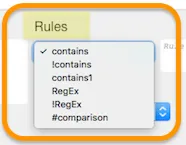
Every command may have one or more rules bound by a boolean pass flag:
- Pass flag
true(on) — AND logic: all rules must pass. - Pass flag
false(off) — OR logic: at least one rule must pass.
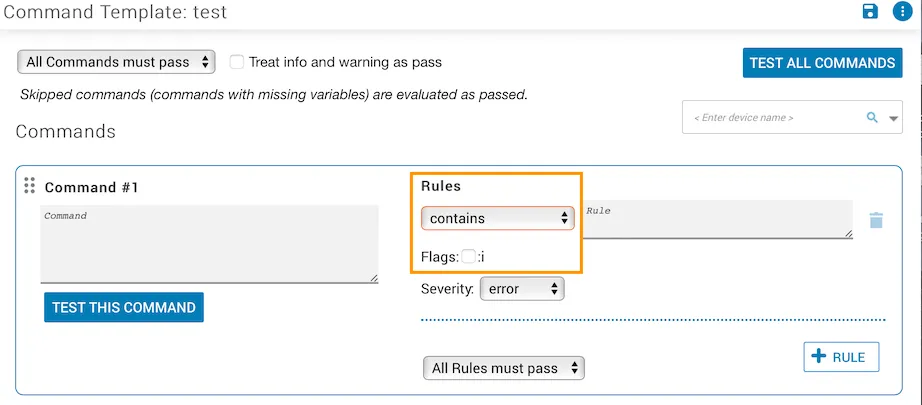
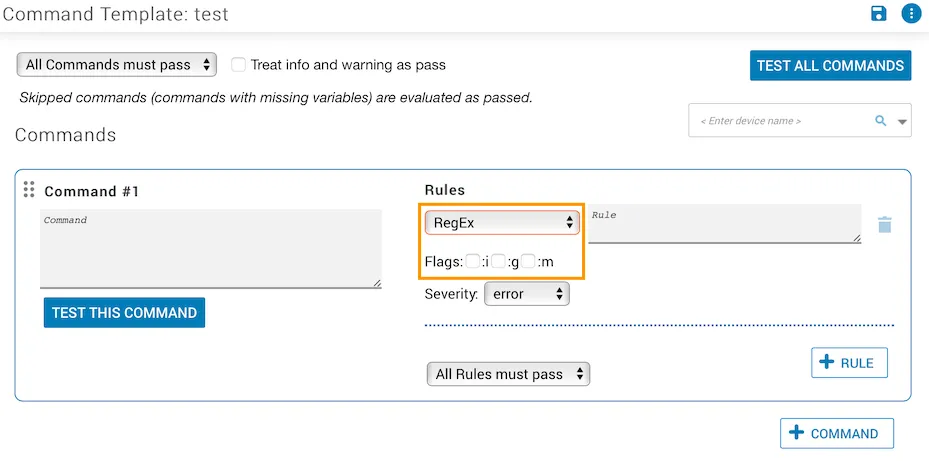
Flags

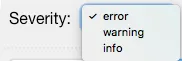
Severity
Severity applies only when a rule has failed. The default is error.
Variables
Use the following syntax to include a variable in a command:
Supported types: string, number, boolean, array of strings, array of numbers, and array of booleans. When an array is passed, the command runs once per element. Arrays of objects are not supported.
Comparison rules
The contains and RegEx rules match (or exclude) a string or pattern in the device response. The #comparison rule extracts and compares two values.
Top operand
The top operand uses a regular expression with a capture group to extract a value from the command output.
- Surround the expression with
/characters:/Total System Memory:\s+(\d+) MB/ - The capture group (in parentheses) defines the value to compare. Only one capture group is supported.
Bottom operand
The bottom operand is one of:
- A static value
- A command template variable (e.g.,
<!MEM-THRESH!>) - A regular expression with a capture group matching part of the command output