Adapter API routes
Adapter API routes can be defined in the same manner as application routes. This allows you to expose adapter functionality using a web API instead of a task or custom code.
Route example
Adding the route property to a method in the pronghorn.json file informs Itential Platform that you would like the route exposed.
For example, if you have an adapter named HelloWorld, you can define a route for one of its methods with the following entry in the pronghorn.json file:
This example tells Itential Platform to define the route /hello as the interface for the hello method in the HelloWorld adapter.
One important difference between applications and adapters when it comes to their API routes is that applications use the title property in the pronghorn.json file for their base path, whereas adapters use their service name. The service name is the name you gave the adapter when creating it. You can view this name in the Admin Essentials application under the Adapters dropdown.
Using the HelloWorld adapter as an example: if you added it to Itential Platform with the name HelloWorldAlpha, the hello method would be accessible at:
If you added a second HelloWorld adapter named HelloWorldBeta, the hello method would be at:
Reference
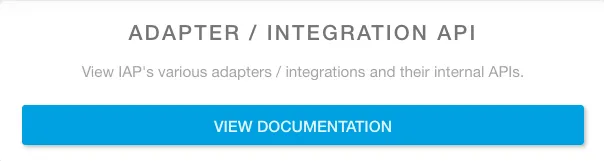
You can view the routes that Itential Platform creates on the Help Desk page under Adapter/Integration API. Navigate to the icon on the left pane, select Help (right side), then click the View Documentation button under Adapter/Integration API.
Other uses
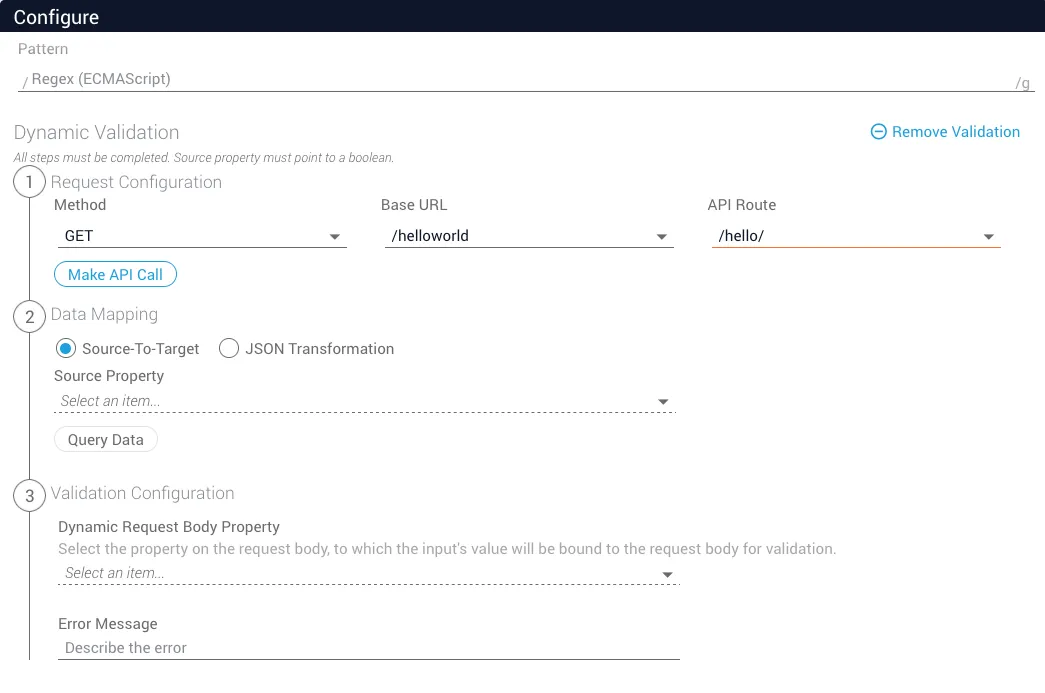
Exposed adapter routes can also be used in JSON Forms validation in the same manner as application routes. Find your base URL and API route in the dropdowns.