Synchronize Entra ID groups with Itential Platform
When Itential Platform is configured to use Microsoft Entra ID (formerly Azure Active Directory) as its AAA source, Itential Platform permissions can be assigned to users via Entra ID group membership. To do this, Entra ID groups present in the connected tenant are synchronized to Itential Platform. An Itential Platform administrator can then assign roles to these groups, and users receive the corresponding permissions when they log in with their Azure credentials.
Select a method for group tracking
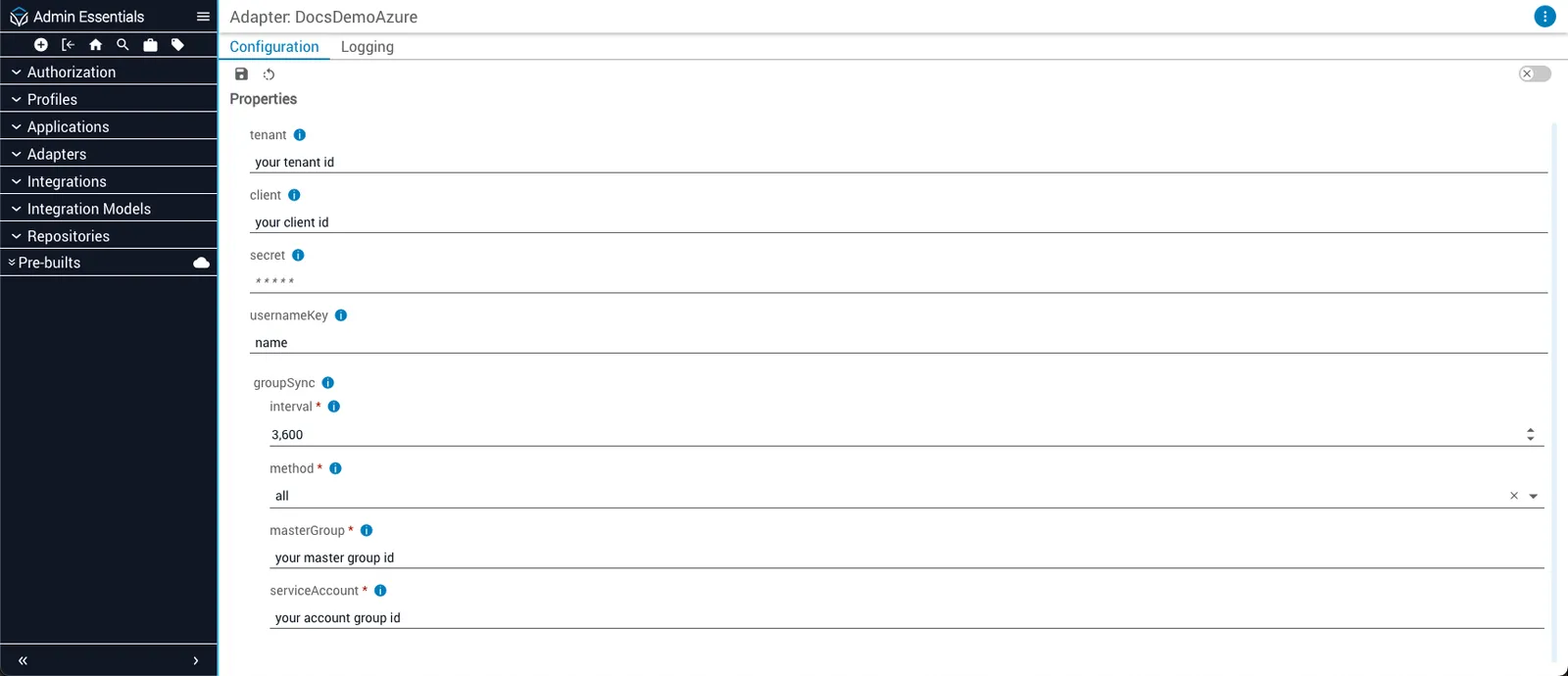
The Azure adapter’s group synchronization behavior is controlled by its service configuration — specifically, by the parameters of the groupSync property:
Configure Entra ID group synchronization
The exact steps needed to configure group synchronization depend on your environment. In general:
- Optionally, fine-tune the synchronization interval as desired.
- Determine which synchronization method to use based on your needs. For example,
allmay be acceptable for development environments, but is likely to cause performance issues in production environments. - If using the
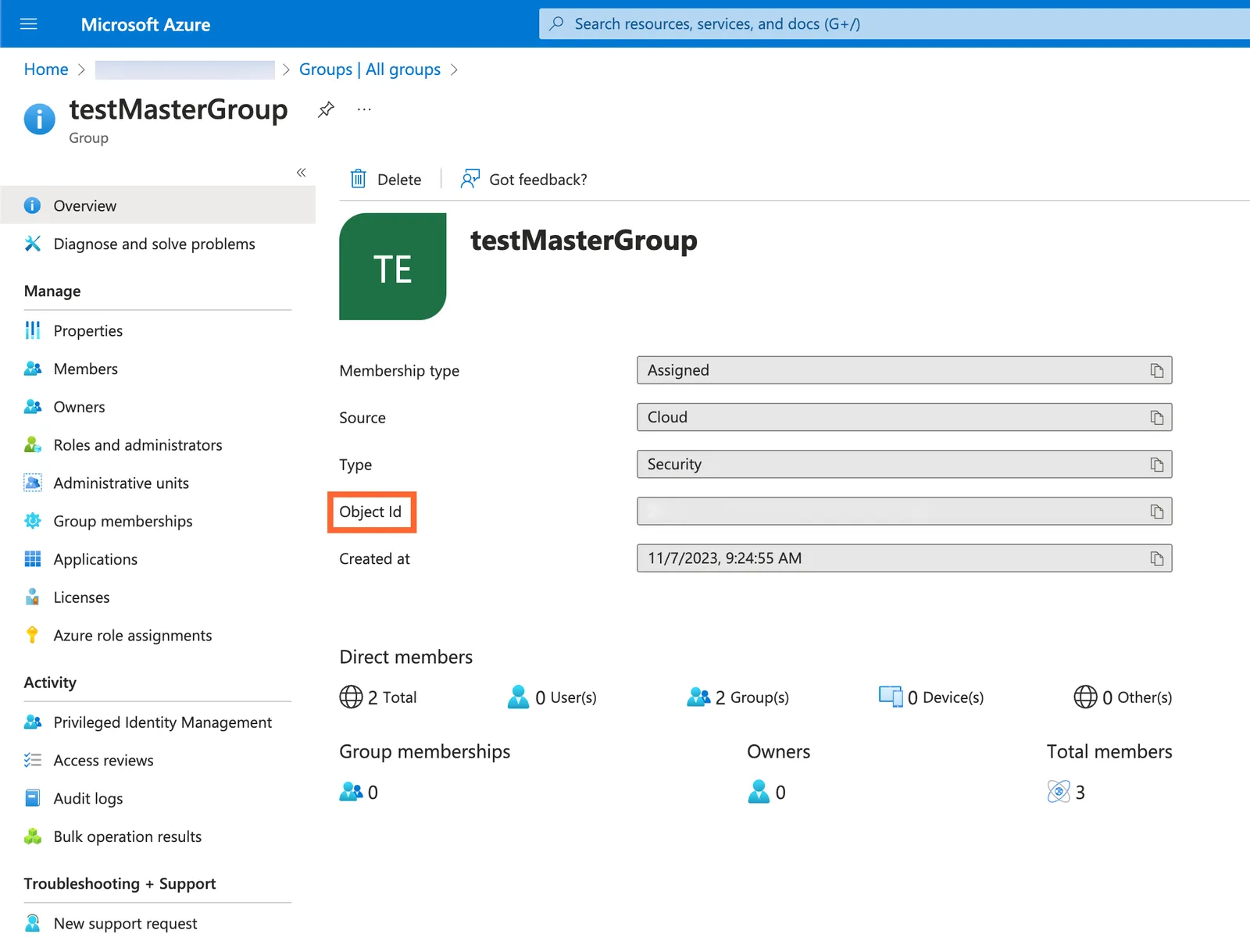
masteroraccountsynchronization method, retrieve the desired group or account Object ID from Azure. - Provide this Object ID to
masterGrouporserviceAccountas appropriate.
Object IDs are retrieved from the Azure portal. For further information about Object IDs, refer to the Microsoft Azure documentation.