Navigate projects in Studio
Projects is the section of Studio where you organize and edit related design‑time assets such as workflows, forms, and templates.
Access projects:
-
On the Platform homepage, click View All Projects in the Recent Projects dashboard (if visible).
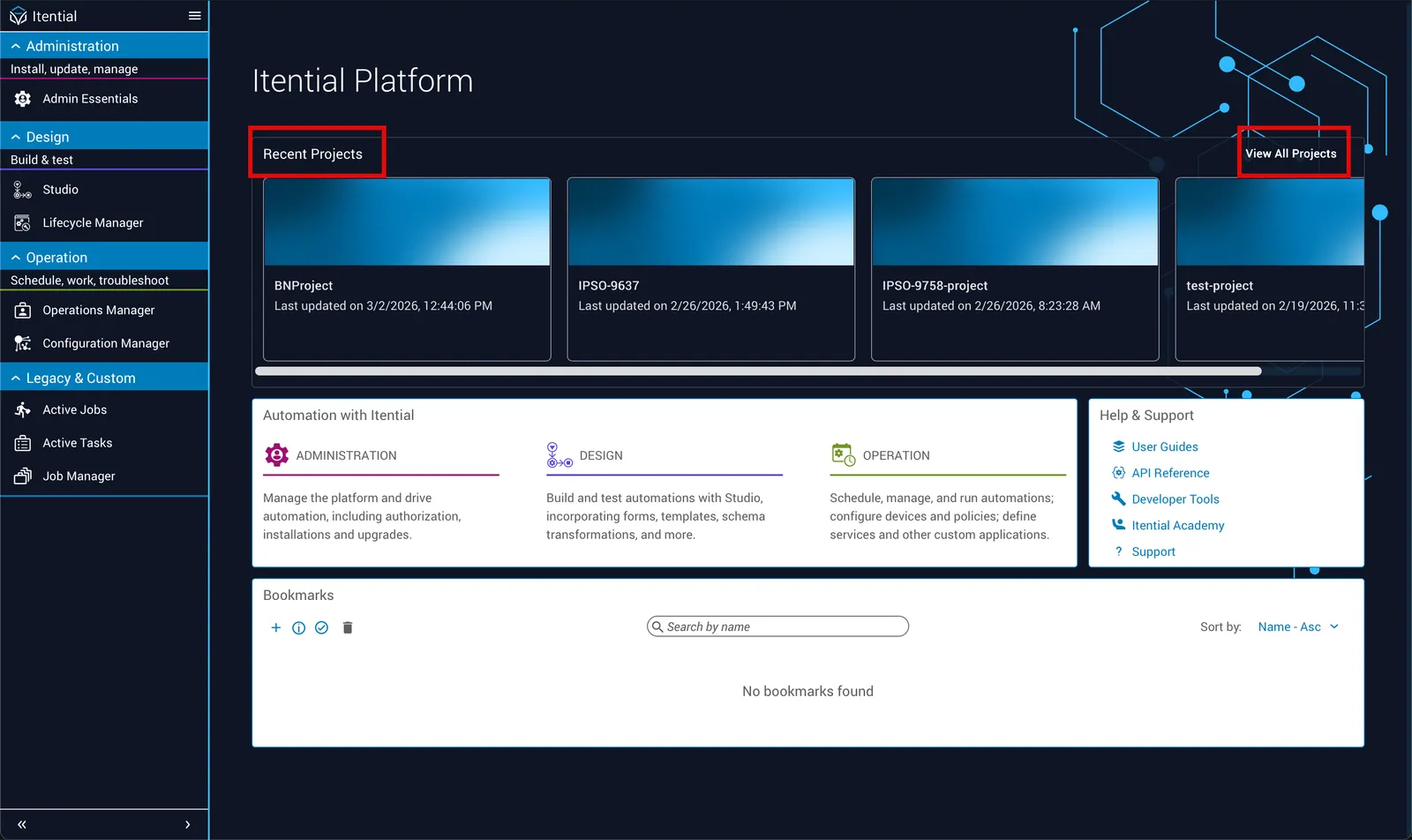
Recent Proprojectsjects section on the Itential Platform homepage -
In Studio, click the Projects icon in the toolbar.
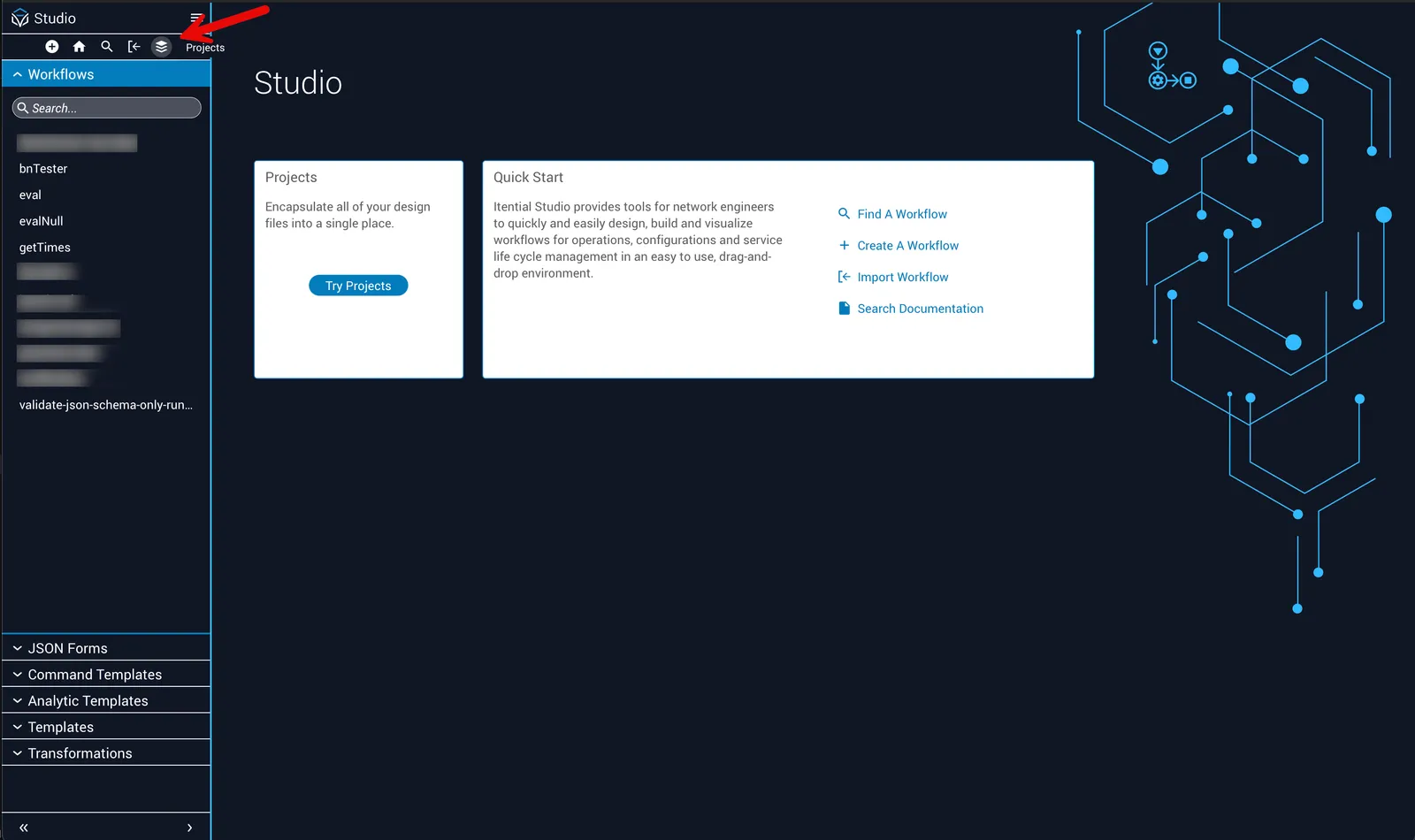
Projects button in the Studio toolbar
Projects homepage
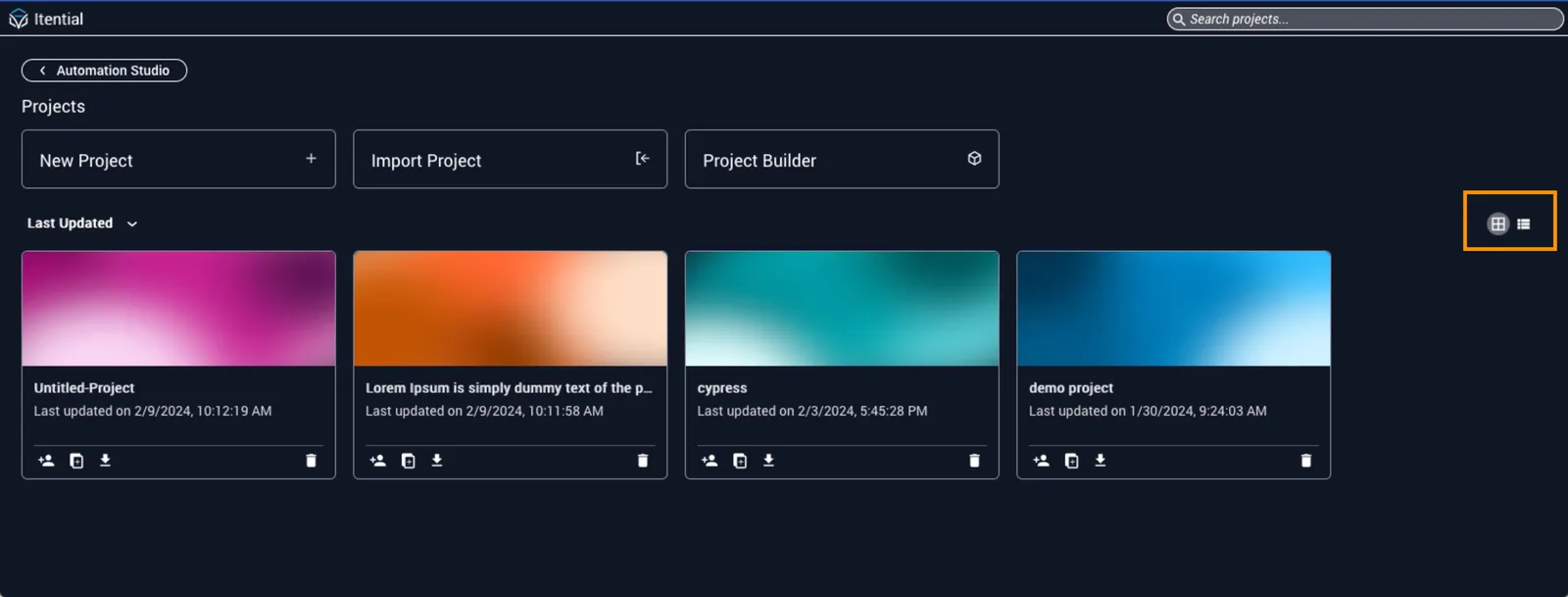
On the Projects homepage you can:
- Create new projects
- Import or export projects
- Open Project Builder
- Clone or share projects
Use the icons at the far right to switch between card and list views.
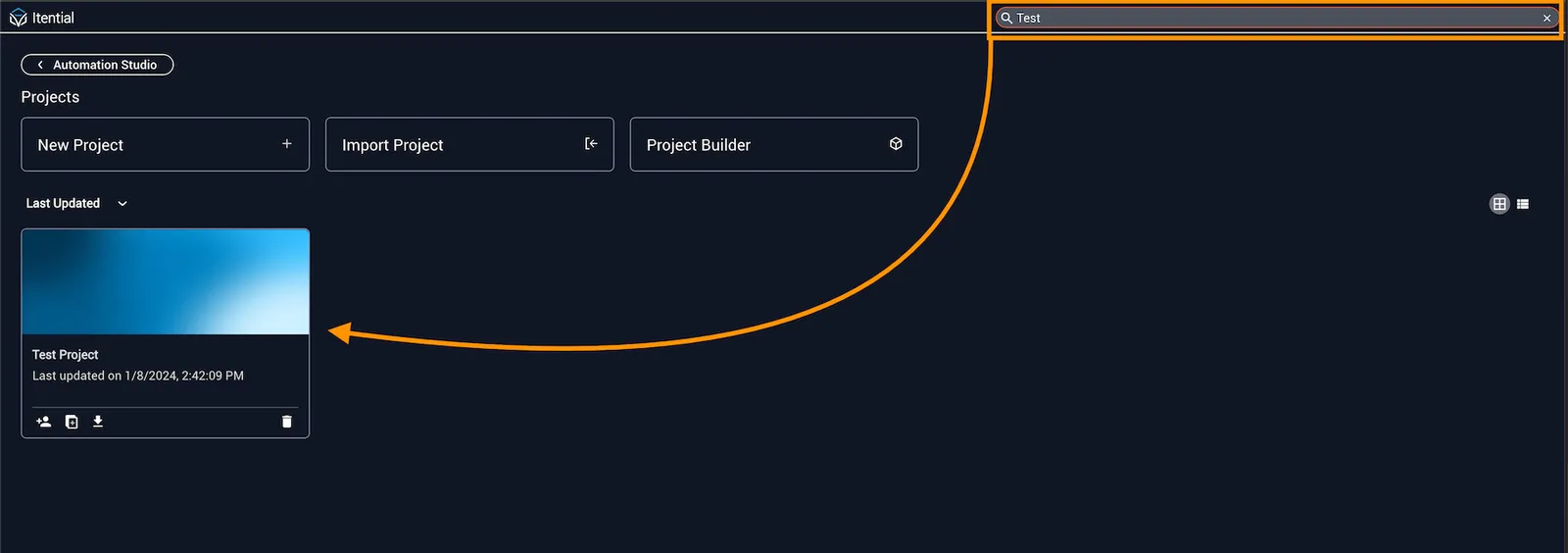
Search projects
Search projects by name or description using the toolbar at the top right.
Within a project, the sidebar search scans every asset type, including workflows, forms, templates, and more. In the global space you must run separate searches for each asset type, so projects makes it easier to find related items.