

Common upgrade errors
This guide covers errors you may encounter during a software upgrade, along with troubleshooting solutions.
Deprecated app not loading
When loading Itential Platform you may see this error in the logs, indicating a deprecated method (app-number) is loaded but does not exist:
Solution
Remove the entry from the service_configs collection:
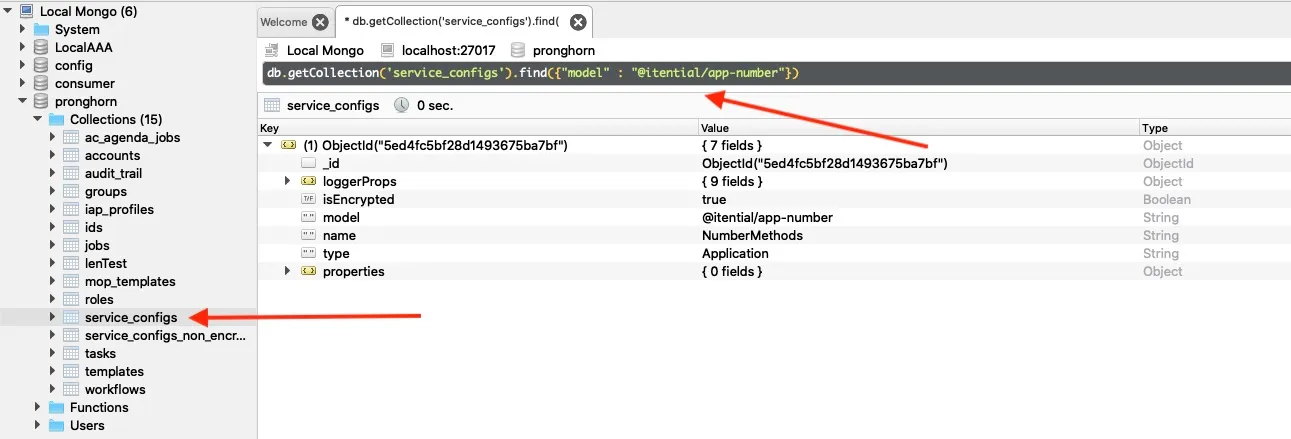
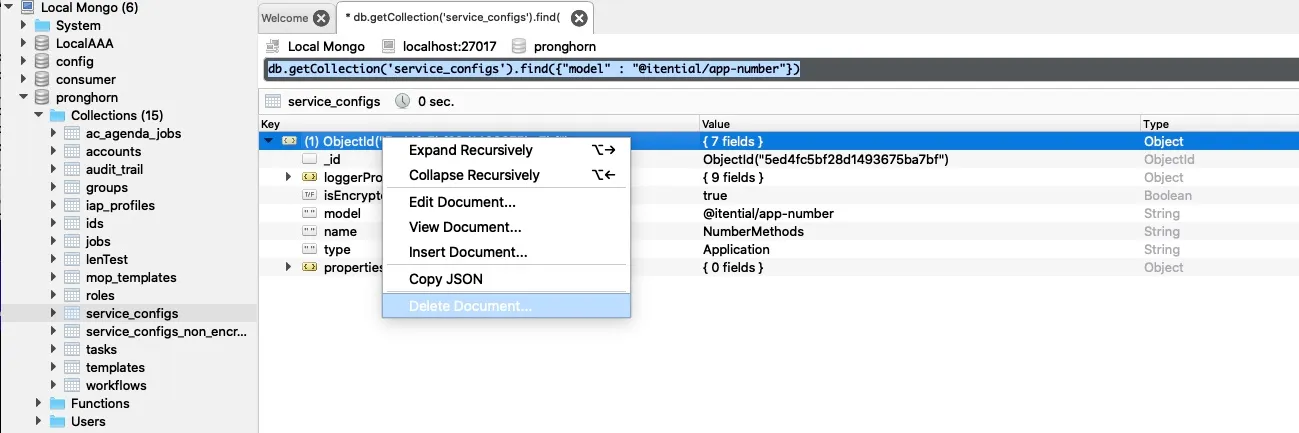
Admin group not in proper format
When assigning roles to user groups, the UI does not correctly reflect selected roles as checked and an error box appears at the bottom of the screen.
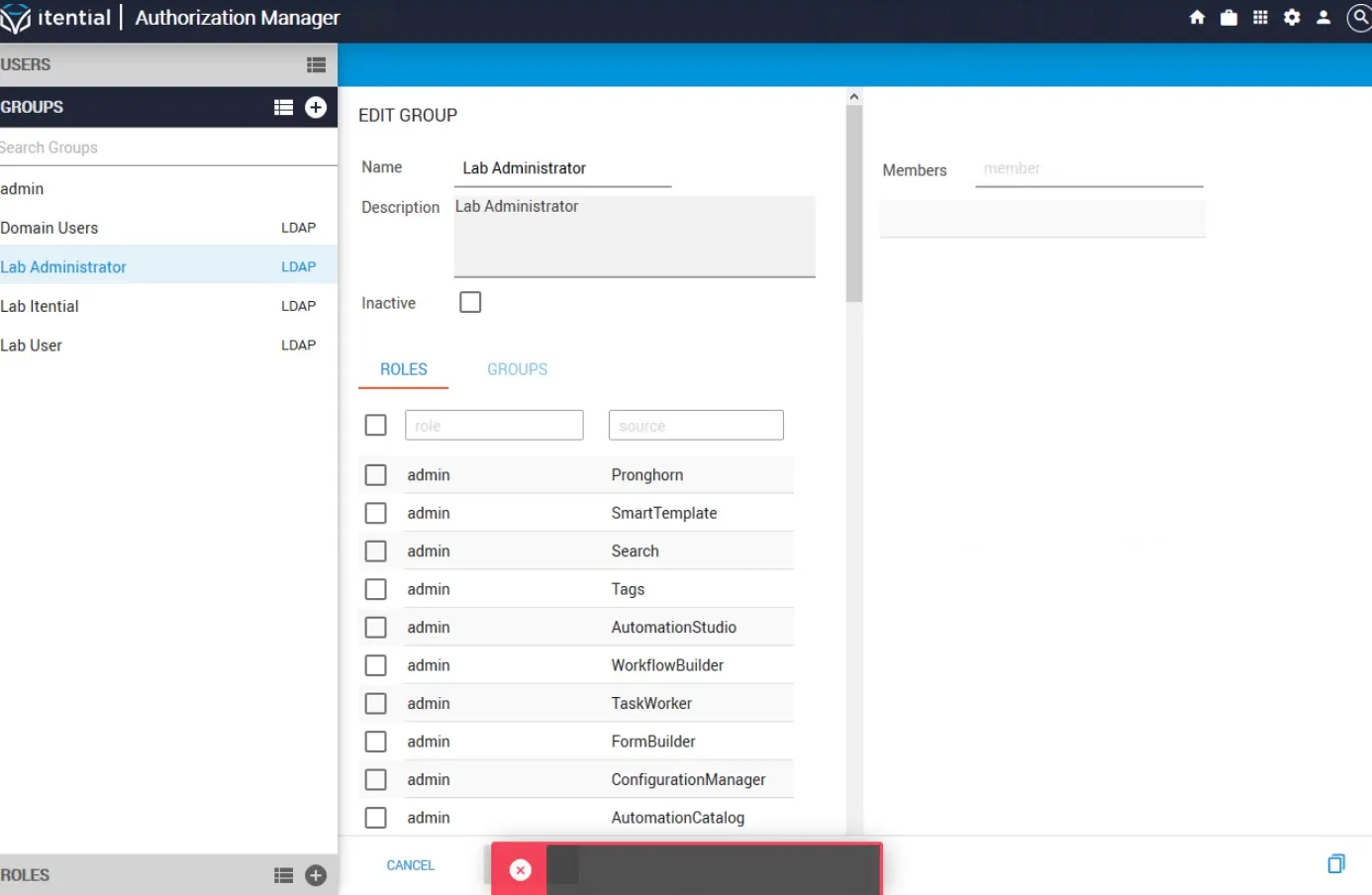

After running journalctl -fu itential-platform, the following error returns:
Solution
This issue is caused by the “admin” group having an _id that is a string rather than an ObjectID. Delete the group to fix it.
Jobs (Operations Manager) not showing updates
The Jobs UI is not showing any updates after running the upgrade.
Solution
The migration scripts have not run. Change to the migration script directory and run the scripts:
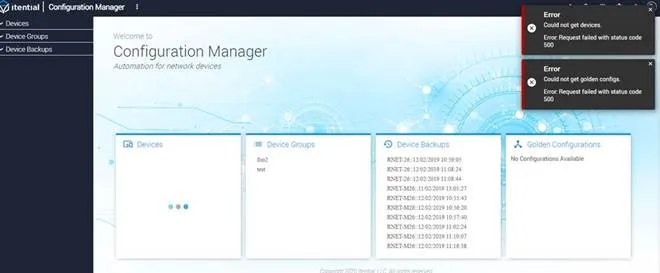
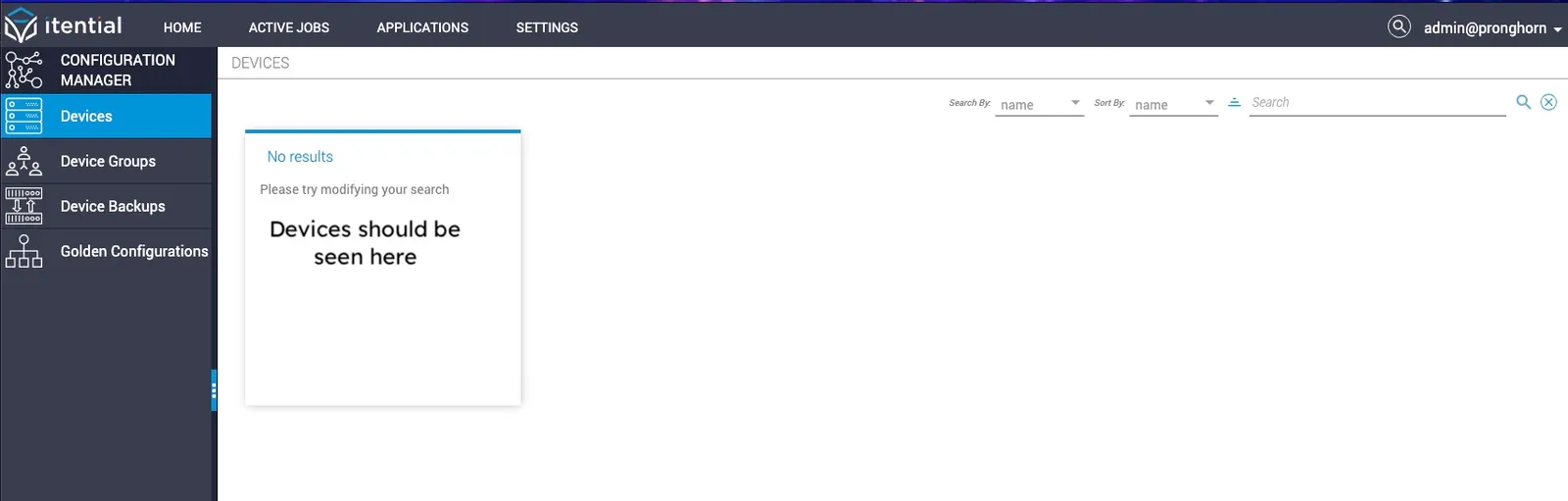
Devices not visible in Configuration Manager
The following error appears in ConfigurationManager.log:
Solution
The migration scripts have not run. Change to the migration script directory and run the scripts:
Failed to load schema warning
Beginning with the 2019.3 release, Itential Platform includes a built-in schema validation system for pronghorn.json inputs and outputs. This system identifies invalid schema formats and automatically converts them. In some cases the conversion script cannot handle the error, and a warning displays identifying the invalid data.
Valid types for pronghorn.json inputs and outputs:
- Type
'enum'is not a valid JSON schema type — it will be set toarray. - Type
'*'should only be used when you truly intend for an input/output to accept any type. Using this type limits JSON validation. - Common invalid types include:
json,json[],str,string[], and other variations.
Example: Valid pronghorn.json
Solution
Run the fix-pronghorn_json.js script to fix issues in pronghorn.json.
Task causing Workflow Engine to stall or crash
When an upgraded workflow is run, Workflow Engine either stalls or crashes at a specific task.
Solution
Delete the task and recreate it.
Error retrieving backups, device groups, and Golden Configurations
Errors occur in Configuration Manager when trying to retrieve backups, device groups, or Golden Configurations.
Solution
This applies toItential Platform 2022.1.x andItential Platform 2023.1.x only.
RabbitMQ not starting
RabbitMQ will not start after being upgraded. Error messages similar to the following appear in the RabbitMQ log:
Solution
Enable the feature flag indicated in the error using rabbitmqctl enable_feature_flag. For example:
For more information, see the RabbitMQ feature flags documentation.