search
The search task takes a regular expression and a string, then searches for the first match of the expression within the string. The task returns the index (position) where a match is found — indexing starts at zero. If no match is found, the task returns -1.
Potential use case
Use search to check whether a certain pattern exists in a string and to find its position. In conjunction with the substr method, you can use search to find and replace text in a data record.
Properties
Example 1
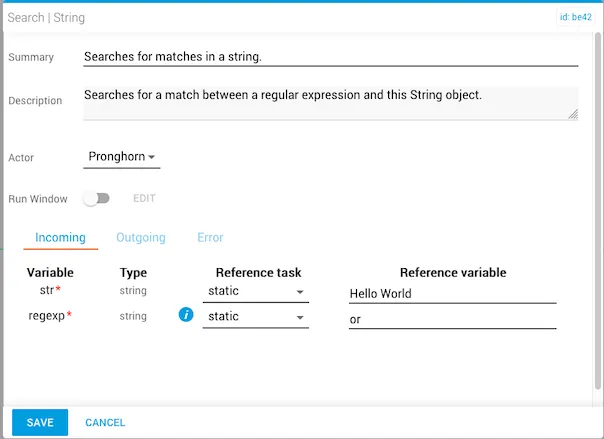
In this example:
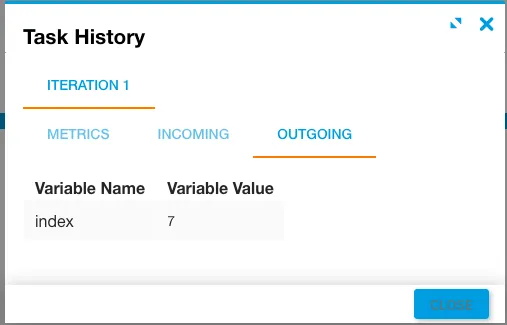
stris statically set toHello World.regexpisor.- The
indexresult is7, indicating the pattern"or"is located at position 7 in the string.
Example 2
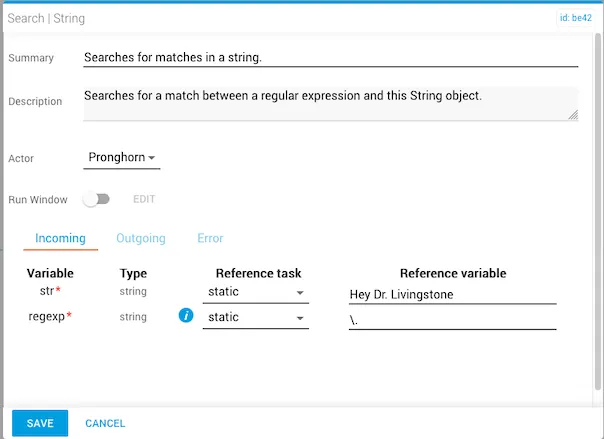
In this example:
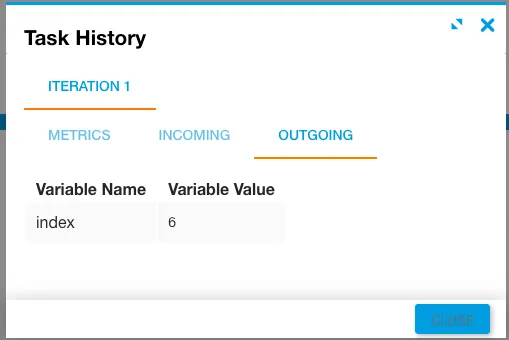
strisHey Dr. Livingstone.regexpis\., a special character class notation indicating the match should be a period (.).- The
indexresult is6, indicating the period is located at position 6 in the string.
For more information, see Using character classes in regular expressions on MDN.
Example 3
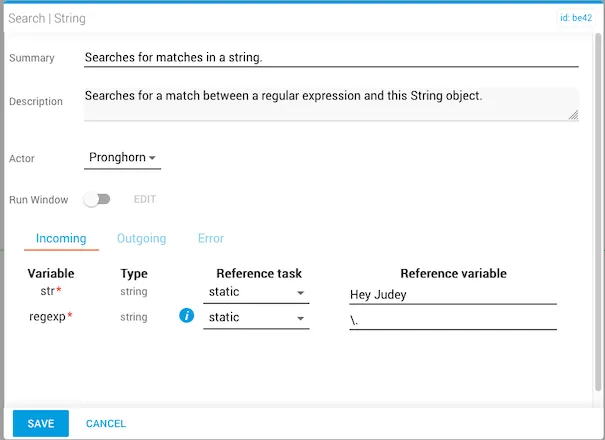
In this example:
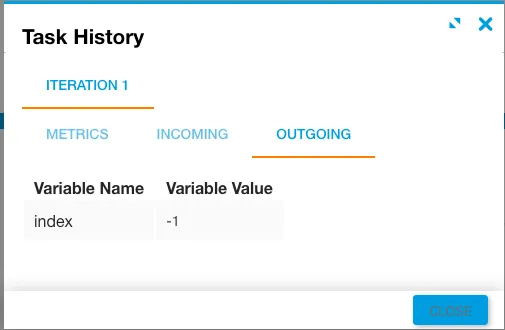
strisHey Judey.regexpis\., indicating the match should be a period.- Because no period exists in the string, the
indexresult is-1.