values
The values task returns an array whose elements are the enumerable property values of a given object.
Potential use case
Use values to create an array for use in a loop later in the workflow. This task is most commonly used in combination with other tasks in an automation workflow.
Properties
Example 1
In this example, the obj keys are "first" and "last" with values "myFirstName" and "myLastName" respectively.
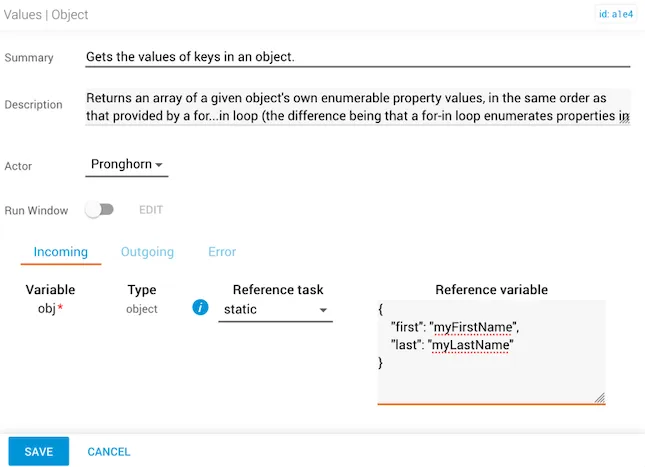
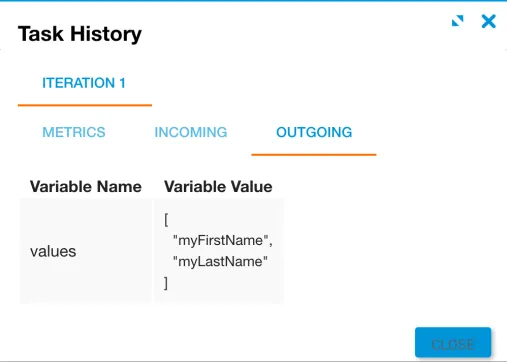
The outgoing values array contains the two property values:
Example 2
In this example, the obj key is "name" and its value is an object containing "first": "myFirstName" and "last": "myLastName".
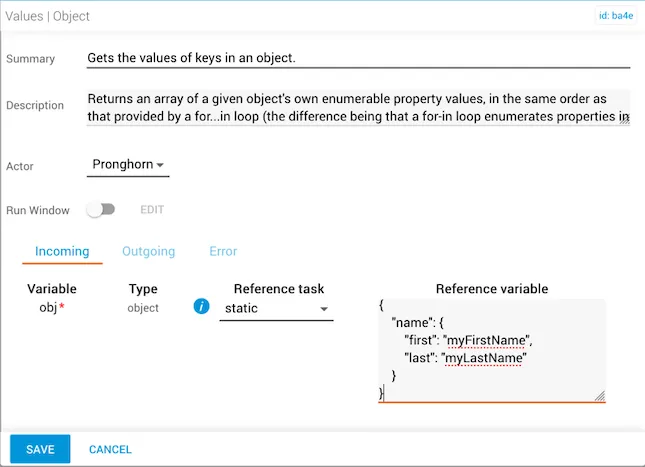
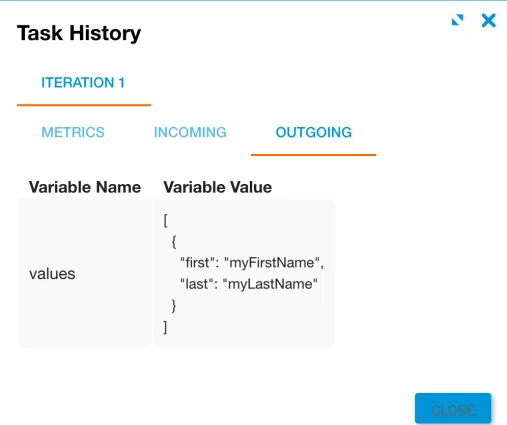
The outgoing values array contains the nested object as an element: