transformation
The transformation task runs JSON Schema Transformations (JSTs) during job execution, allowing JSON data to be consumed by endpoints with different formatting requirements.
For more information about JSTs, see the JST Designer documentation.
Task variables
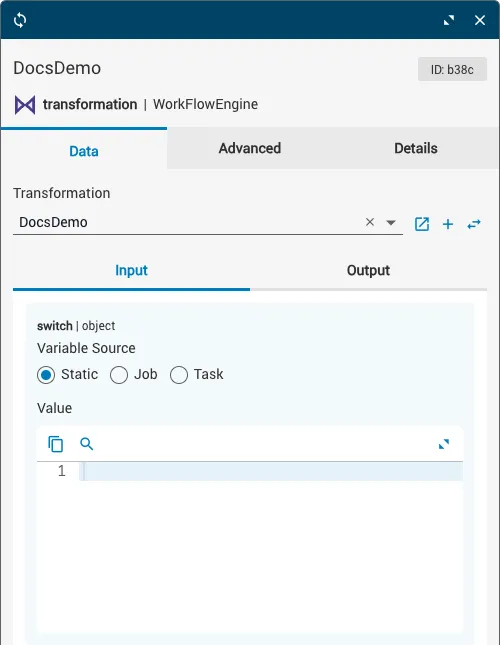
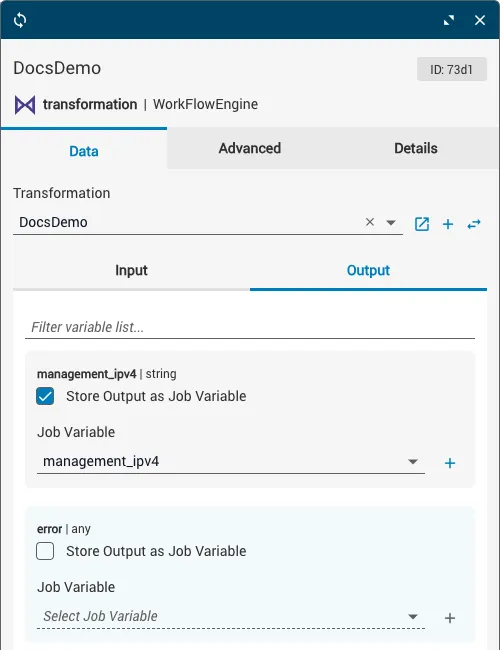
All transformation task variables are accessed via the Data tab of the task details window. The available variables depend on which JST the task is configured to run:
- Input variables are sourced from the incoming schema properties of the selected JST.
- Output variables (except
error) are sourced from the outgoing schema properties of the selected JST.
The data type of each variable matches the data type specified by the corresponding schema property.
Configure task variables
Select the JST
Click the Transformation dropdown at the top of the Data tab. Select the JST you want to run from the menu. The input and output variables populate based on the JST’s incoming and outgoing schema properties.
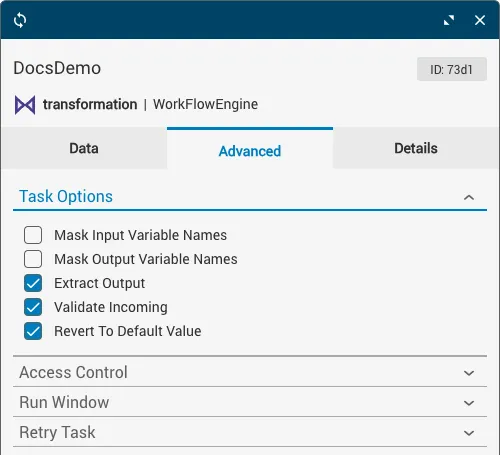
Task options
Task behavior can be further customized by enabling or disabling options in the Task Options dropdown on the Advanced tab.