Adapters
Before configuring an adapter here, install it on the Platform server. See Install and migrate adapters and custom applications.
The main page views for Admin Essentials > Adapters consist of the Configuration and Logging tabs, as described below. Available views, features, and interactions in the UI are limited based on user permissions.
Configuration tab
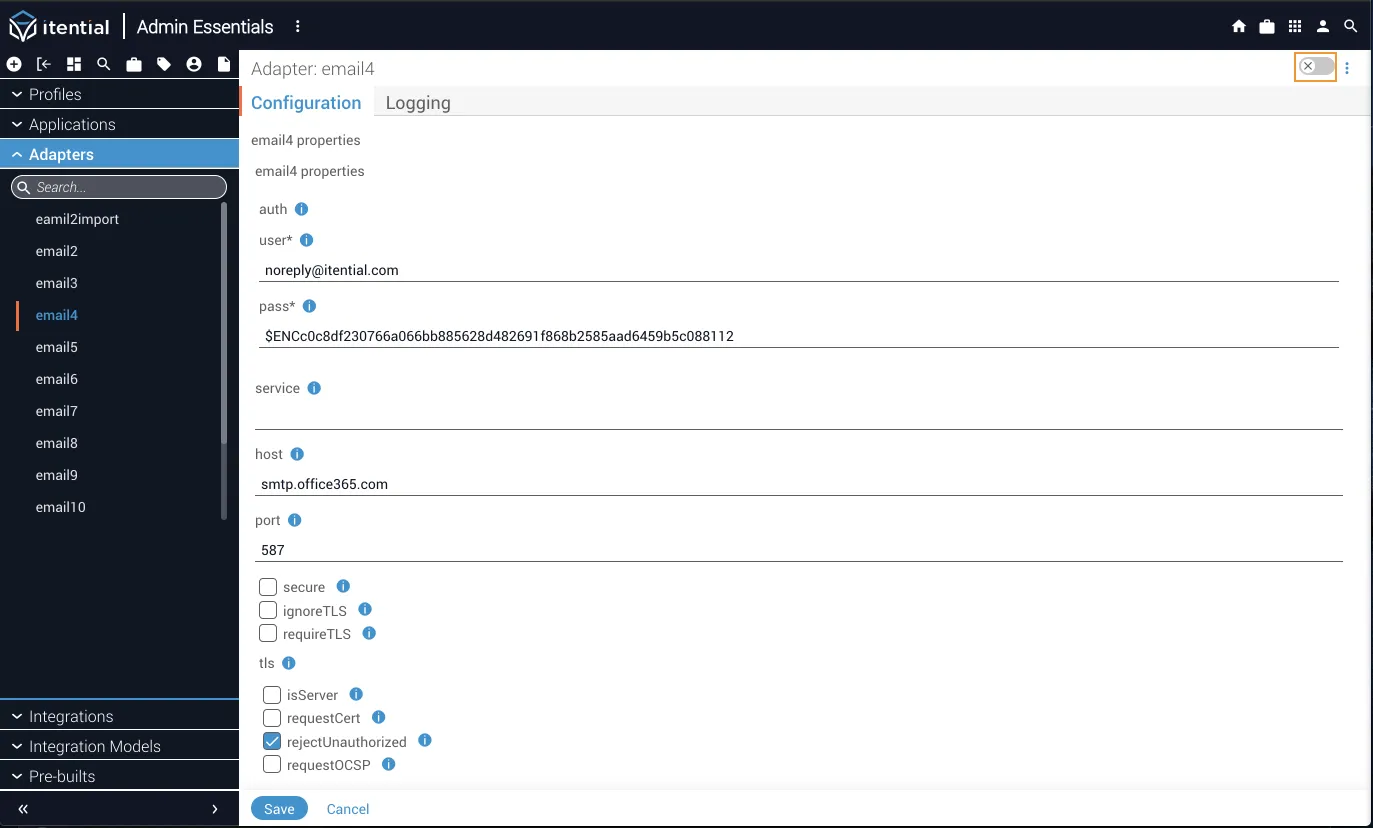
This is the main landing page for the adapter details view. If your adapter has properties to edit, they will be displayed here in a form view. If not, properties can be edited in the Advanced view (if user permission has been granted in the Adapters - updateAdapter permission method). To enable the Advanced view, use the toggle switch located in the upper-right corner. Brokers and groups can also be edited in the Advanced view.
Cloning or deleting an adapter
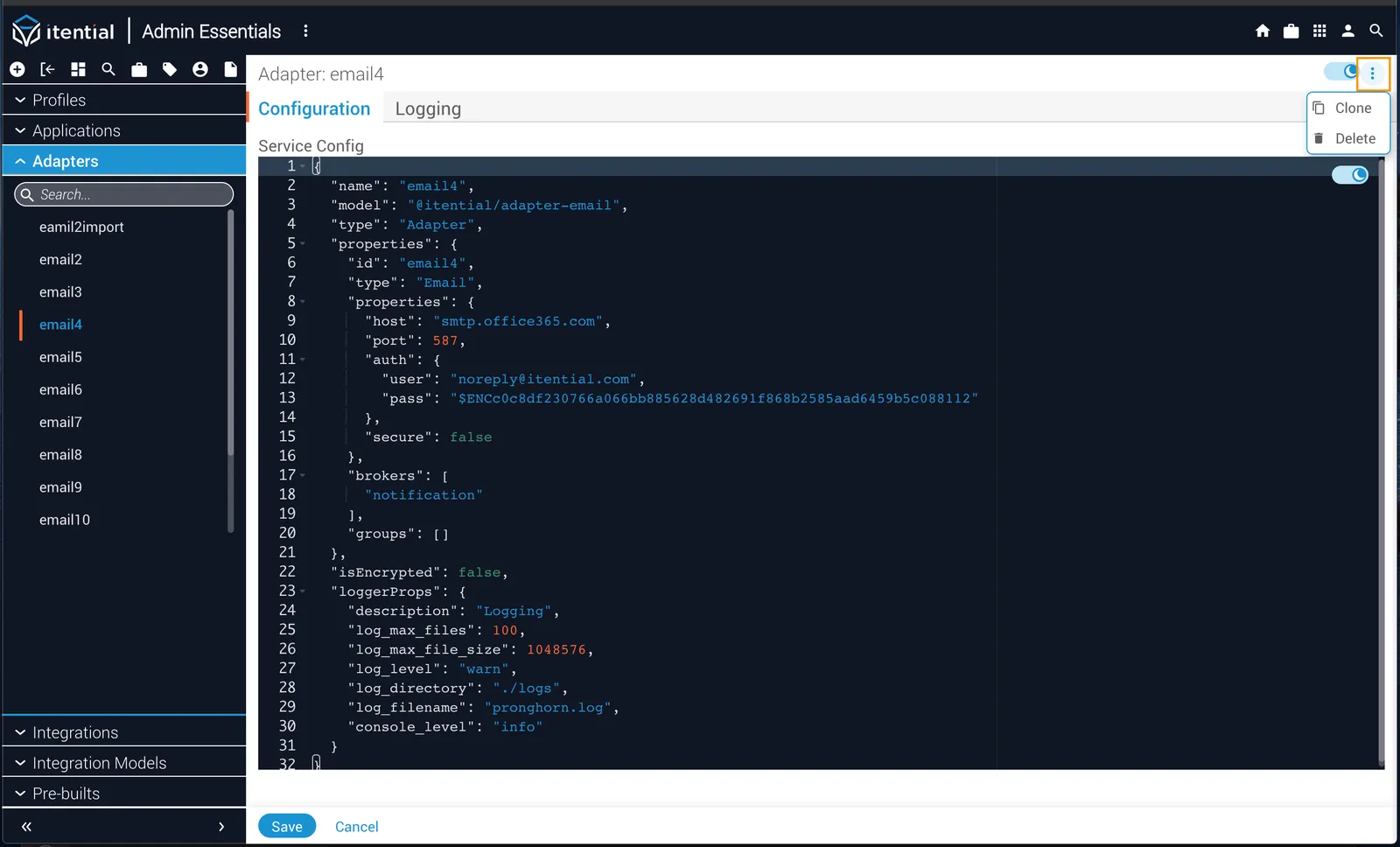
The More button (stacked dots icon) next to the toggle switch allows you to clone or delete an adapter if you have the proper permissions. Authorization to clone an adapter is set with the Adapters - createAdapter permission method. To delete, the Adapters - deleteAdapter method is used.
Logging tab
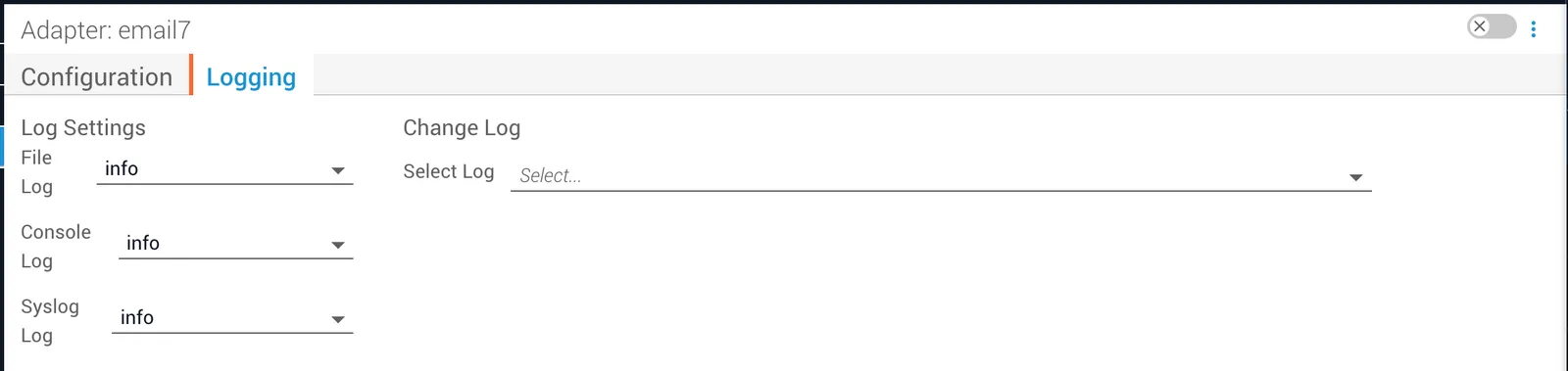
You can view the changelog of an adapter from the Logging tab. Use the Select Log dropdown to view the changelog for a particular release. From this tab you can also change the log level settings.