repeat
The repeat task copies a string a specified number of times. A new string is constructed from the original string containing the specified number of copies concatenated together.
Potential use case
Suppose you have a name in a list, and you need to fill out predefined spaces with the same name. You could use this task to repeat the name as required.
Properties
Example
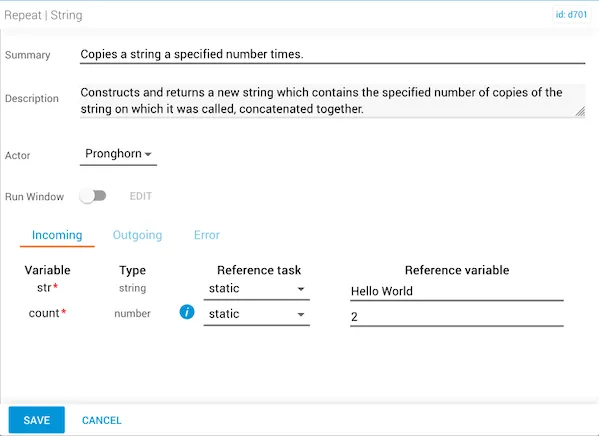
In this example, the incoming reference variable is “Hello World” and the count number is 2, which means the task will return a repeated copy of the str variable two times.
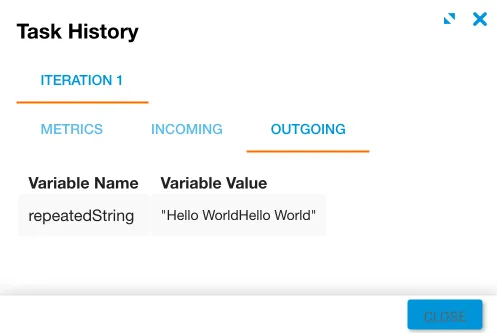
The result of this task creates a new string that has been repeated the desired number of times — the original str followed by a repeated copy of itself: Hello WorldHello World.