push
The push task adds an element to the end of an array. It dynamically appends the array upon which it is invoked and returns the new array.
Potential use case
For an upcoming network fiber rollout, you need to sort through multiple contact records to collect email addresses of customers in a specific area code so you can notify them of enhanced service availability. As these customers are found in the database, use the push task to add their email addresses to an array that a downstream email task can then loop through for sending notifications.
Properties
Example 1
In the example below, the reference task selected for each incoming variable is job.
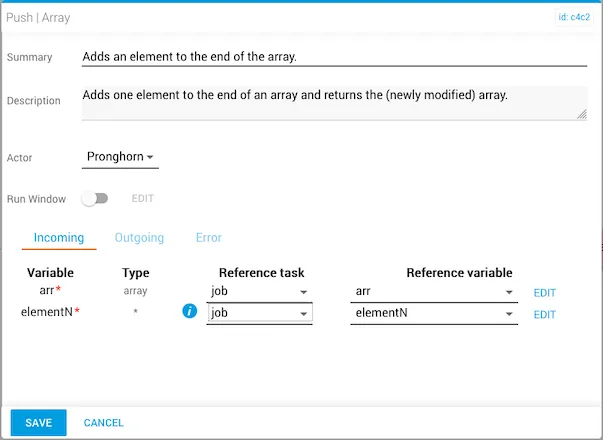
The reference variable for each incoming variable is arr and elementN, respectively. You can optionally toggle the Run Window slider to set the task to run on a schedule.
The array variables are set prior to running the workflow.
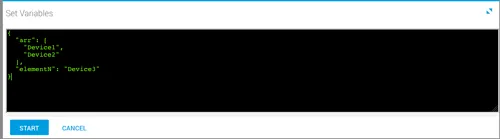
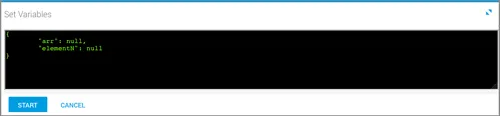
If the array is empty, an error is returned in the output.
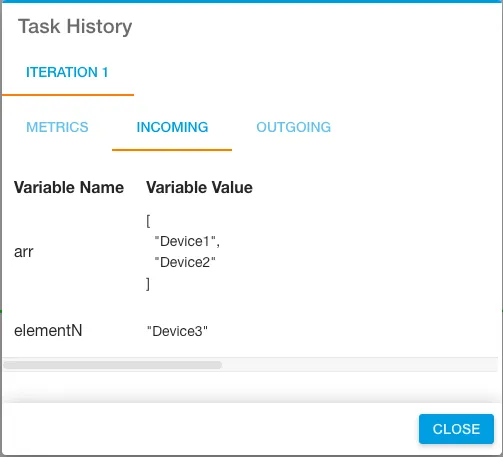
After running the workflow, the variable names and incoming variables appear under the Incoming tab in Task History (accessed from Jobs in Operations Manager).
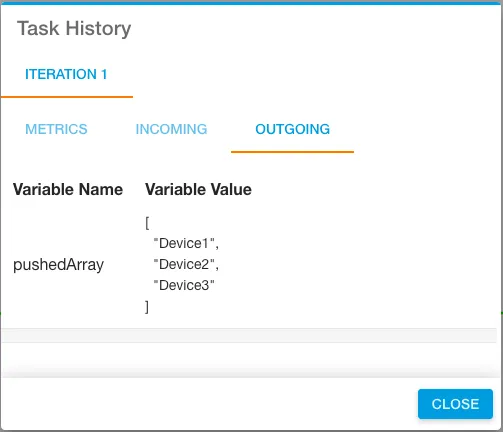
The Outgoing tab shows the result. Notice that “Device 3” was added to the end of the array.
Example 2
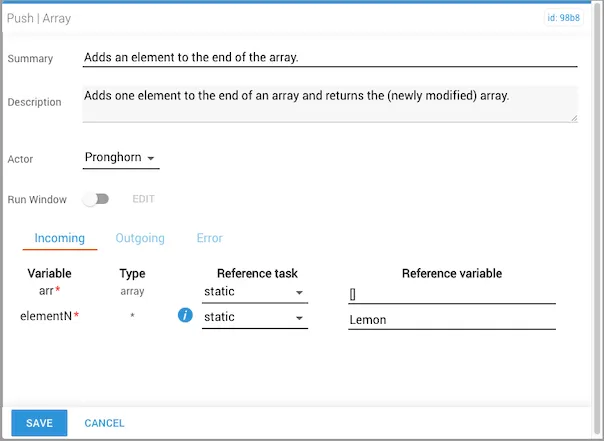
In this example, a new array is created within the workflow and a single value is pushed into it.
- The
arrvalue is statically set as[]. - The
elementNvalue is statically set as the string"Lemon". - The outgoing
pushedArrayvariable contains one item:["Lemon"].
Example 3
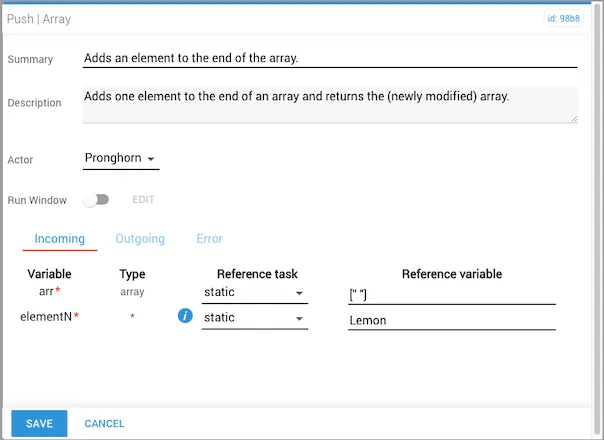
In this example, a new array is created with a space value already in it, then the elementN value is pushed immediately into it.
- The
arrvalue is statically set as[" "]. - The
elementNvalue is statically set as the string"Lemon". - The outgoing
pushedArrayvariable contains two items:[" ","Lemon"].