stub
The stub task is used as a placeholder or “stand-in” type of task in a workflow.
Potential use case
Suppose you are building a workflow and you identify some gaps in your high-level design, but you don’t want to stop to work out the details where those gaps exist. You could use the stub task as a placeholder, and once you’ve stubbed the placements that you need, go back and replace those stand-in tasks with a real task or a set of tasks that perform what your workflow is designed to do.
Properties
Example
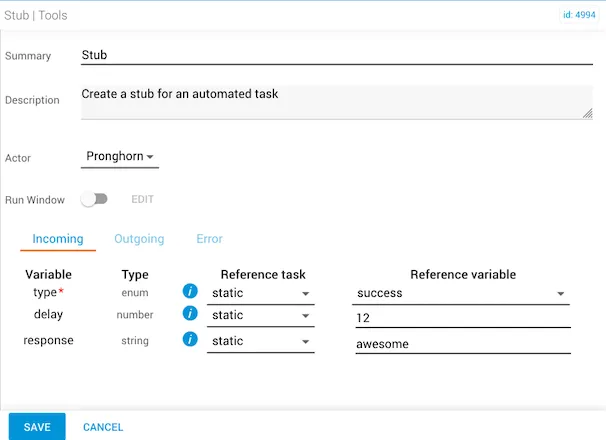
In this example, the type reference variable is set to "success". The job can also be set to "error", in which case an error is returned as the response instead of a clean and complete automation. The delay is set to 12, which shows in the automation as a delay of 12 seconds. The response to pass through is the word “awesome”.
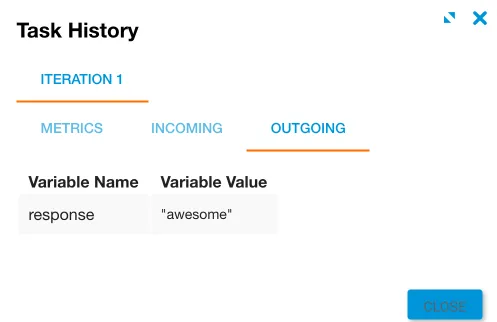
The response that returns for this stub is the word “awesome”, which completed after a 12-second delay. You can view the 12-second delay in Job Manager as the job is running.