

Troubleshoot Job Viewer
Common Access Issues
Cannot See Job Viewer in Navigation
Problem: Job Viewer does not appear in left navigation menu in the Itential Hub
Causes:
- Organization lacks access to Job Viewer
- User lacks required roles
Solutions:
- Contact your Customer Success Manager for entitlement
- Contact organization administrator for role assignment
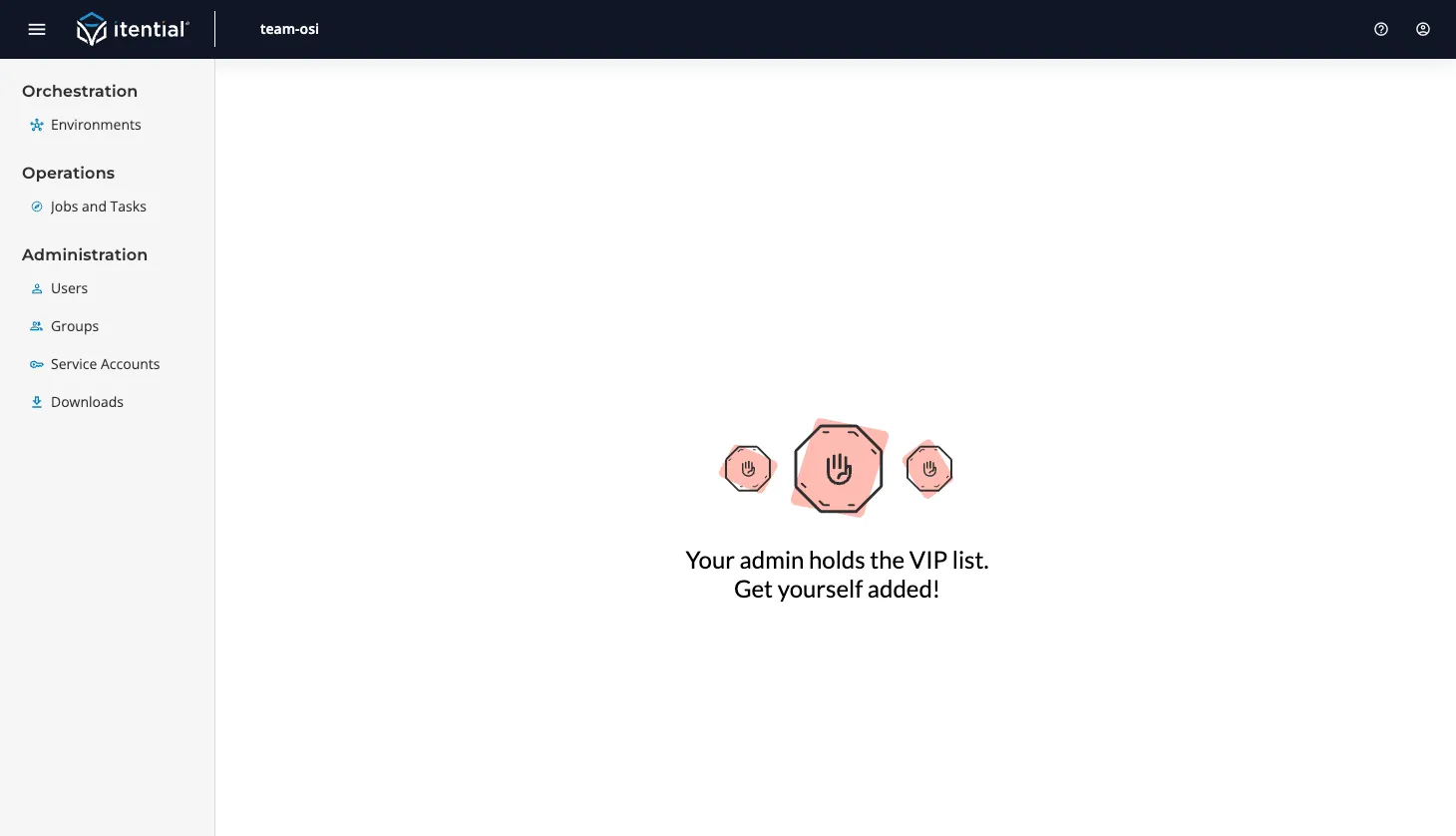
Empty Page with Contact Admin Message
Problem: See message to contact organization admin
Cause: Organization has access to Job Viewer but user has no roles
Solution: Request role assignment from your organization administrator
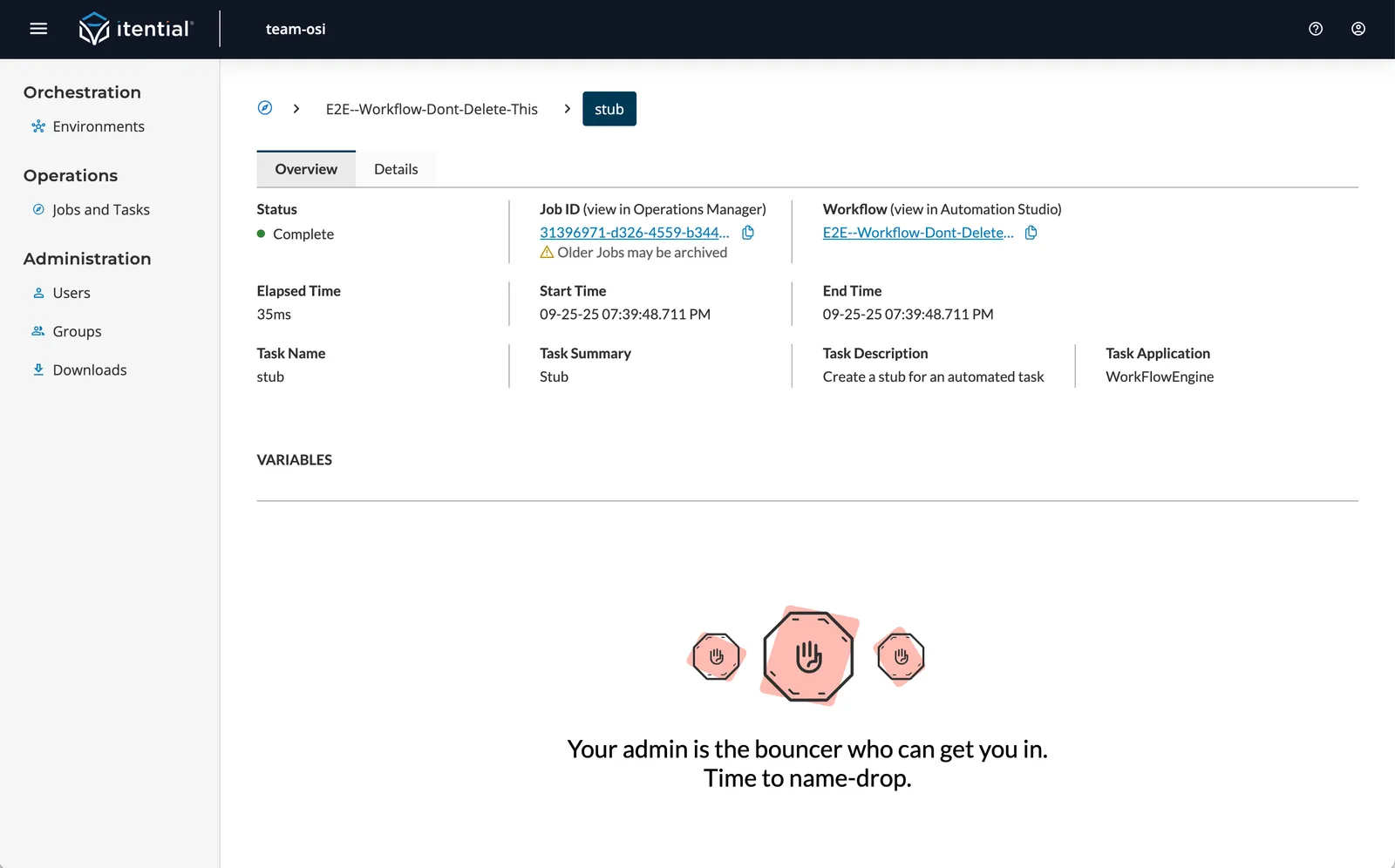
Cannot View Job Variables
Problem: Variables tab disabled or shows no data
Cause: User has jobs:view-metadata role but not jobs:view-detail
Solution: Request jobs:view-detail role from administrator
Data and Performance Issues
Slow Loading Times
Problem: Table takes long time to load
Potential Causes:
- Large dataset selected
- Multiple filters applied
- Network connectivity issues
Solutions:
- Use quick filters to reduce dataset size
- Clear unnecessary filters
- Refresh the page
- Check internet connection
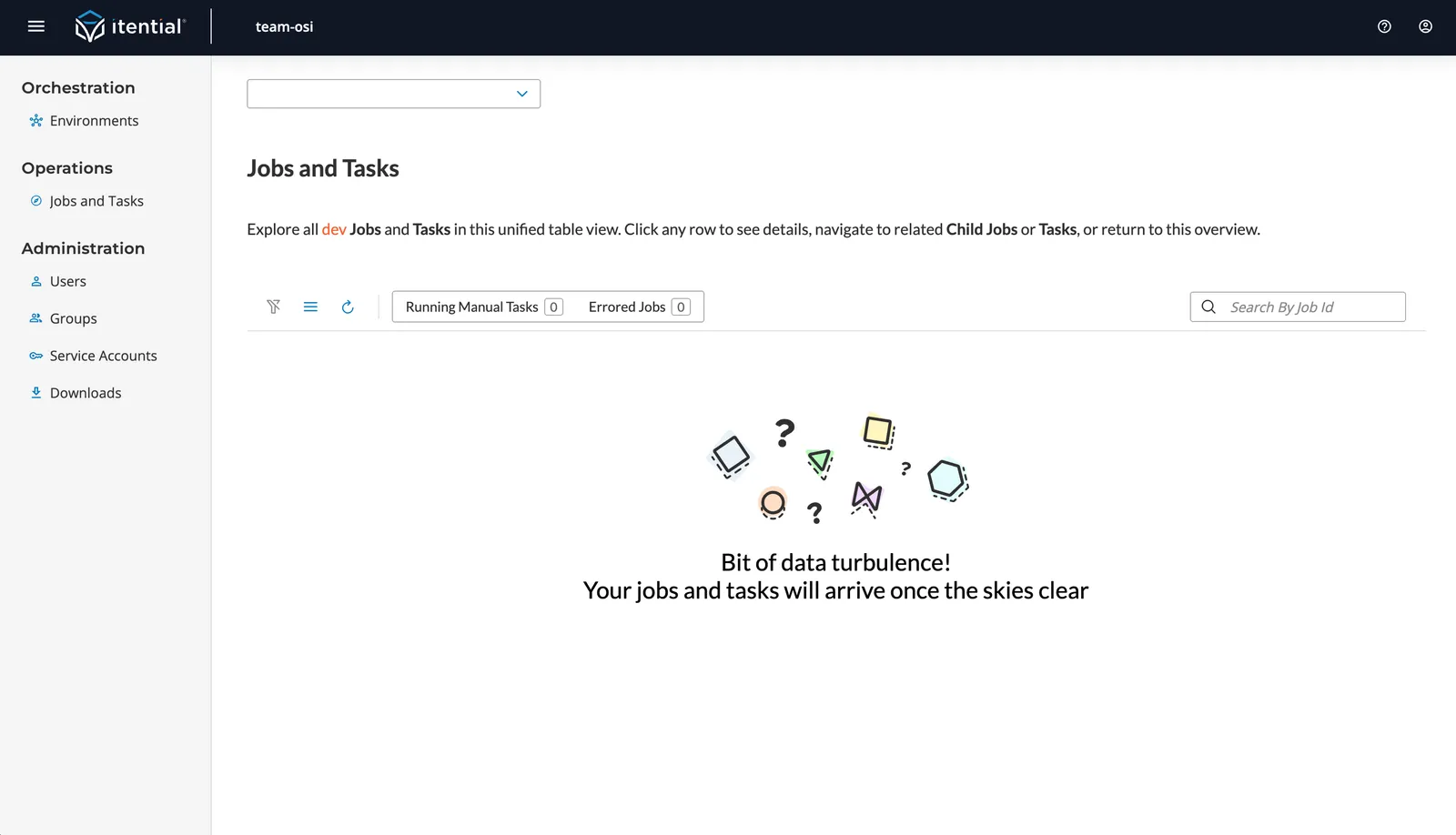
Missing Job Data
Problem: Expected jobs not appearing in table
Potential Causes:
- Wrong environment selected
- Filters hiding data
- Job data not yet migrated
Solutions:
- Verify correct environment selected
- Clear all filters using funnel icon
- Check Operations Manager for recent jobs
- Contact support if data consistently missing
Variable Data Not Loading
Problem: Variables tab shows loading spinner indefinitely
Causes:
- Large dataset processing
- Network connectivity issues
- Server processing delays
Solutions:
- Wait for processing to complete
- Refresh the page
- Try downloading the data directly
- Contact support if issue persists
Navigation and Interface Issues
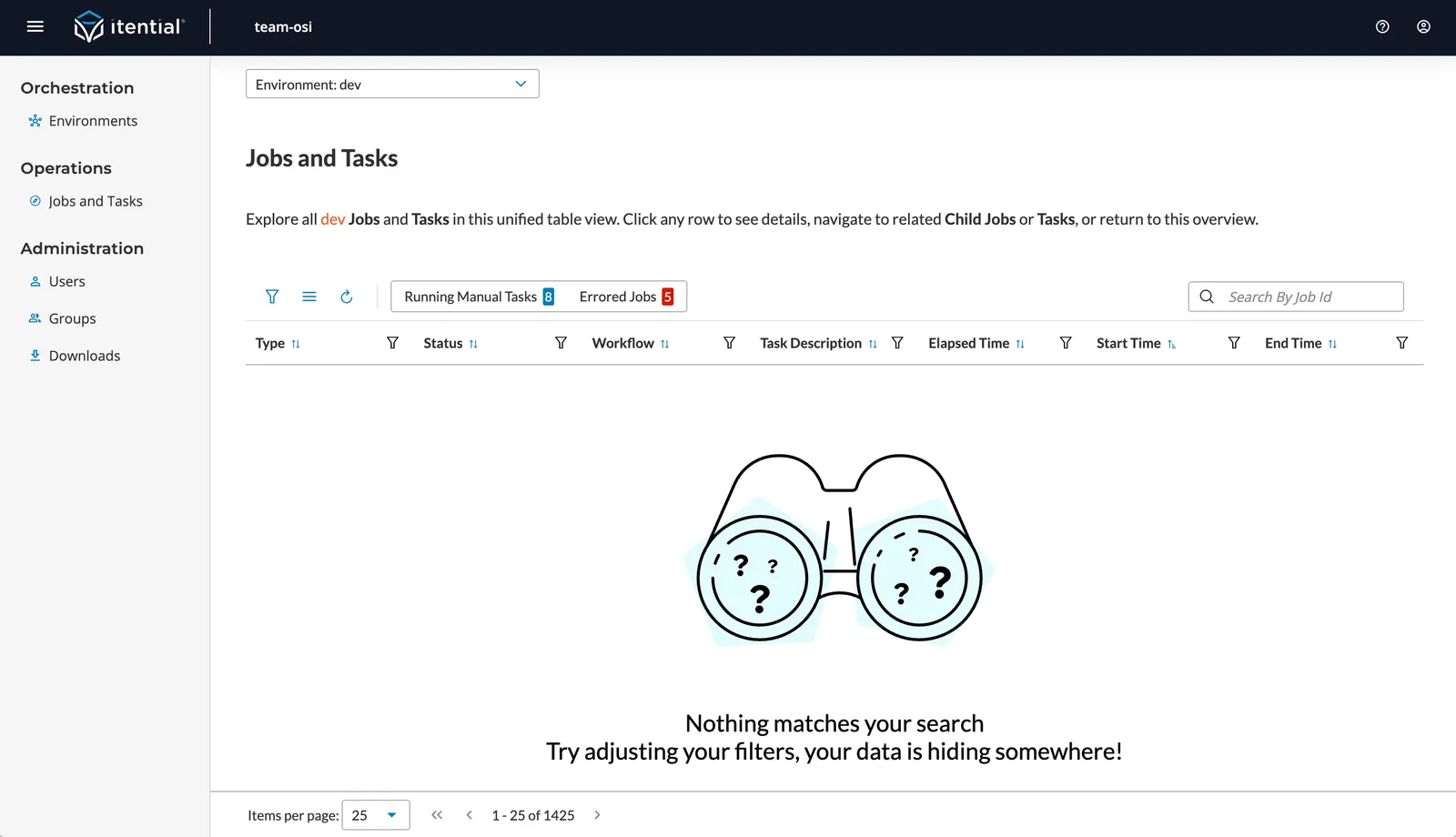
Filters Not Working as Expected
Problem: Filters produce unexpected results
Solutions:
- Clear all filters using funnel icon
- Check that correct environment is selected
- Verify filter combinations are logical
- Try using quick filters for common scenarios
Integration Links Not Working
Problem: Links to Operations Manager or Studio fail
Potential Causes:
- Permissions issues
- Environment mismatch
- Network connectivity
Solutions:
- Verify you have access to target application
- Confirm environment selection matches
- Try accessing applications directly
- Contact support if links consistently fail