Access control in Job Viewer
Understanding access levels
Job Viewer uses role-based access control with two main roles. You must be assigned at least one of these roles to access Job Viewer:
jobs:view-metadata
- View all job and task information except variables
- Access job overview and details tabs
- Use all filtering and search capabilities
- Restrictions:
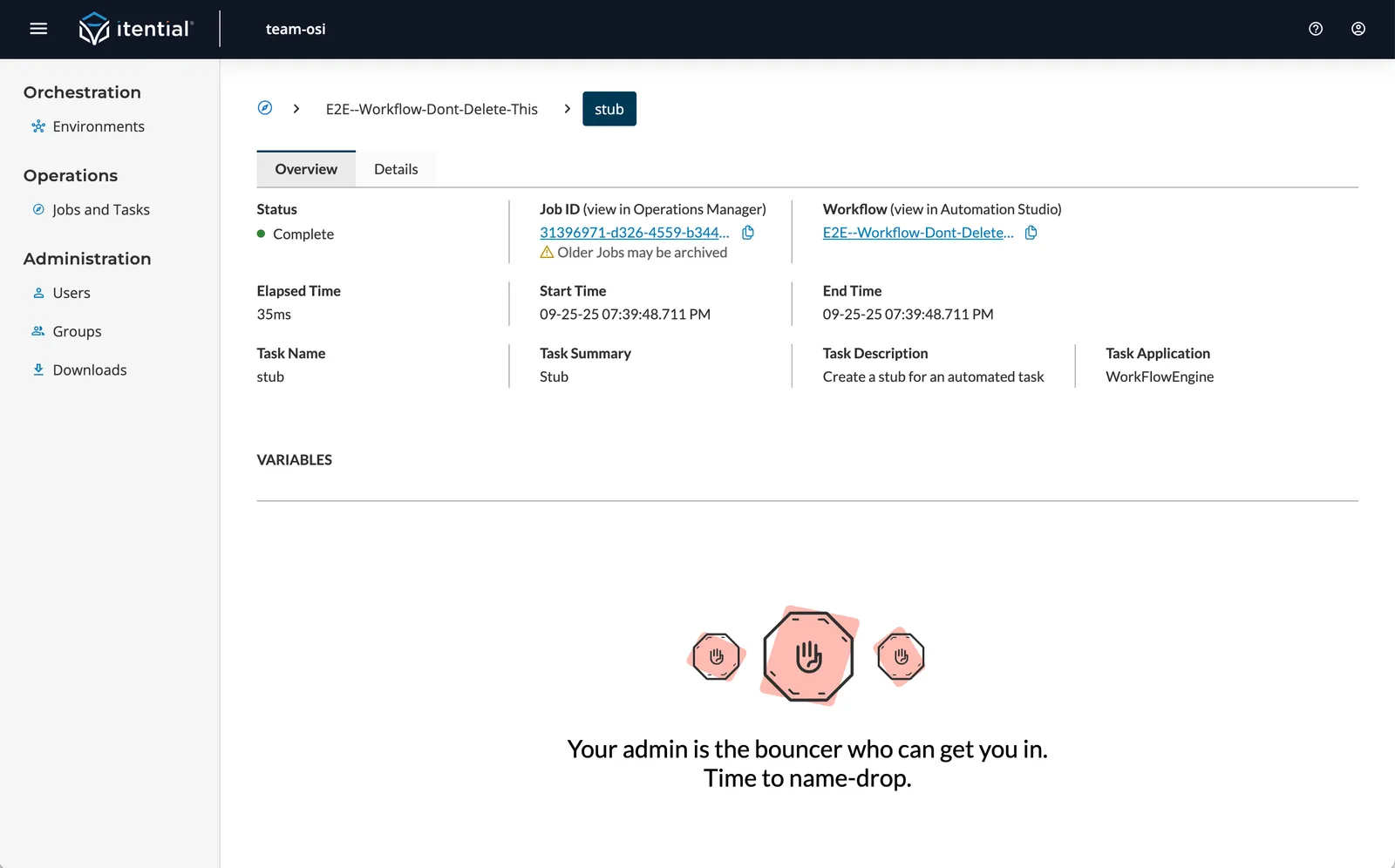
- Cannot view job or task variables
- Cannot download variable data
jobs:view-detail
- Full access to all Job Viewer features
- View and download job variables
- Access all tabs and detailed information
- No restrictions on functionality
For more information on assigning roles to users and groups, see Manage users and groups.
Troubleshooting access issues
Empty info page about Job Viewer
- Issue: Organization has not enabled Job Viewer
- Solution: Contact your Customer Success Manager (CSM)
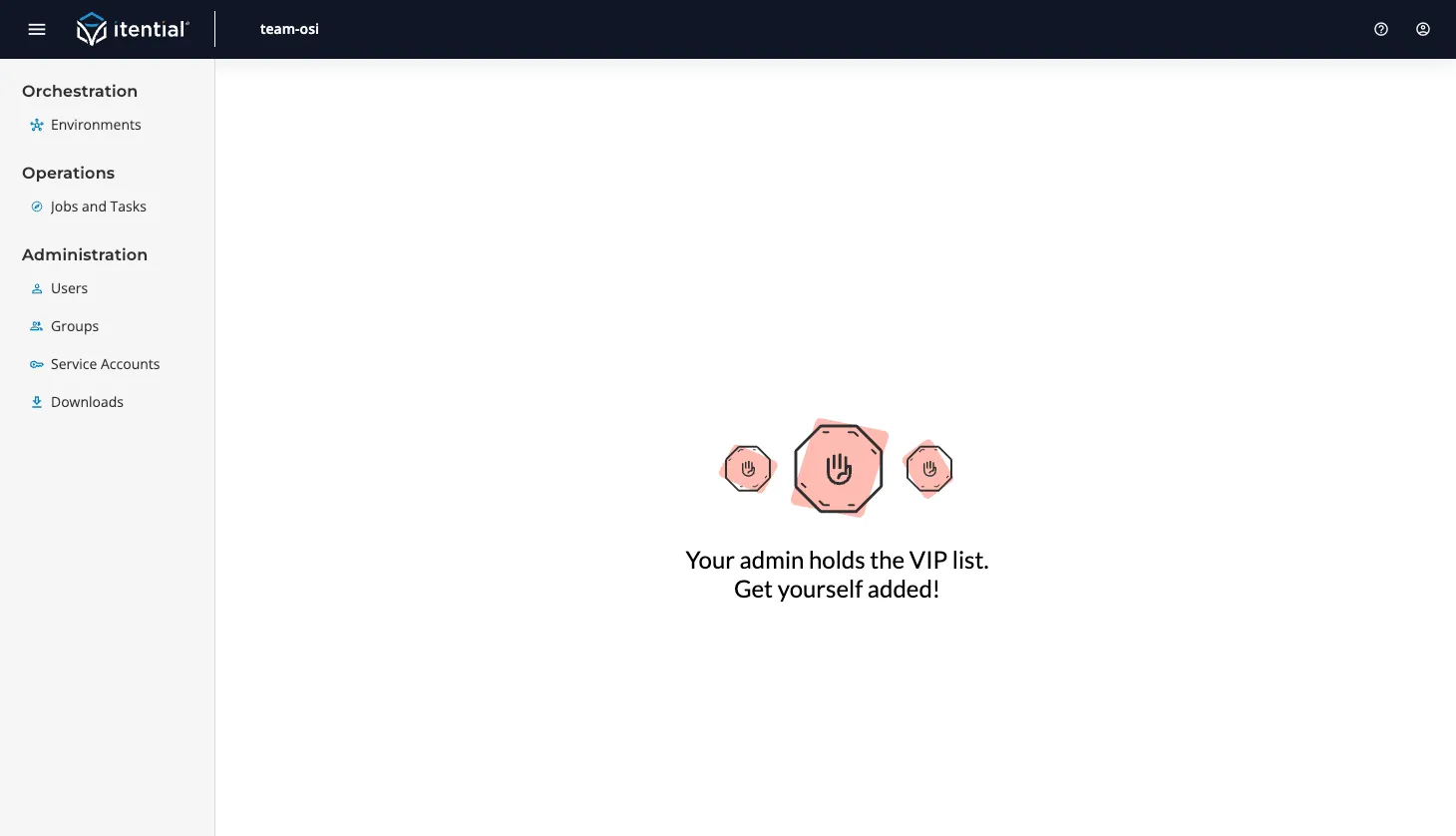
“Contact admin” message
- Issue: Organization has enabled Job Viewer, but you have no roles assigned
- Solution: Contact your organization administrator
Can see jobs but not variables
- Issue: You have
jobs:view-metadatarole but notjobs:view-detail - Solution: Request
jobs:view-detailrole from your administrator