

Sign in to Cloud Hub
Itential Cloud is a secure, web-based interface that gives administrators access to tools for managing cloud instances and controlling access across their organization’s Itential Platform environments and Itential Gateway instances.
Sign in to Itential Cloud
After signing in, you are redirected to Itential Cloud.
If you don’t know your Organization ID or receive “insufficient permissions” errors, contact your Itential Cloud administrator.
Create an account
If you don’t have an Itential Cloud account:
Manage your account
The My Account page lets you manage your Itential Cloud account settings.
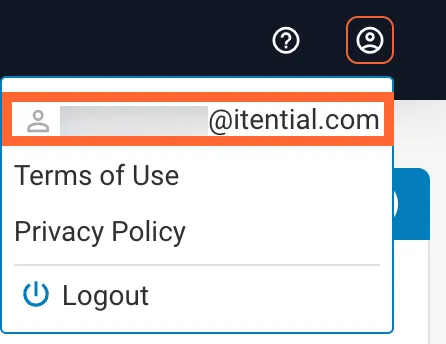
The My Account page has two cards:
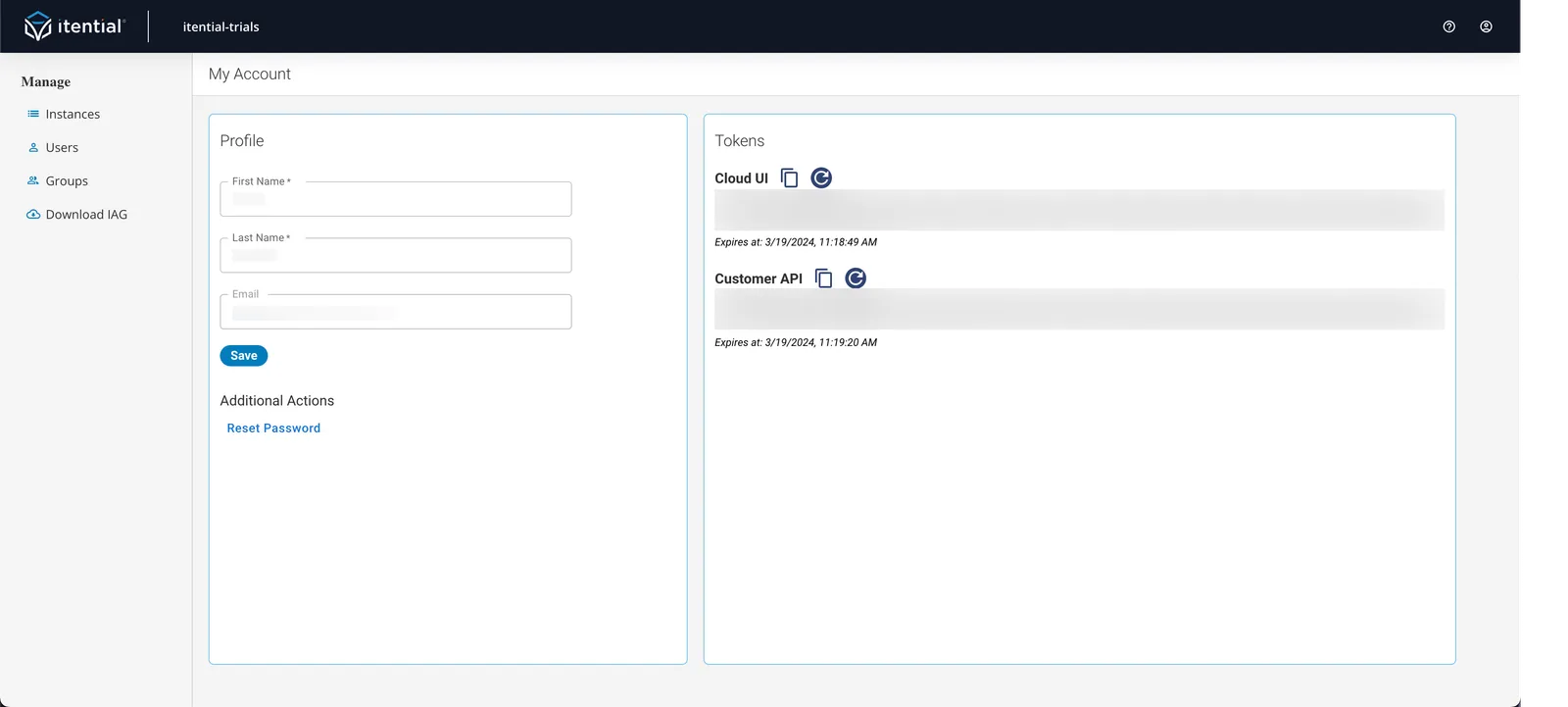
Update your name and email
If you sign in through the Local identity provider, you can change your account name from the Profile section.
Reset your password
In the Profile section, click Reset Password under Additional Actions. An email with a password reset link is sent to your account email address.
Manage access tokens
To copy an access token, click the Copy to Clipboard icon in the Cloud UI or Cloud API section of the Tokens card.
To refresh an access token, click the Refresh icon in the Cloud UI or Cloud API section of the Tokens card.
Get support
Select a resource
Select a link from the menu. The resource opens in a new browser tab. The Get Support option directs you to the Itential Service Desk customer support portal.