

For AI agents: a documentation index is available at the root level at /llms.txt and /llms-full.txt. Append /llms.txt to any URL for a page-level index, or .md for the markdown version of any page.
Open sourceSupportFAQsDocs Home
DocumentationAPI referenceRelease notes
  • Platform On-Prem
    • Overview
    • Navigate
    • Search resources
  • Apps
      • Overview
      • Navigate
        • Overview
        • Terminology and concepts
        • Best practices
        • Create and run workflows
        • Keyboard shortcuts
        • Child job looping
        • Query form data
        • Canvas debug mode
        • Troubleshoot
    • Itential Automation Gateway
  • Resources
    • Itential Academy
    • Version lifecycle
    • Itential MCP
    • Accessibility conformance
    • Get support
    • FAQs
LogoLogo
Open sourceSupportFAQsDocs Home
AppsStudioWorkflows

Query form data

Was this page helpful?
Previous

Optimize workflow engine performance overview

Next
Built with

Form data is passed into a workflow through a formData field, which is available as a job variable in Workflow Builder. Use the query task to access data stored in different containers within the formData object.

The formData object does not appear as a job variable option by default.
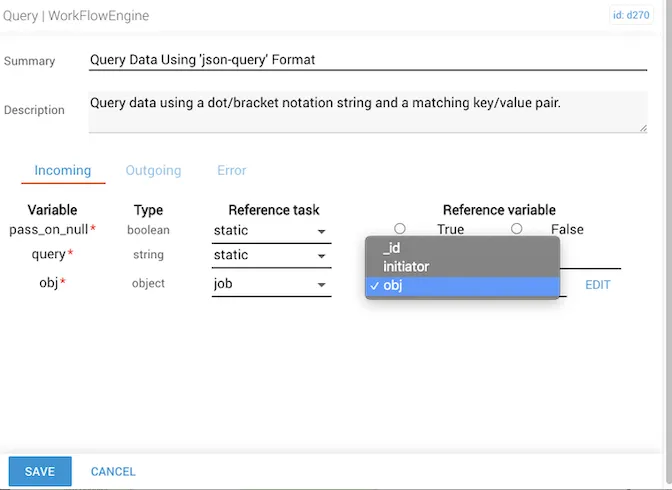
Job options panel without formData visible

Add it manually using the Edit button to the right of the job options.
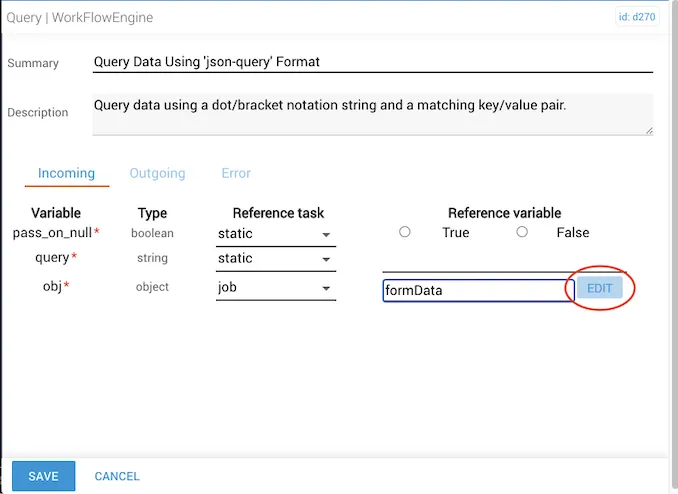
Edit button for manually adding formData to job options

Once added, formData is available as a job option in other tasks throughout the automation.
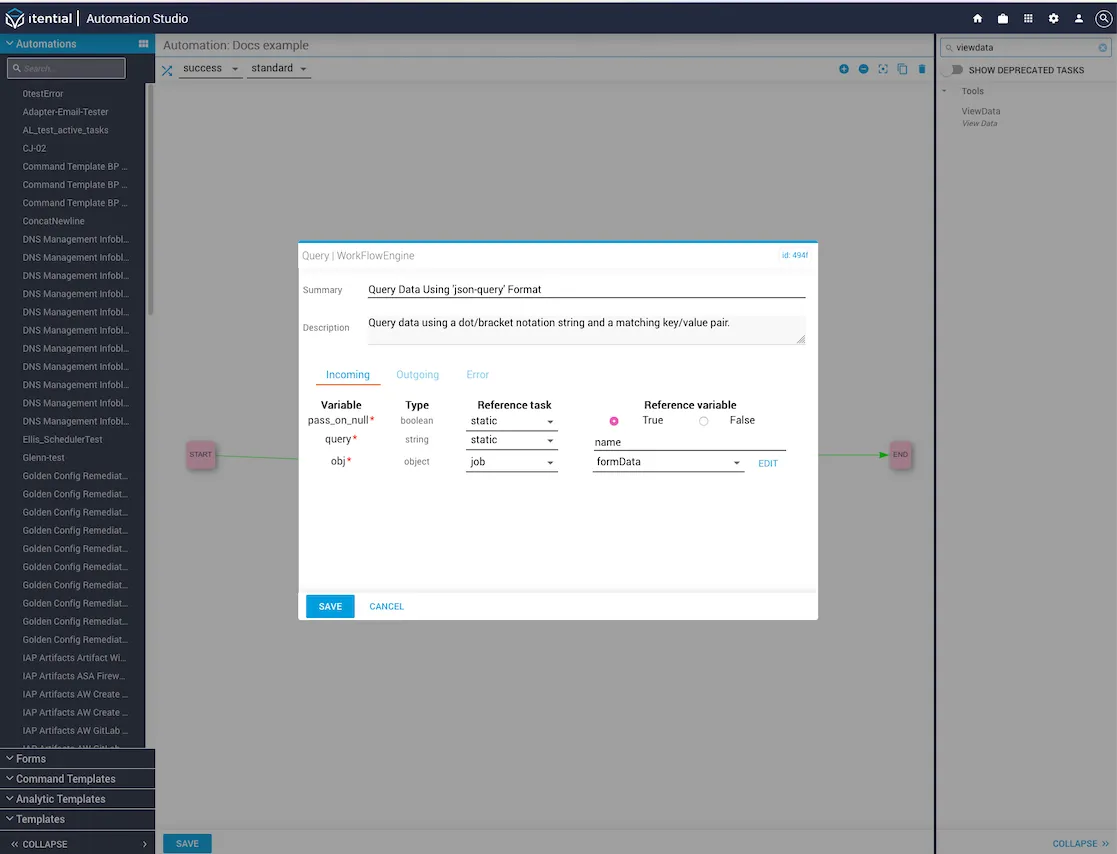
Example of querying form data on the automation canvas