

OpenConfig integration
Beginning in the 2023.2 release, Itential Automation Gateway (IAG) works with OpenConfig (previously referred to as gRPC) for connecting devices. OpenConfig is a cross-platform, open source framework for implementing RPC (Remote Procedure Call) APIs in any environment. As a framework, OpenConfig offers pluggable support for load balancing, tracing, health checking and authentication with a lower processing complexity.
For related reading, see gRPC documentation.
Install OpenConfig
To get started, install pip in the virtual environment. Restart IAG.
Verify OpenConfig is enabled
Go to Configuration in IAG using the left side navigation and click OpenConfig (e.g. gRPC) to verify the setting has been enabled. Select the checkbox and click the Save icon.
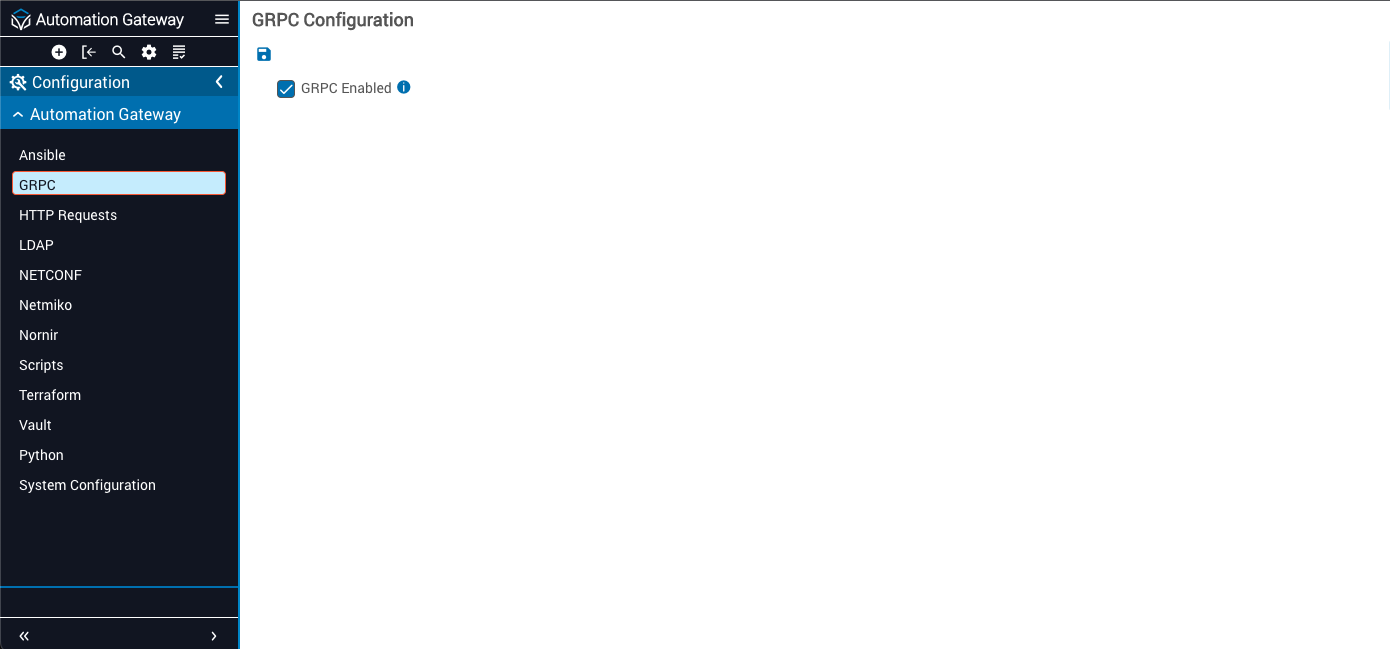
Configure OpenConfig
Use the side-navigation menus in IAG to open the subheading options. In this example, gRPC contains nested subheadings (menus) for:
- Inventory
- gNMI
- gNOI
Inventory
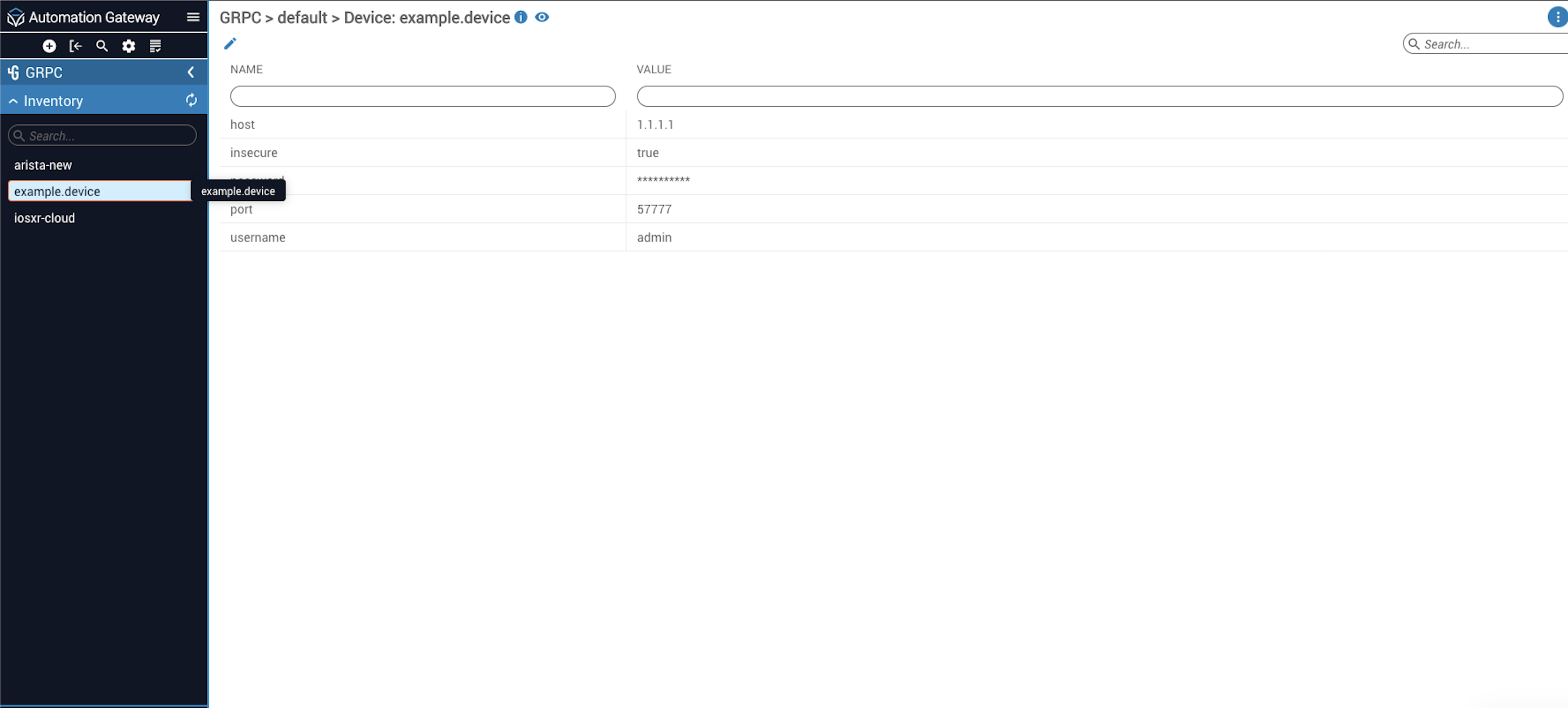
The Inventory list contains devices created to run and use OpenConfig. The device will appear in the left side navigation bar. Clicking on the device will display parameters (i.e., host, port, username, etc.) and values specific to the device. Click the pencil icon to edit the parameters.
gNMI
Use gNMI to configure get and set for OpenConfig.
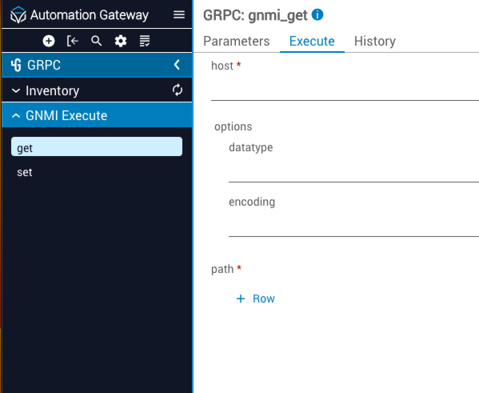
The gnmi_get mechanism is used to pull in or acquire data.
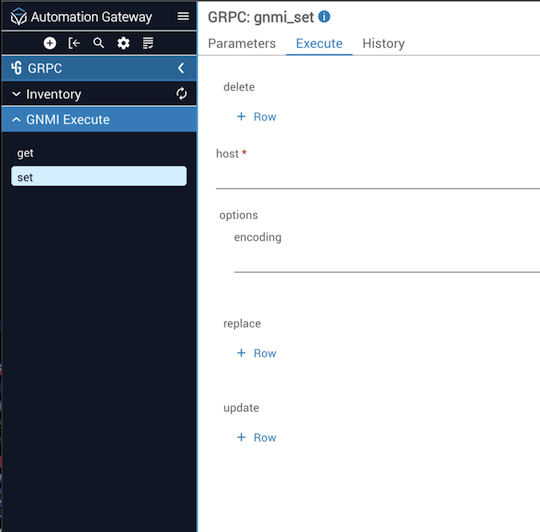
The gnmi_set mechanism is used to execute a command.
gNOI
Use gNOI for operational commands on a device such as ping, trace route, and reboot.
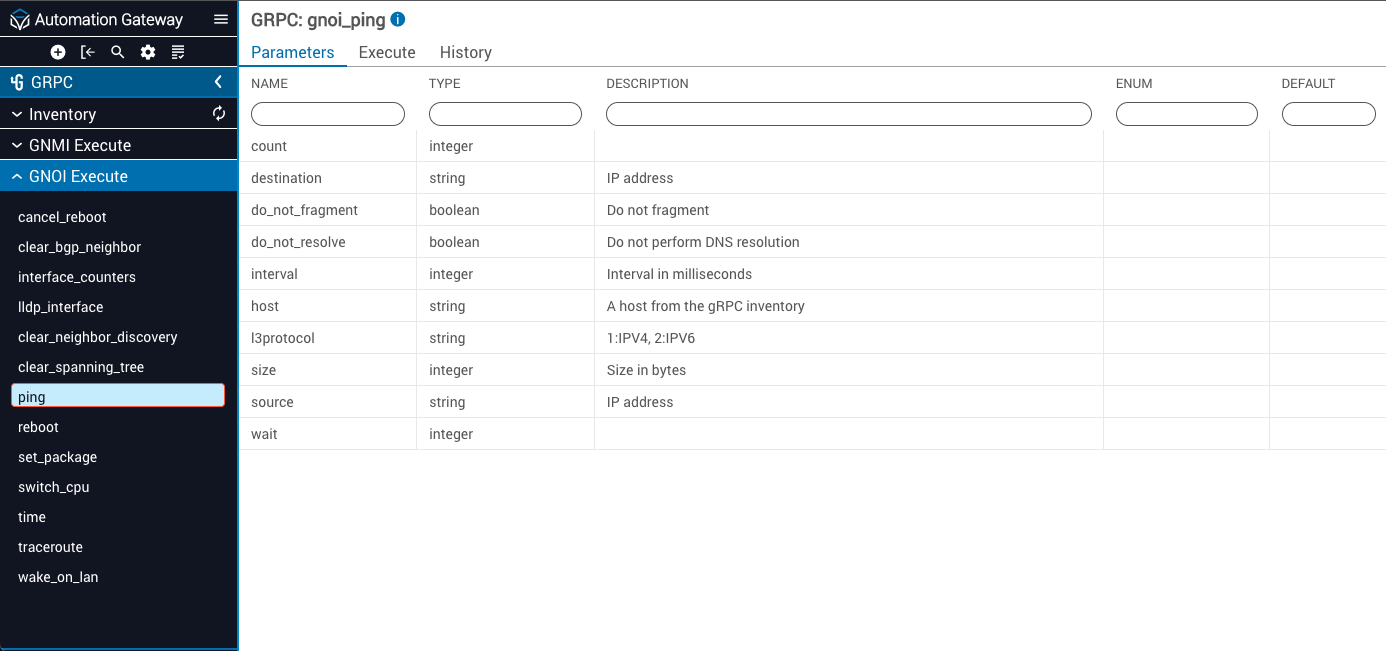
Create devices in OpenConfig
To create an OpenConfig device, click the + sign in the top toolbar above the left side navigation. A Create dialog opens. Use the dropdown to make your selection (e.g., GRPC Device). Input a device name and configure the variables needed to create the device. Once all the device variables are set, click the Create button.
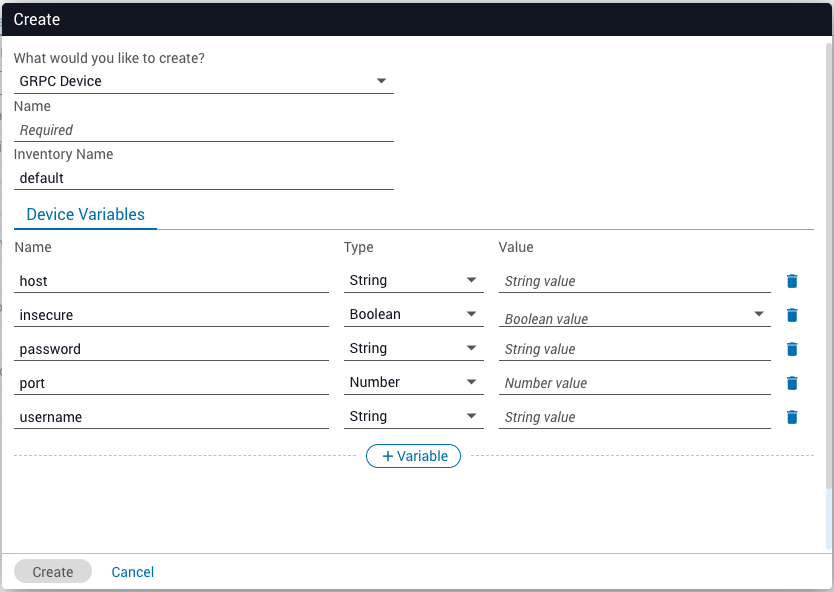
OpenConfig device variables
Variable datatypes can be found in the OpenAPI v3 specification in the help section of the IAG UI.
Send a JSON POST to create devices
A JSON POST can be sent to /api/v2.0/inventories/grpc/default/devices to create a device.
Example post request:
Use TLS with OpenConfig devices
Before connecting securely to OpenConfig devices, an appropriately configured system PKI infrastructure is required (trusted root certificates and client certificates). Consult your system administrator to ensure these requirements are in place before proceeding with a secure OpenConfig device setup. To use secure TLS certificates with OpenConfig, configure the device and set insecure to false.
A simple device example (JSON POST) that skips server verification is shown below.
Example: TLS secured OpenConfig device without server certificate validation