The HTTP Requests integration in Itential Automation Gateway (IAG) allows you to send HTTP requests to inventory devices. This means that you can communicate with any networking device that supports management protocols with HTTP as a transport option. Examples include REST, RESTCONF, NETCONF, JSON-RPC, gRPC, and many more.
For use cases that IAG has a direct integration for, such as NETCONF, you should use the specific integration directly to avoid dealing with the HTTP layer present in the HTTP Requests integration.
The main purpose of an inventory device, in terms of HTTP Requests, is to supply the protocol (http/https) and base_url (domain name/IP address) information for requests so that it can build the URL for the request, regardless of a specific request endpoint. Additionally, variables may be stored here and referenced in the request to avoid unnecessary duplication and promote good practices for handling sensitive variables such as credentials or other secrets. See the Jinja categories for additional information on variable references.
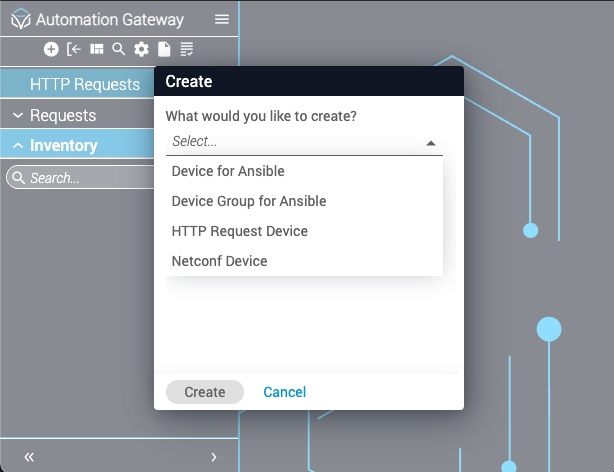
Inventory device creation follows IAG’s general name/variables formatting. A device can be added via API call or by using the GUI.
For detailed information about this piece of the API spec, see the Swagger endpoint: /api/v2.0/inventories/http_requests.
HTTP Requests allow you to reference inventory device variables inside a request execution. A common use case is to supply username and password variables in the inventory device so they do not need to be explicitly supplied in the request call.
You can execute a request against an existing inventory device via API or by using the GUI to manage a remote device via HTTP. The provided information is then combined with the inventory device variables and sent to the end device. Because there are several different protocols and implementations based on HTTP, this integration aims to be as generic as possible to enable use of endpoints from REST calls to gRPC executions. In its current form, you must supply variables such as the HTTP request type, headers, data, and so on, depending on the type of call you are trying to make and what data the end device expects.
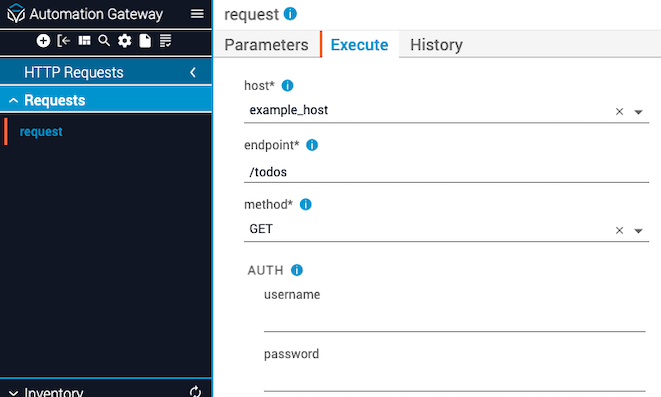
A request can be executed via API call or by using the GUI.
For detailed information about this piece of the API spec, see the Swagger endpoint: /api/v2.0/http_requests/request/execute.
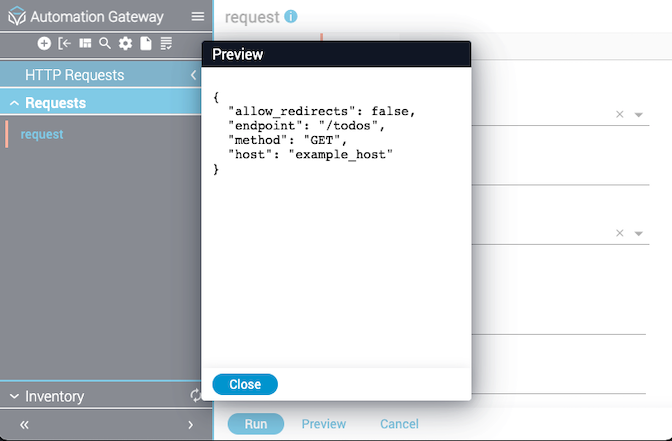
Due to the diversity of requests, a single general example cannot fully display the flexibility of HTTP Requests. However, the simplest request requires only a handful of required keys.
Navigate to HTTP Requests in the sidebar, select the Requests tab, then select the Execute tab.
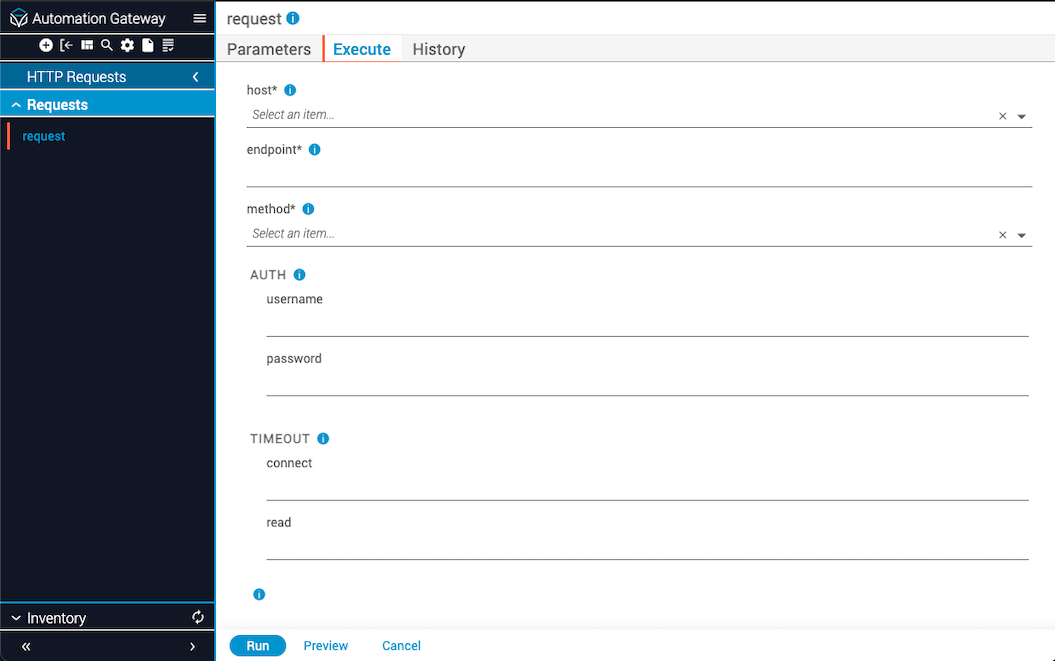
To reference a variable from the targeted inventory device, supply Jinja syntax with the variable name. This allows you to keep your secrets or other information in a centralized place in IAG, rather than explicitly supplying it with every request.
The following example request snippet pulls the username and password from a given inventory device:
Depending on your familiarity with Jinja, you can supply conditional statements as well as simple dereferencing syntax. For example, if some of your hosts use the username variable name and others use api_username, you can write a simple if statement to try to grab the first but default to the second. This allows one request call to work with multiple different usernames regardless of the key or value.