Python virtual environment (VENV)
Using the Python VENV
The Python Virtual Environment (VENV) is used to execute and test scripts with various versions or dependencies in a specific environment. The scripts contained in the environment are all Python scripts, which you can view under Scripts in the left navbar of Itential Gateway.
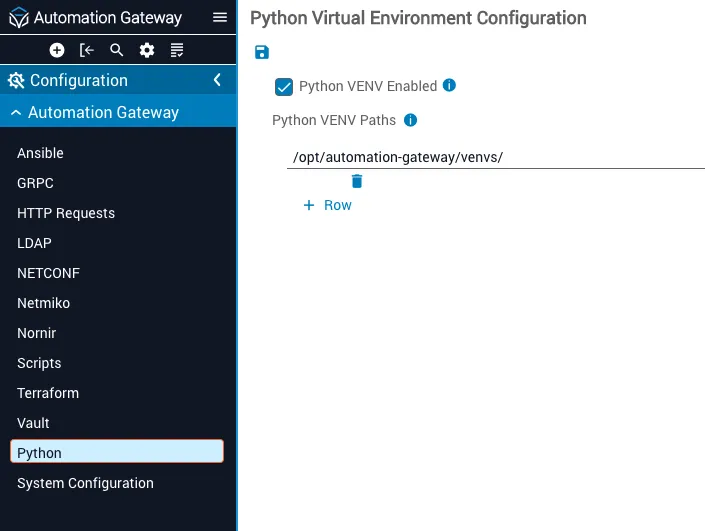
Python VENV configuration
Scripts and virtual environments
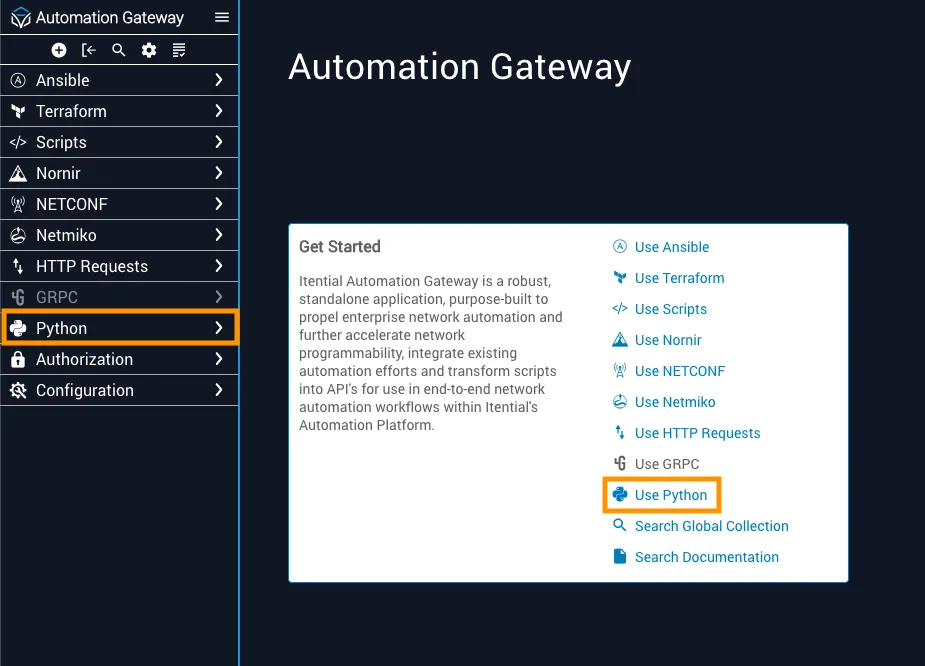
Both Scripts and Virtual Environments are contained within the Python menu. From Gateway, choose Python from the left navigation menu. Alternatively, click the Use Python link in the Get Started card.
Virtual environments
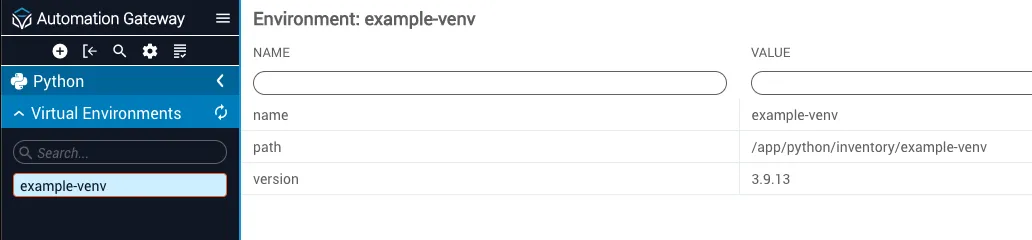
The Virtual Environments menu displays all virtual environments contained in the Gateway server directory, which is defined in the properties.yml file.
Clicking on an individual virtual environment in the sidebar menu displays the name, path, and version for that virtual environment.
Scripts
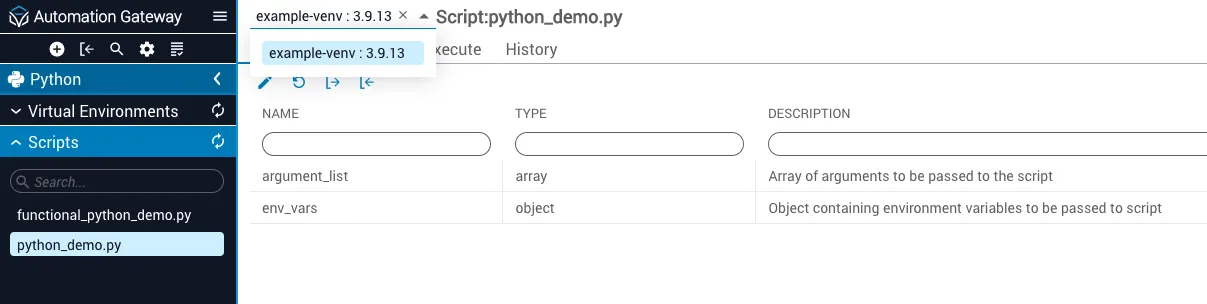
Clicking Scripts shows any Python scripts that have been created or imported into Gateway.

Select a Virtual Environment from the dropdown at the top to execute the script you need. If an environment is not needed, the script runs in the main Gateway environment.