

Metadata file - edit JSON schema
This page shows the metadata file and JSON schema property editor in Itential Gateway.
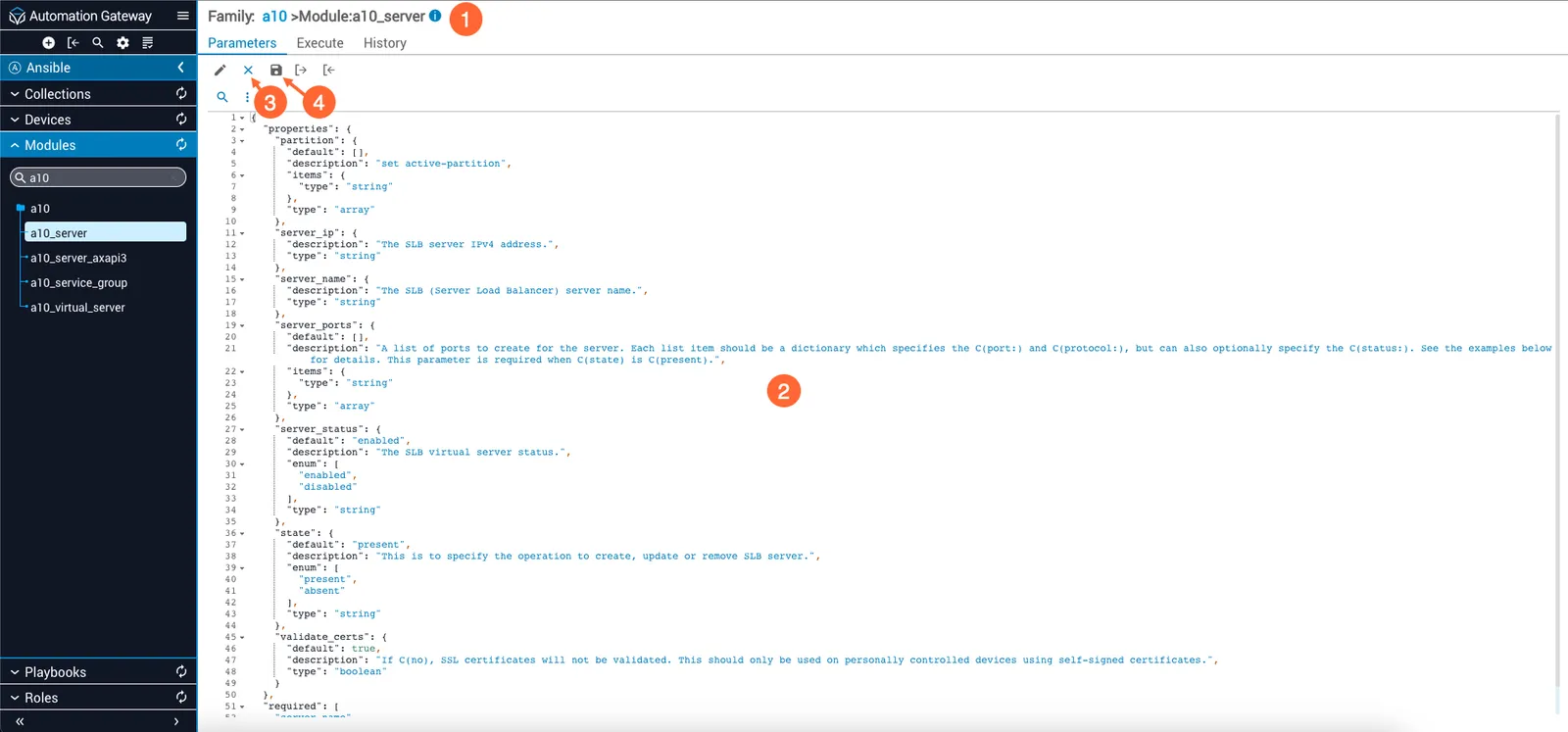
In Gateway 2022.1, import and export icons are not displayed in the editor.
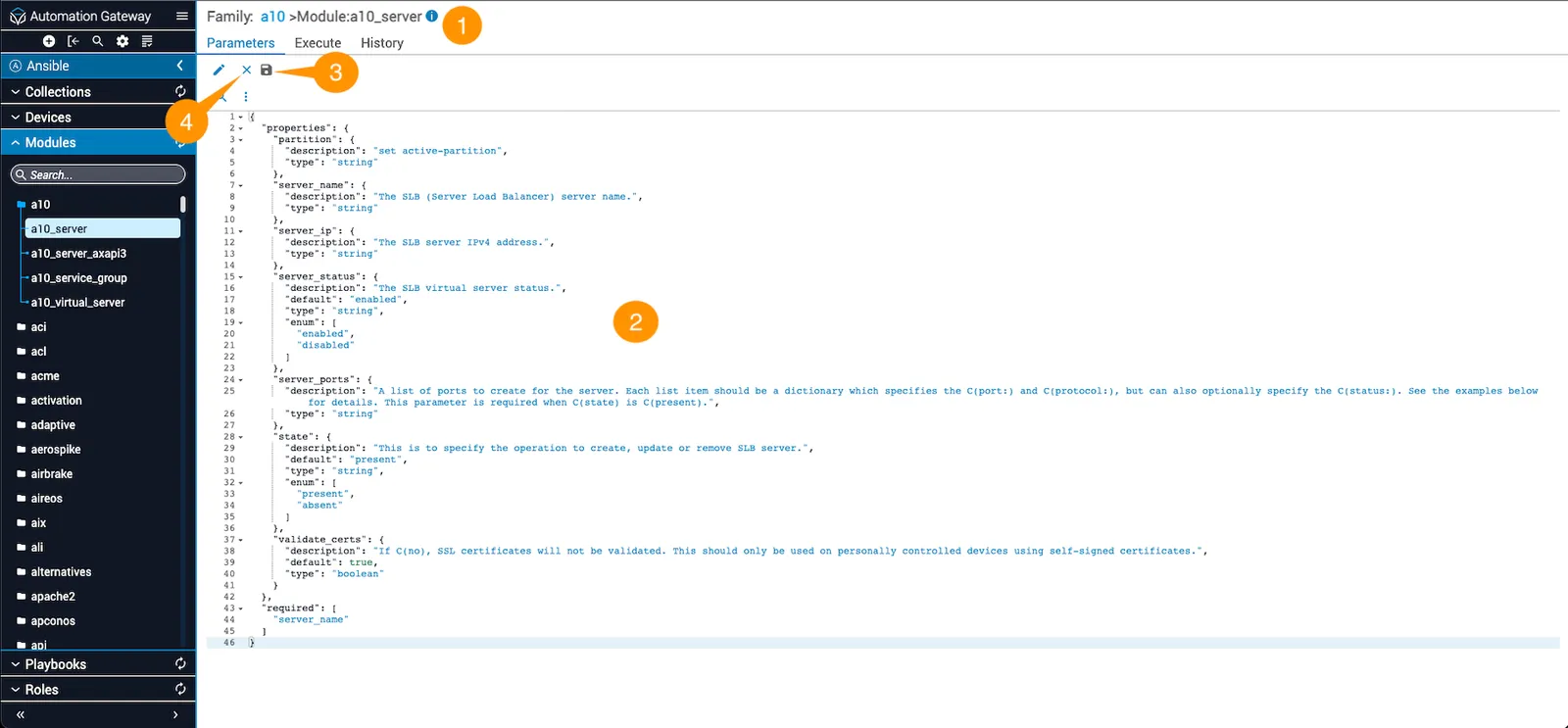
This page shows the metadata file and JSON schema property editor in Itential Gateway.
In Gateway 2022.1, import and export icons are not displayed in the editor.