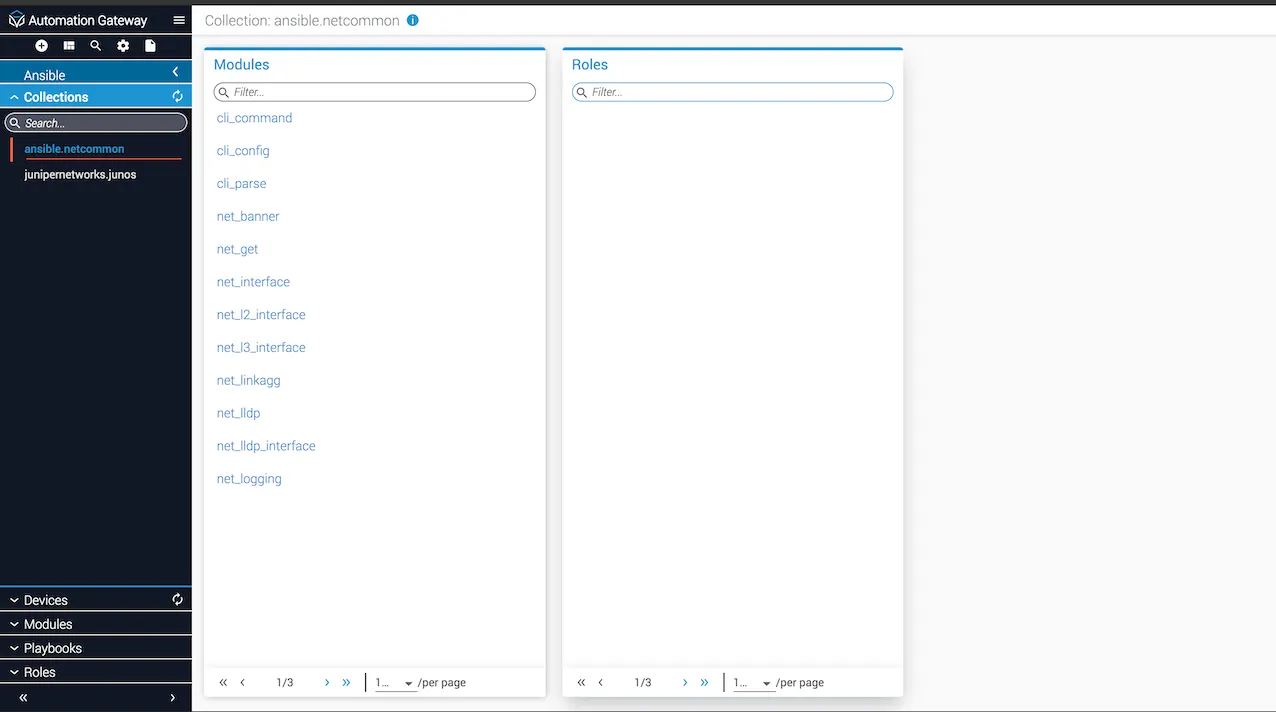
Ansible collections in Gateway
Itential Gateway provides Ansible Collections support. Ansible Collections are a distribution format for Ansible content that can include playbooks, roles, modules, and plugins. You can install and use collections through Ansible Galaxy. To learn more about collections, see the official Ansible Collections documentation guide.
A complete set of REST APIs are available for clients to manage and execute Ansible collections. See the API Documentation section within the Automation Gateway UI for more information.
Discovery
The Gateway server performs discovery of collections at startup time and maintains a cache of all managed collections in memory. You can determine the collections that are managed by providing either a single path or a list of directory paths in the Gateway properties.yml configuration file. A recursive search of the directory paths is performed.
Install collections in Gateway
Ansible collections can be installed from a tarball or from the Ansible Galaxy server using the {IAG_Url}/collections/install API.
Install a collection from Ansible Galaxy server
To install a collection via Ansible Galaxy server, use the API mentioned above from either Postman or the API Documentation section within the Automation Gateway UI.
The request object format is given below. Note that package_name is the name of the collection to be installed.
Refresh collections in Gateway
If new collections are installed and need to be discovered and cached by Gateway, there are two ways to accomplish this:
- Use the
/collections/refreshAPI from the API Documentation in Gateway, or send a POST request to{IAG_url}/collections/refreshin Postman. - From the Gateway Collections UI, click the refresh icon.
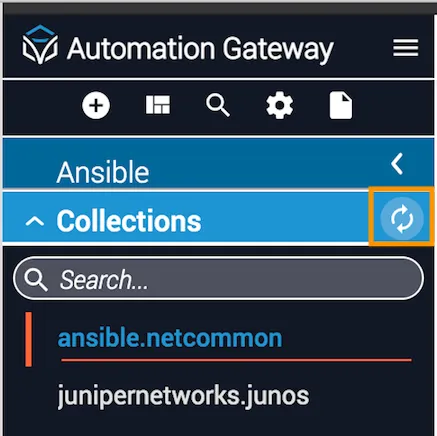
Navigate the collections UI
Open the collections list
Select Ansible in the left navbar and then select Collections. A list of all the collections in Gateway will display.