Configure Itential ServiceNow application
This section of the guide provides information on how to configure an Itential Platform instance using the Itential ServiceNow Application within the ServiceNow platform.
Related Reading: How to set up OAuth → Using Service Accounts to Access Itential Cloud APIs
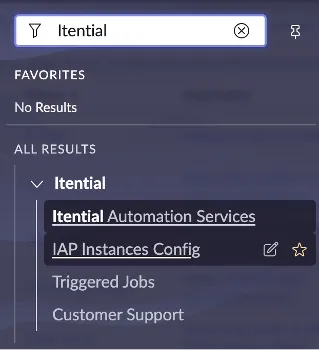
Configure the Itential Instance
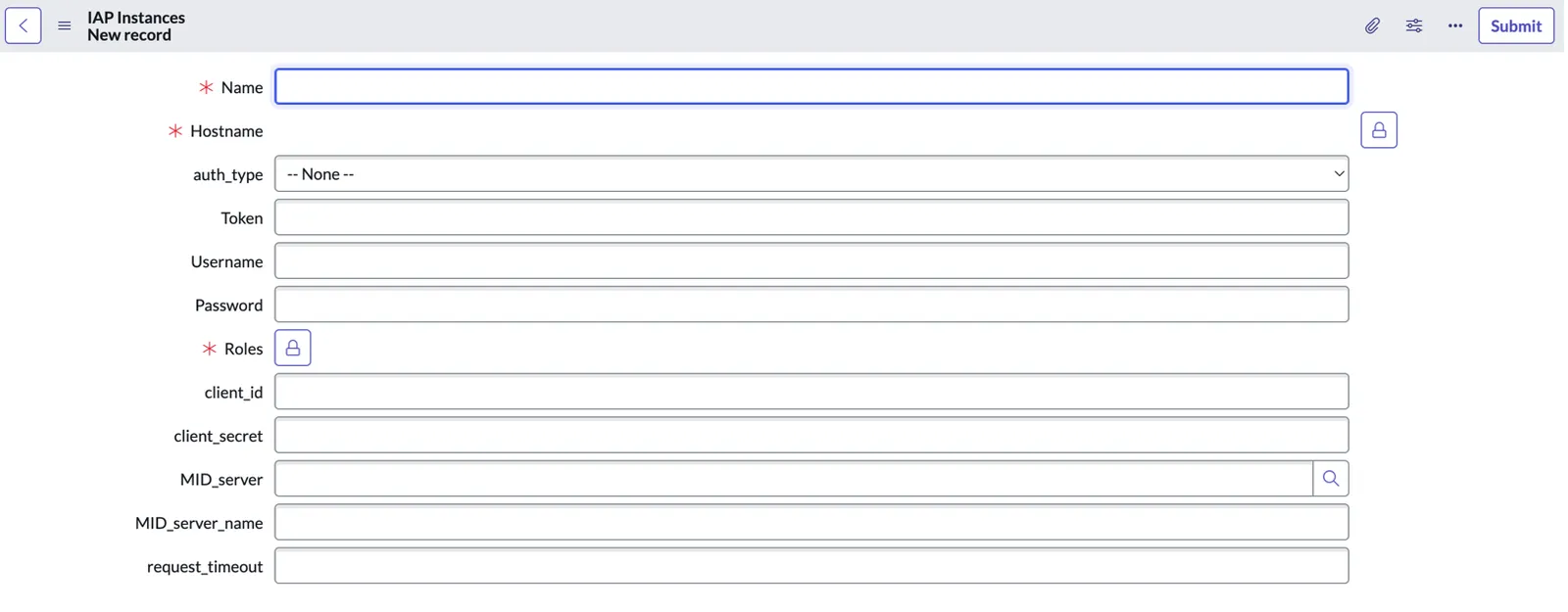
Select the auth_type
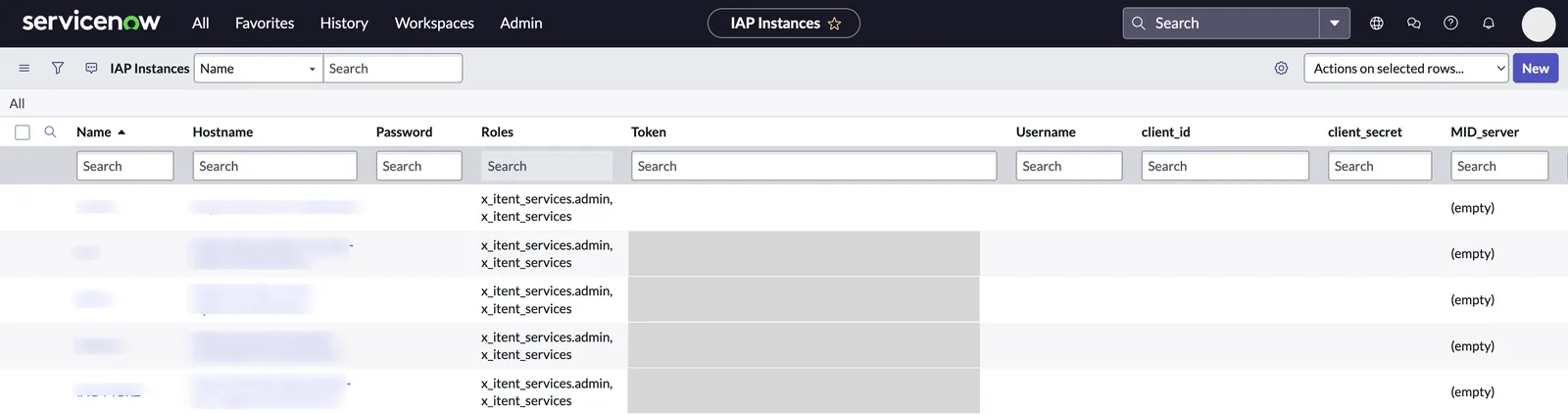
Select the auth_type. This field was added in the latest version since the Password field is masked whether it has a value or not. Of note, the application and actions should work whether this field is provided or not.
Provide credentials
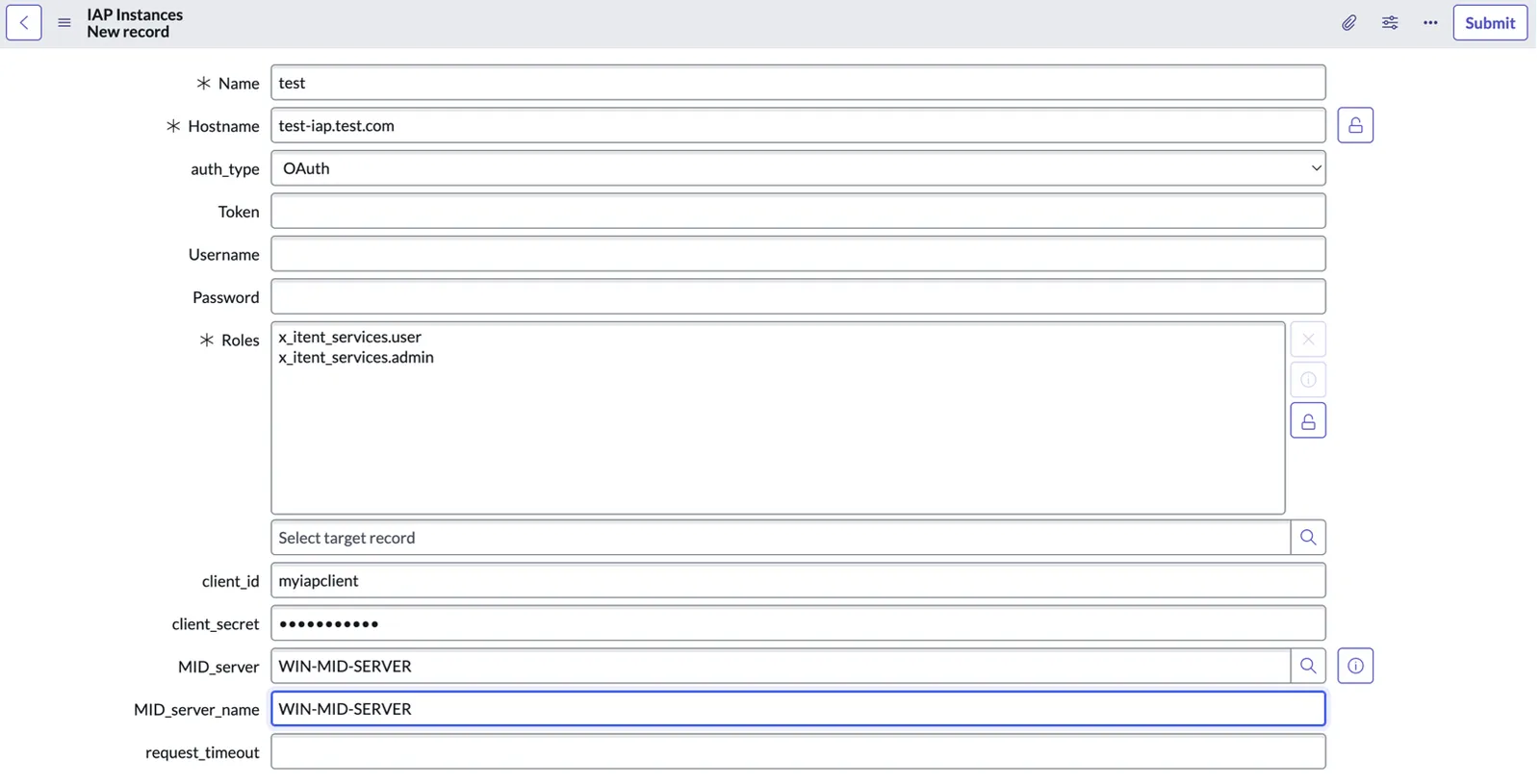
Provide your credentials based on the type of authentication you are using. Credentials will appear masked as you type them and when they are displayed in the table.
- Username/Password
- API Key requires a
statictoken. - OAuth 2.0 requires a
client_idandclient_secretto retrieve a token.
Configure MID Server (if applicable)
If using a MID Server to communicate with Itential Platform, provide the reference to the MID Server and the MID Server name.
- To find the reference, use the search icon (magnifying glass) at the end of the MID_server field.
- The reference is utilized by Itential Actions and the name is critical for the Client GUI React Application.
Permission Settings
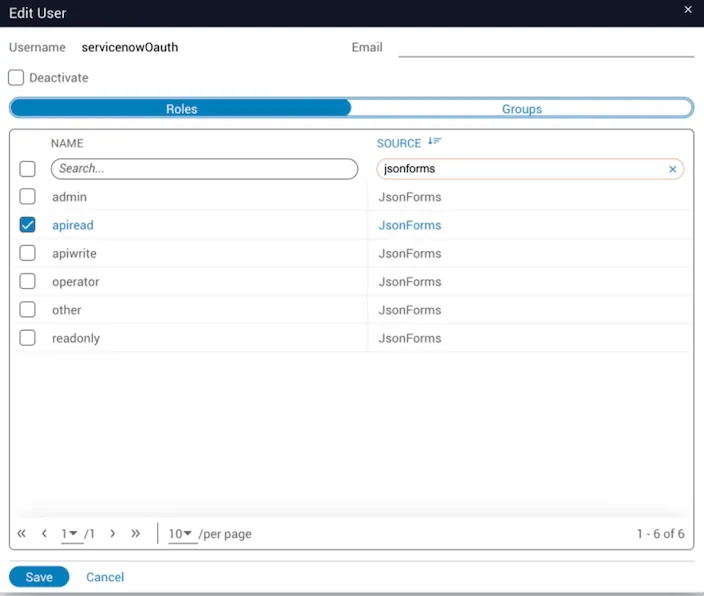
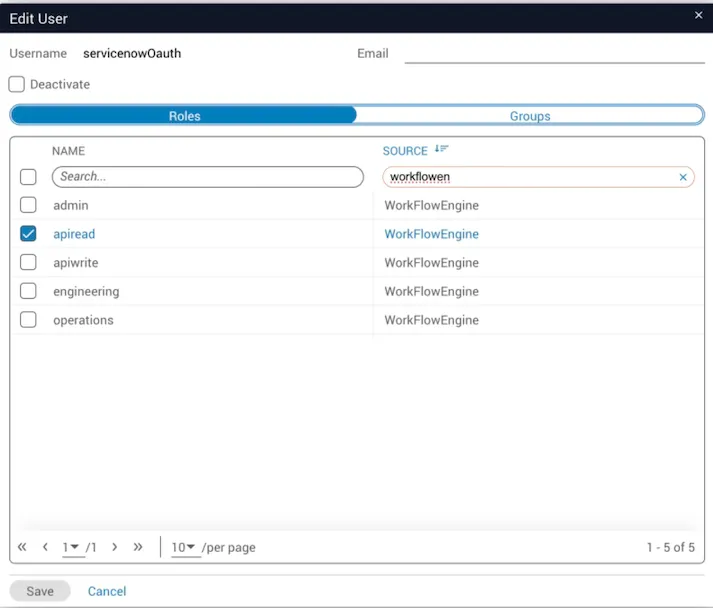
The ServiceNow Application requires the user to have certain permissions within Itential Platform.
To read how Itential Cloud governs role permissions see → Itential Cloud Group Administration