Password reset for local IAG users
Since the 2021.1 release, Itential Automation Gateway (IAG) supports password reset capability.
Password reset is only supported for IAG servers configured for local authentication. Password reset is not supported in IAG when LDAP authentication is enabled.
First time login
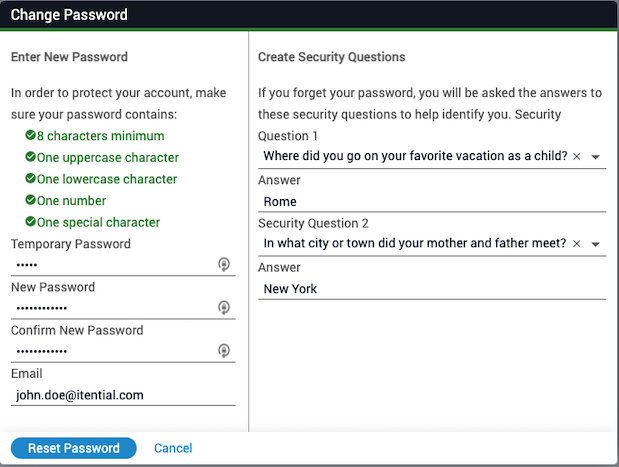
When you log in for the first time, a Change Password feature is enabled that allows you to enter a new password.
- You will be asked to reset your password and select and answer security questions.
- A unique email account is required for IAG user accounts.
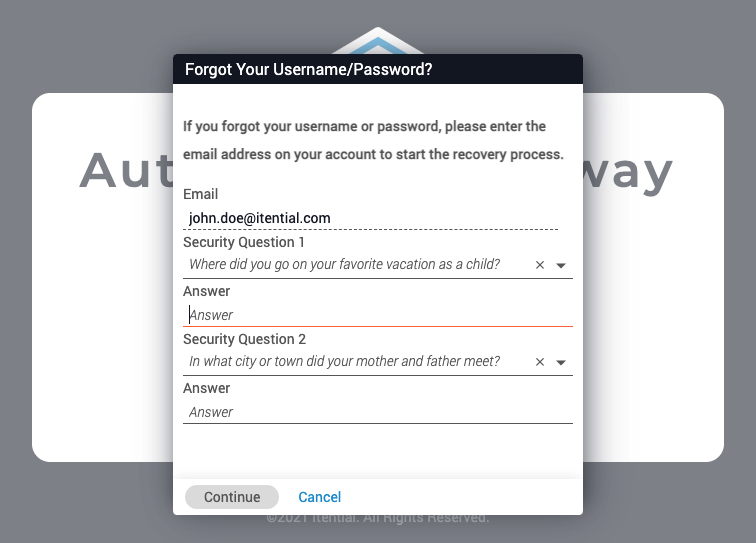
- The email, security questions, and answers set by this functionality will be used as an identifier for username and password recovery of the account.
Username and password recovery
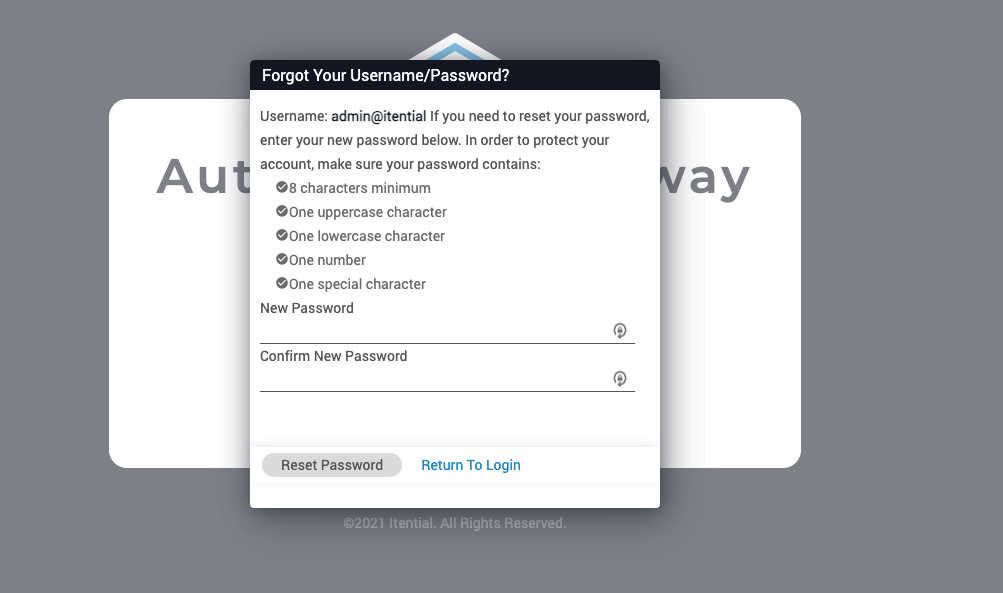
To recover your username or password:
Enter your email
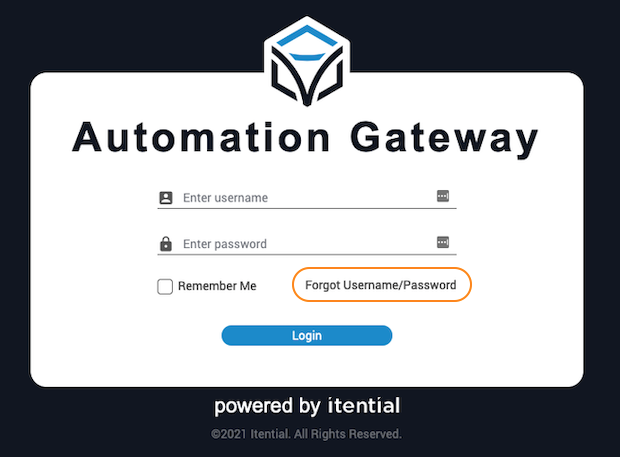
Click the Forget Username/Password link and enter the email address associated with the account.
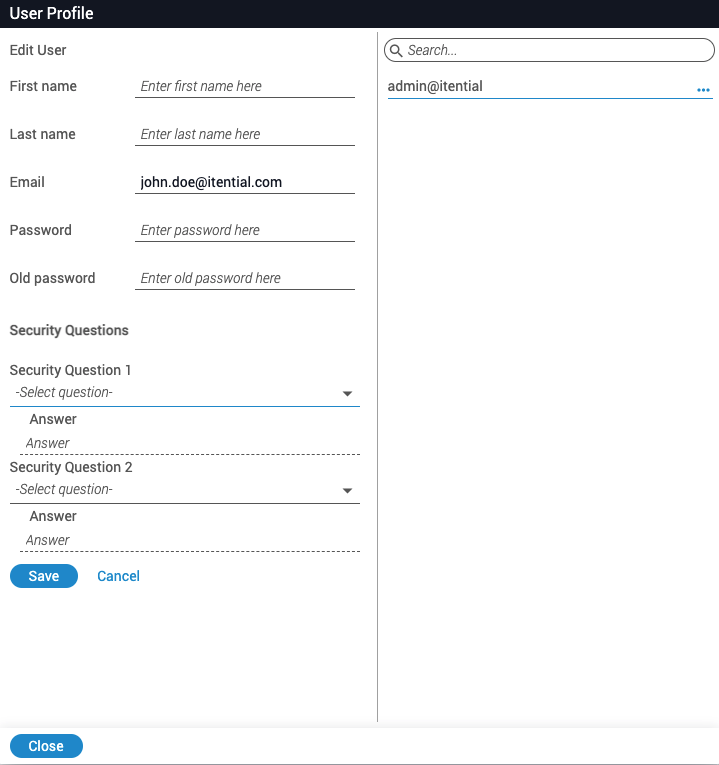
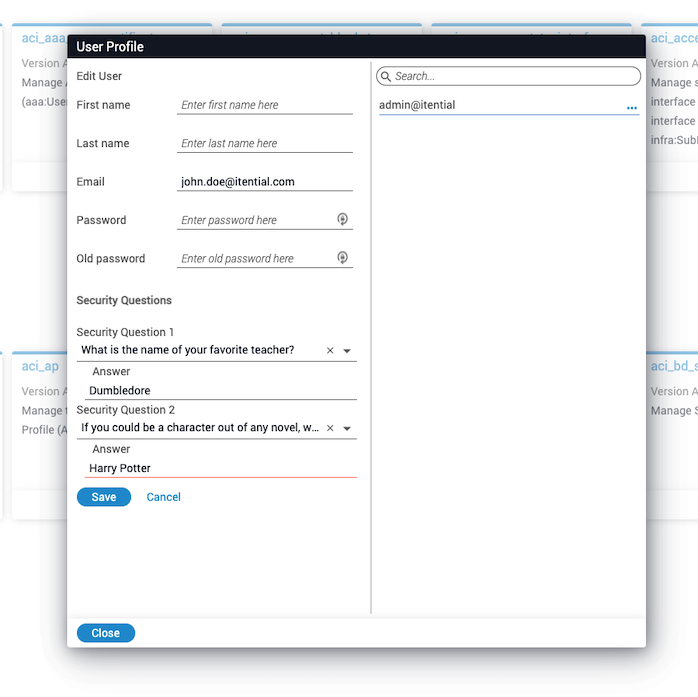
Update security questions in user profile
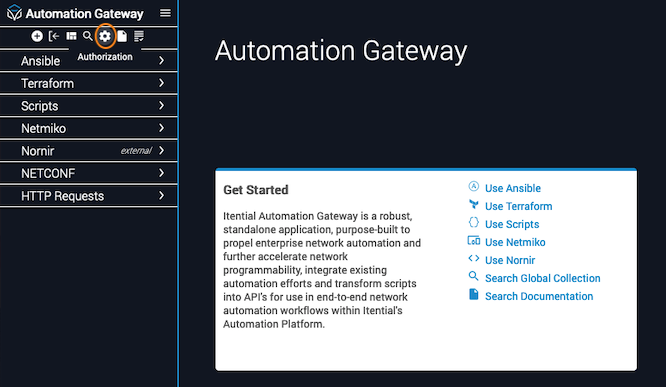
Security questions and answers can also be updated from the User Profile page.