

Add a new playbook
New playbooks must be added first before they can be viewed in Itential Automation Gateway.
Default location to add playbooks
The default location for custom content to add a playbook is /usr/share/automation-gateway/ansible/playbooks, or you can customize the folder path and add it to the Configuration/Ansible/Playbook Paths array. Once a playbook is copied or downloaded to a folder in the Playbook Paths array and the playbooks in Itential Automation Gateway (IAG) are refreshed, it will display.
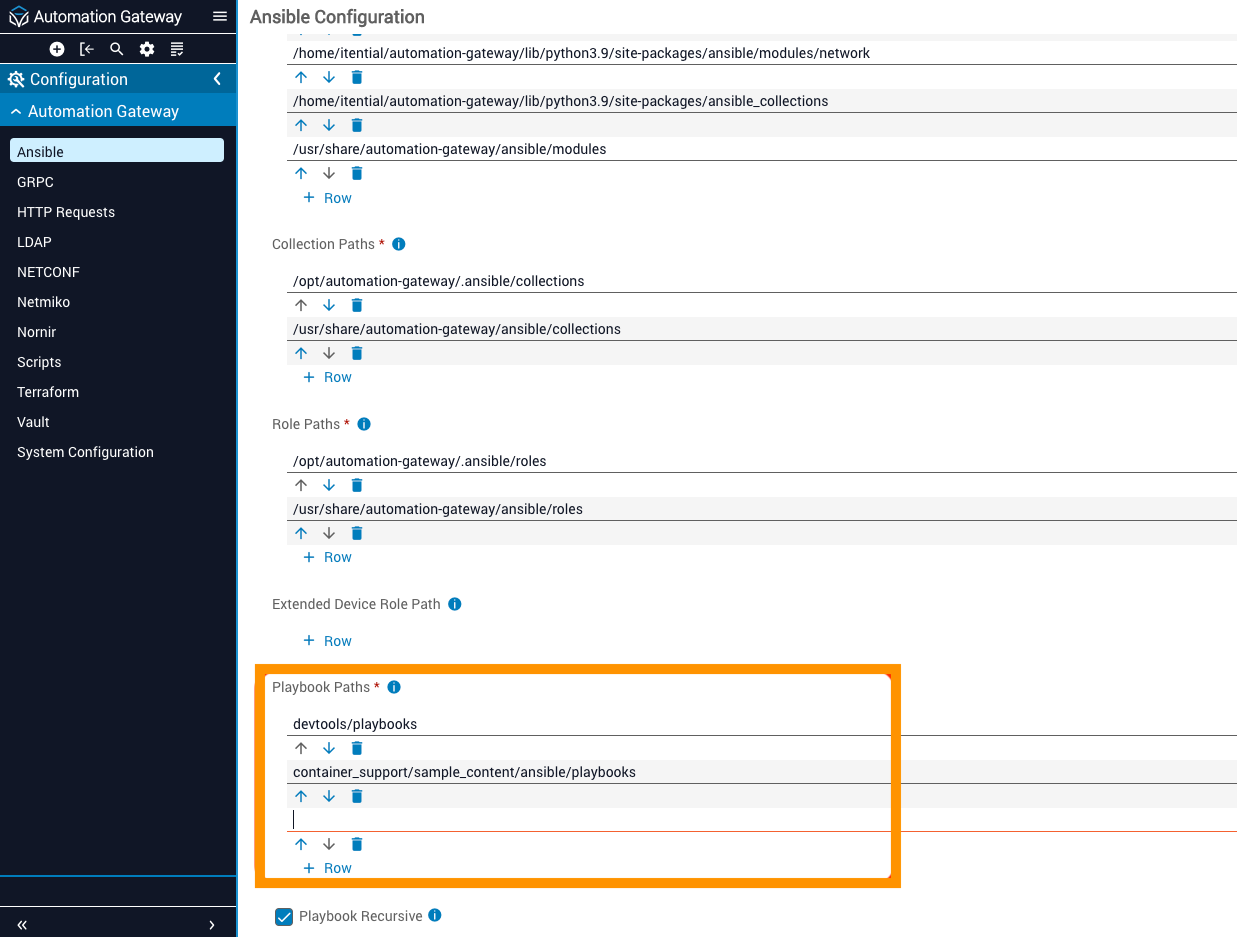
Add a playbook to Itential Automation Gateway
Once a new playbook is added to Ansible, it can be added to IAG.
If the execution output of an Ansible playbook run exceeds 1MB, IAG doesn’t display the raw output in the browser. You can download the output to your local system instead.