Download and import pre-builts manually
Download and import pre-builts manually
The Itential Open Source Pre-Builts repository is no longer actively maintained. Those pre-builts have been certified up to Platform 2023.2, but can still be imported to Platform 6. We recommend transitioning to Projects for the best experience.
Follow these steps to manually install Itential pre-built automations when your internet connection is down and the pre-builts are not available from Itential Platform.
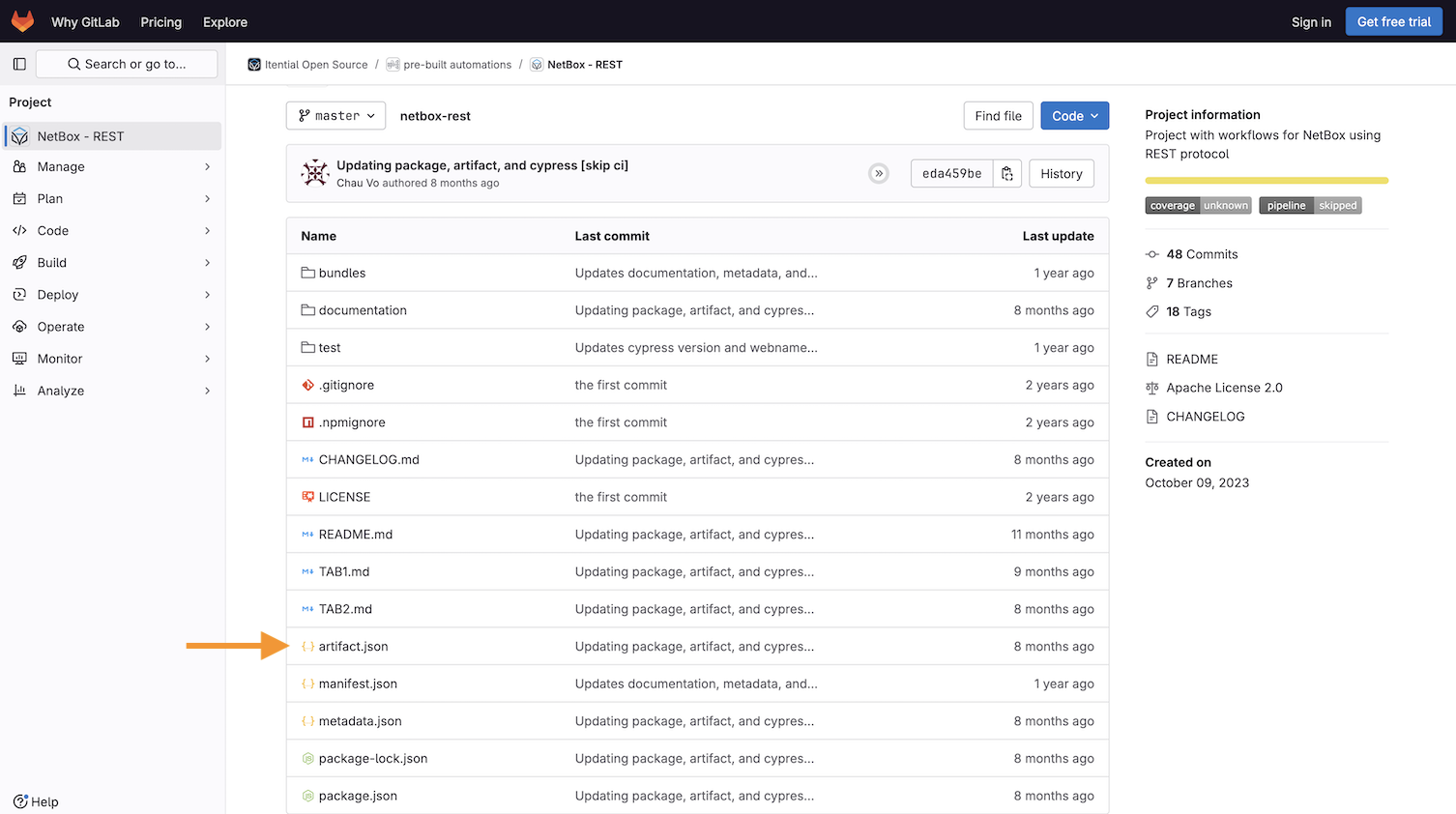
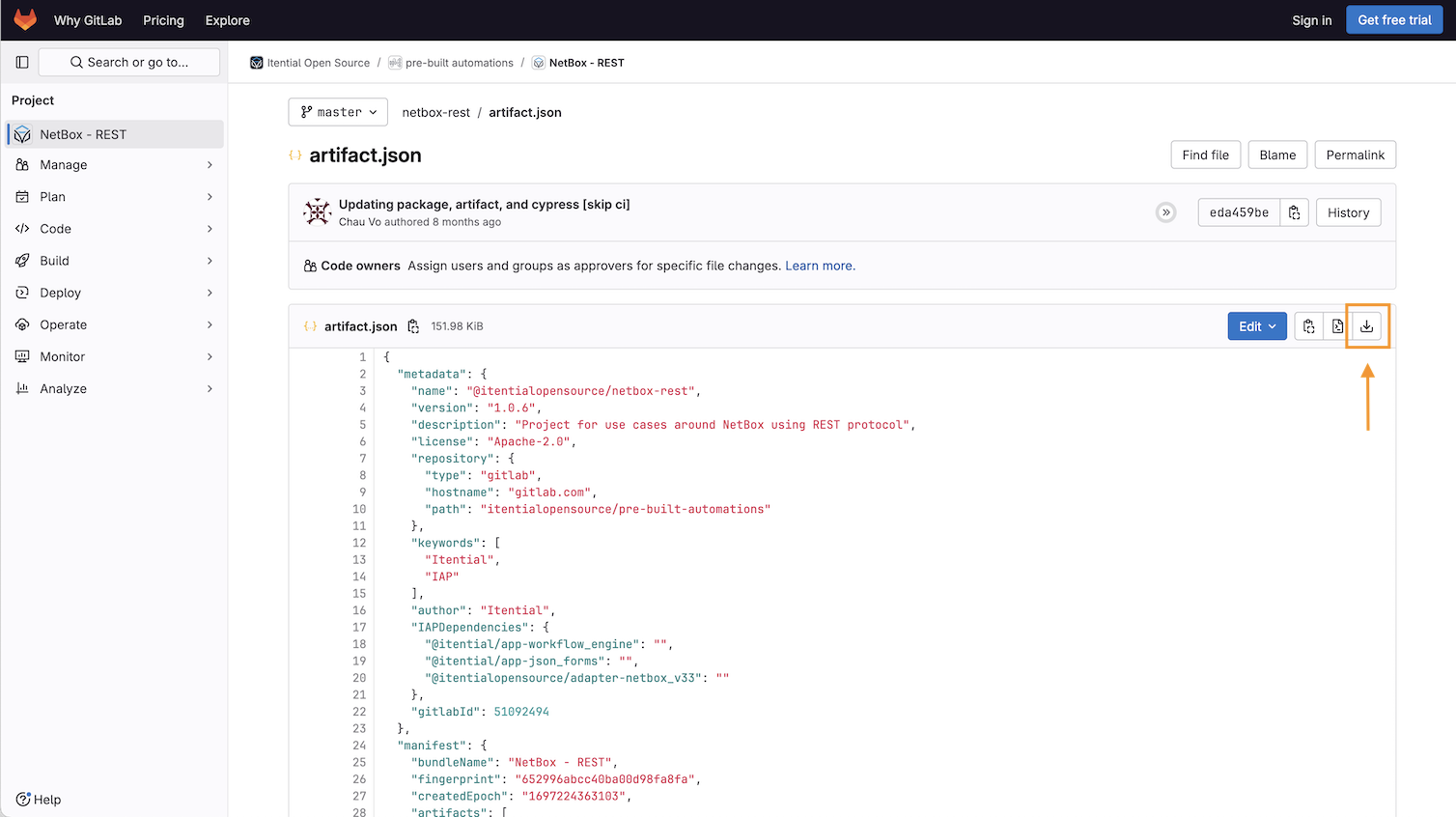
Download artifact JSON file
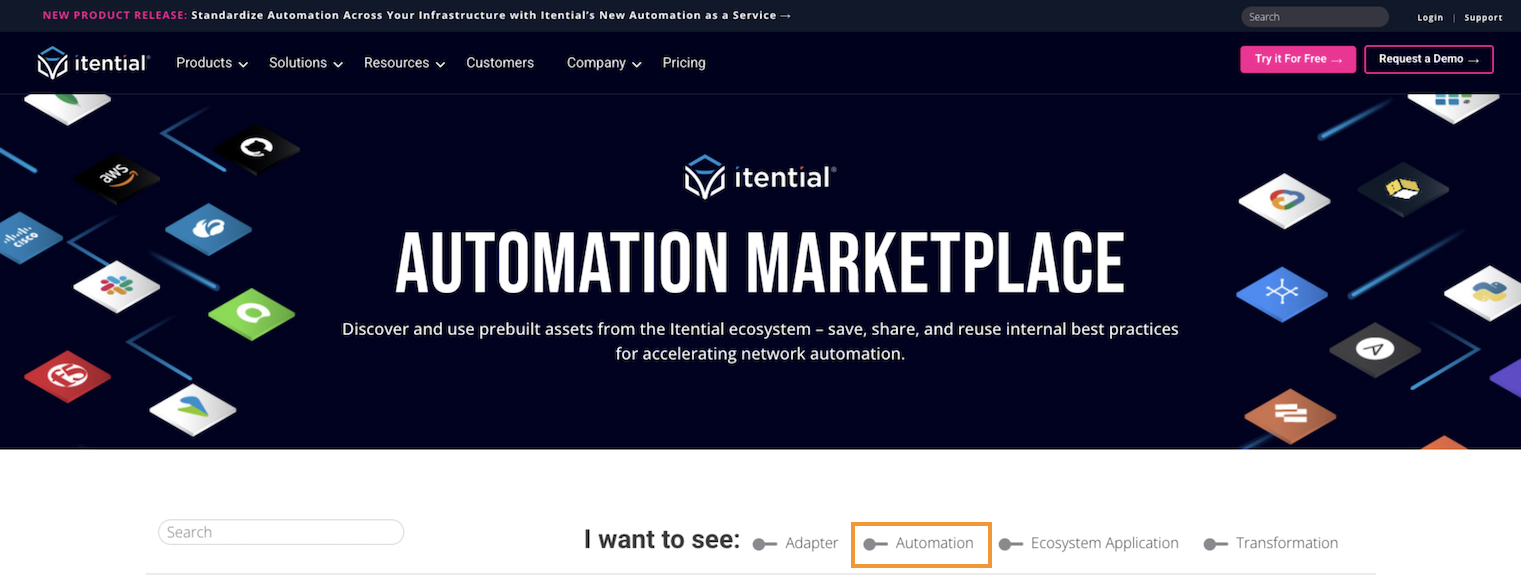
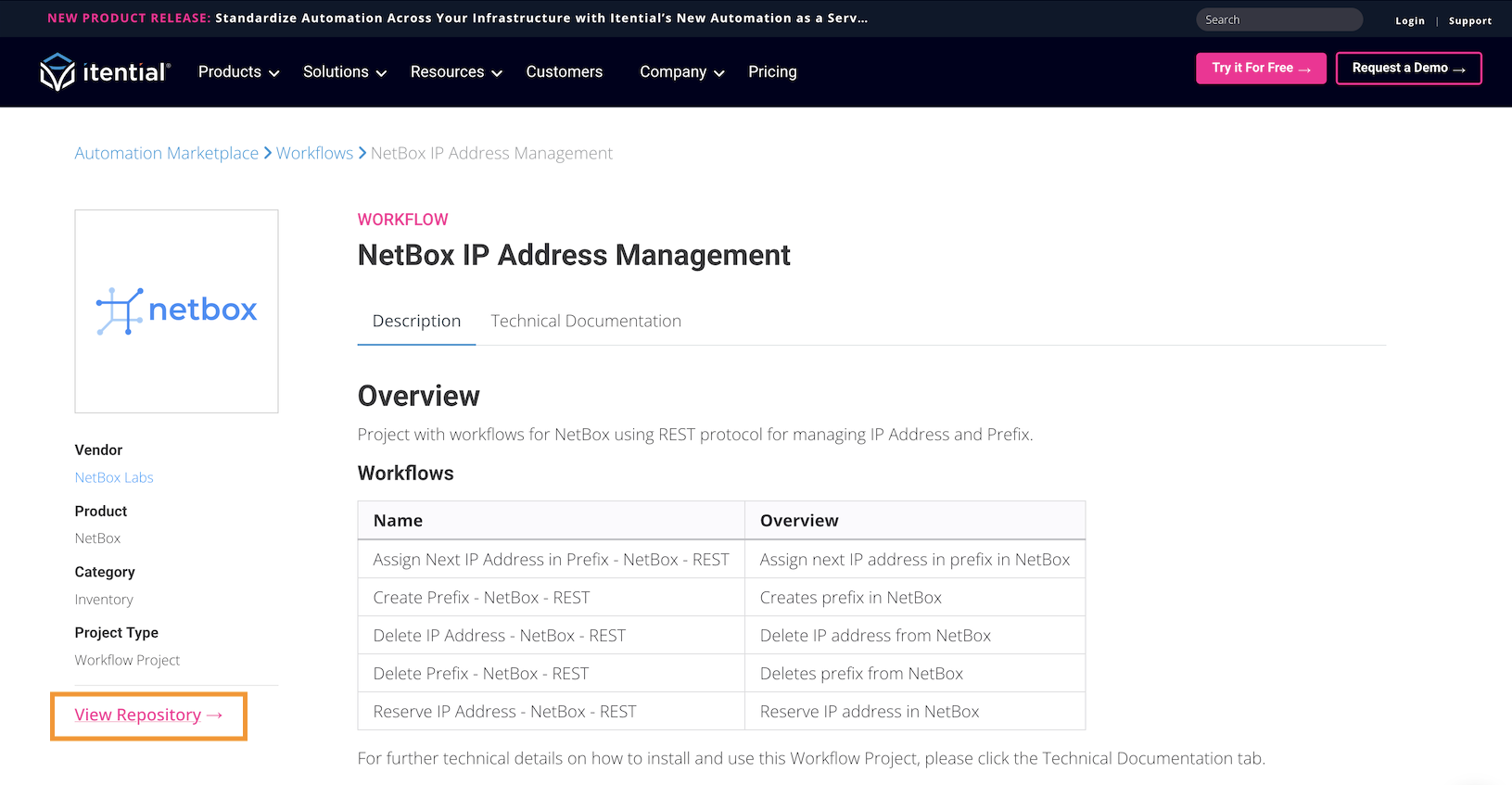
Filter and select a pre-built
Use the slider to filter by Automation. Select the desired pre-built automation to display a description, technical details, and other related information.
Import into Admin Essentials
Open the Import dialog
Navigate to Admin Essentials within Itential Platform and click the import icon in the top toolbar to open the Import dialog.
Browse to the file
Select Click to browse and navigate to the artifact.json file saved to your local drive.
Review and import
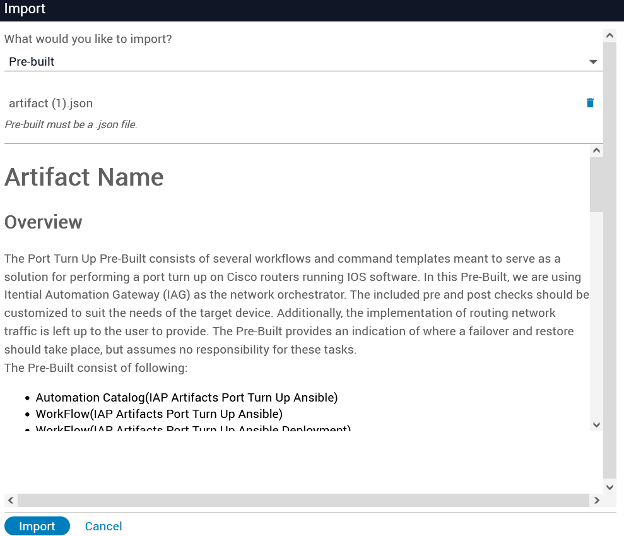
Select the artifact.json file you downloaded. A preview of the pre-built ReadMe will display.
Note: There may be additional dependencies required. The ReadMe file for the pre-built will explain if there are additional prerequisites or requirements for the install.
Click the Import button to install the pre-built and its associated artifacts. Once the pre-built is installed, it will be loaded into Itential Platform.
Troubleshooting
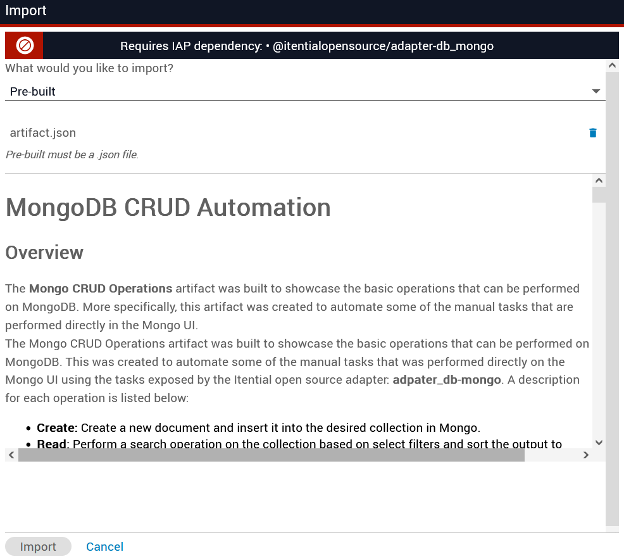
If Itential Platform determines a dependency is not installed, you will see a warning banner and most likely will not be allowed to install the pre-built until the prerequisite is satisfied.
If you experience any issues with an Itential pre-built, contact the Pre-builts Team by opening a service desk ticket using the Customer Portal.

